All Free Photo Tools
Every tool on PhotoRevive AI runs 100% in your browser — no upload, no sign-up, no watermark. Pick one to repair, color, resize or creatively restyle an old photo right now.
PhotoRevive AI 的每一个工具都在你的浏览器内 100% 运行——无需上传、无需注册、无水印。任选一个,立刻修复、调色、缩放或创意改造老照片。

AI Photo Restorer
One-click auto restore for faded, scratched old photos.
一键自动修复褪色、破损的老照片。
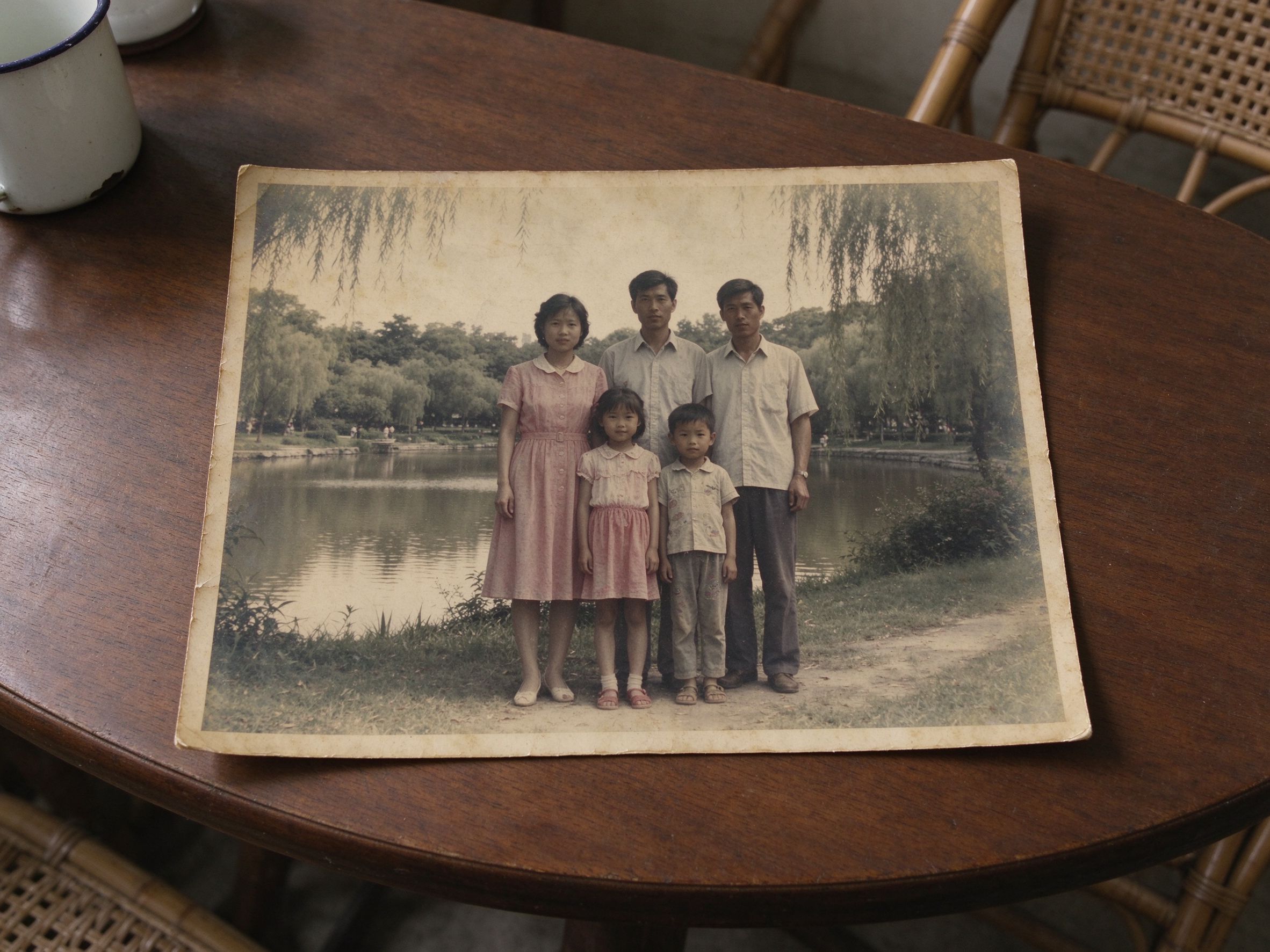
Faded Photo Fixer
Bring washed-out color and flat contrast back to life.
唤回褪色的色彩与发灰的对比度。

Photo Denoiser
Smooth film grain and noise while keeping real detail.
平滑胶片颗粒与噪点,保留真实细节。
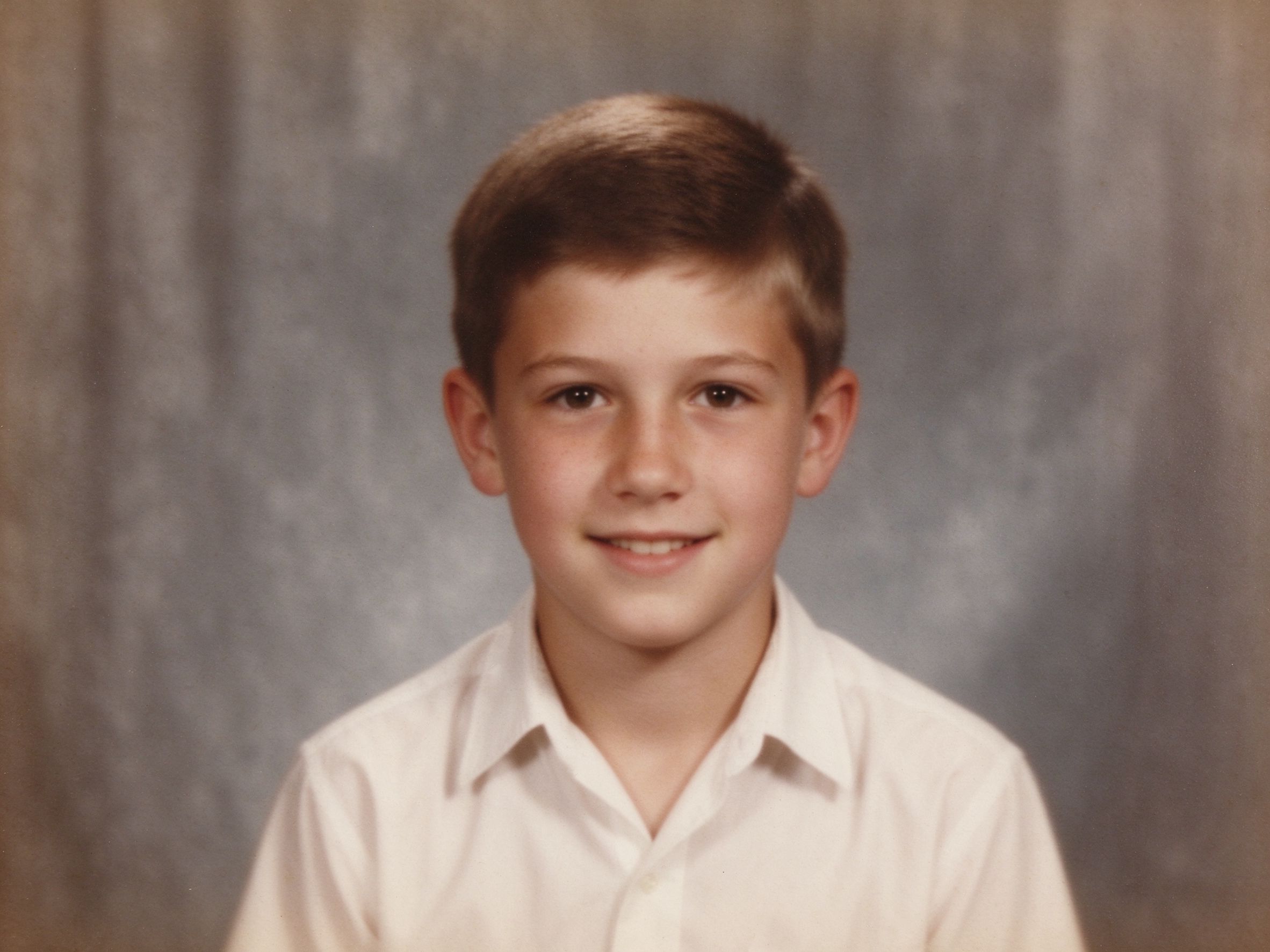
Photo Sharpener
Recover crisp detail without ugly white halos.
恢复清晰细节,避免难看的白色光晕。
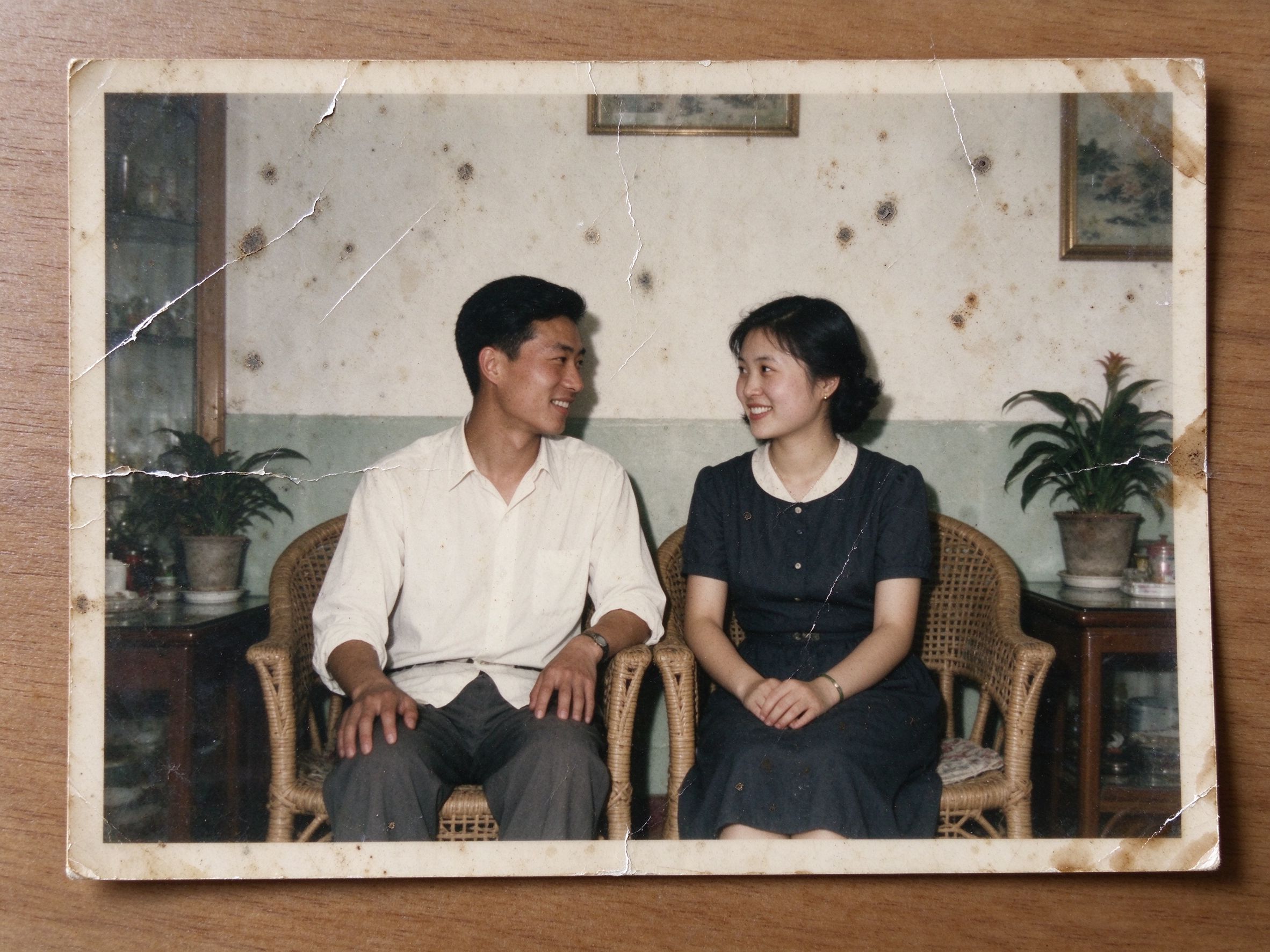
Scratch & Spot Remover
Erase thin scratches, dust specks and small stains.
擦除细划痕、灰尘点与细小污渍。
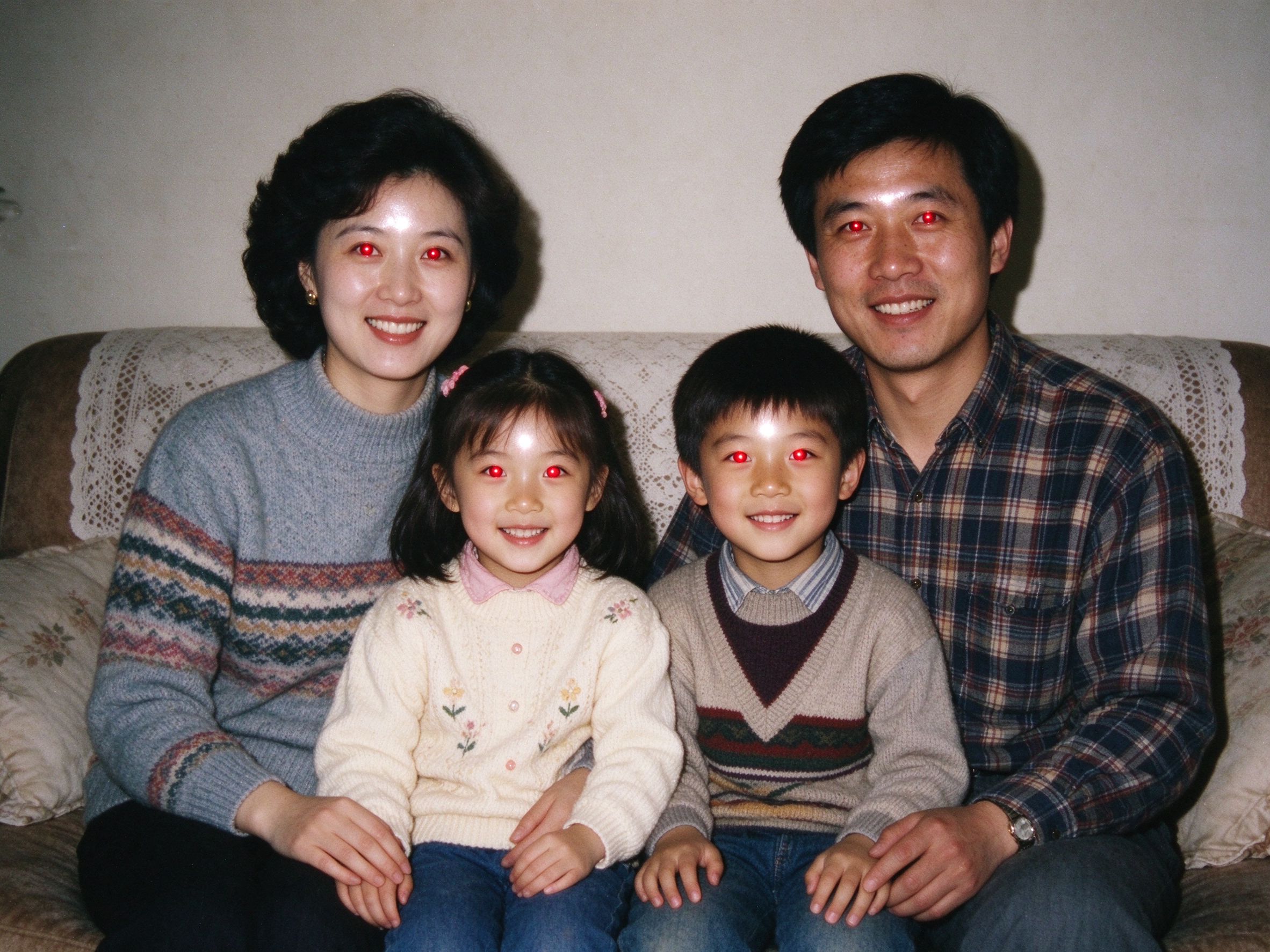
Red Eye Remover
Click the eyes to fix flash red-eye in old portraits.
点击眼睛位置,修复老照片中的闪光灯红眼。

Black & White Converter
Studio-grade monochrome with full channel control.
带完整通道控制的影棚级黑白转换。

Sepia & Vintage Tone
The classic warm sepia look, fully adjustable.
经典温暖的棕褐色调,自由调节。

Duotone Generator
Two-tone gradient looks for creative photo styling.
为照片打造创意双色调渐变风格。
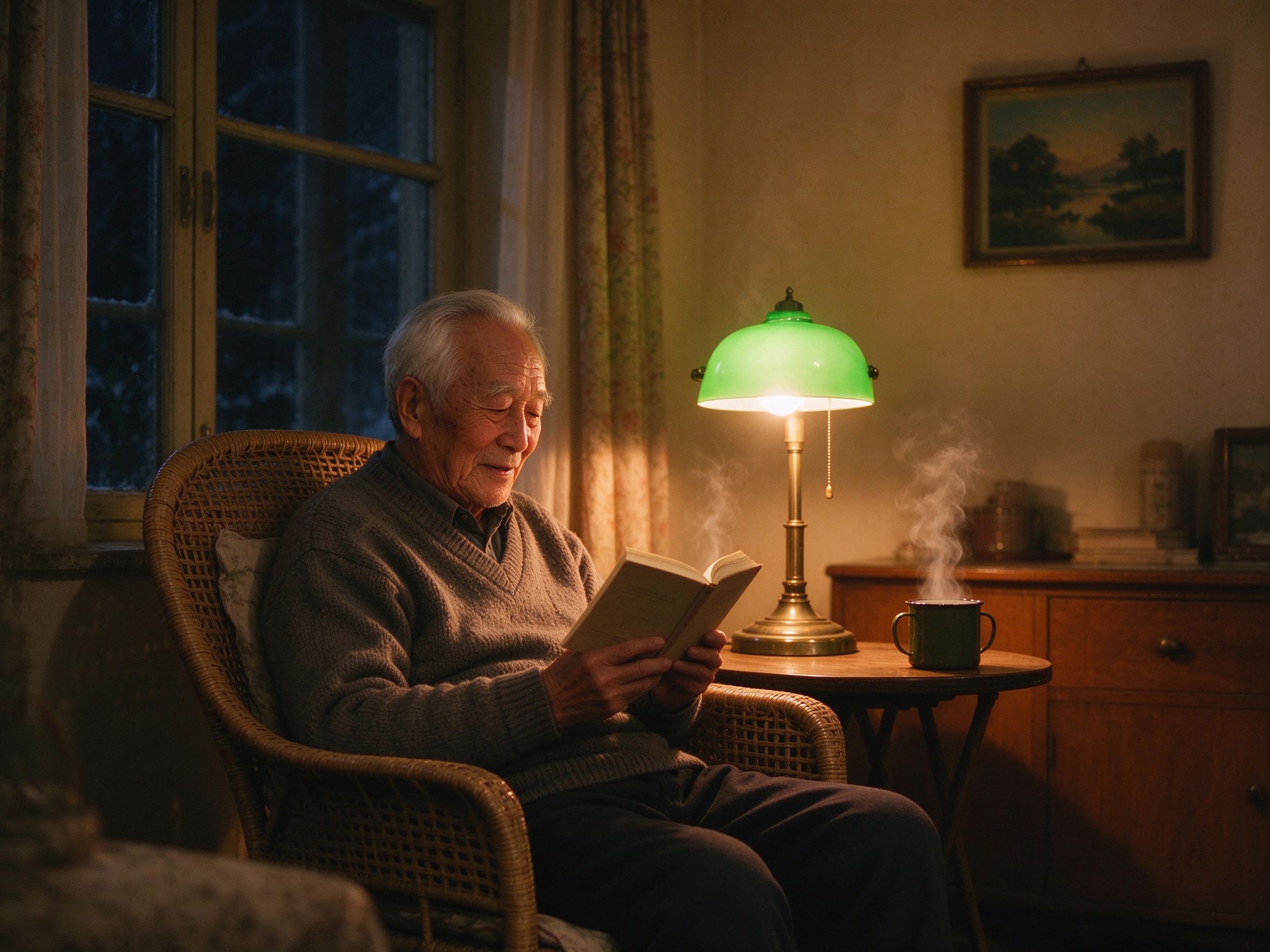
Color Temperature
Warm or cool a photo to fix stubborn color casts.
调暖或调冷,校正顽固的色偏。

Color Pop
Keep one focal color, turn everything else to mono.
保留焦点颜色,其余转为黑白。
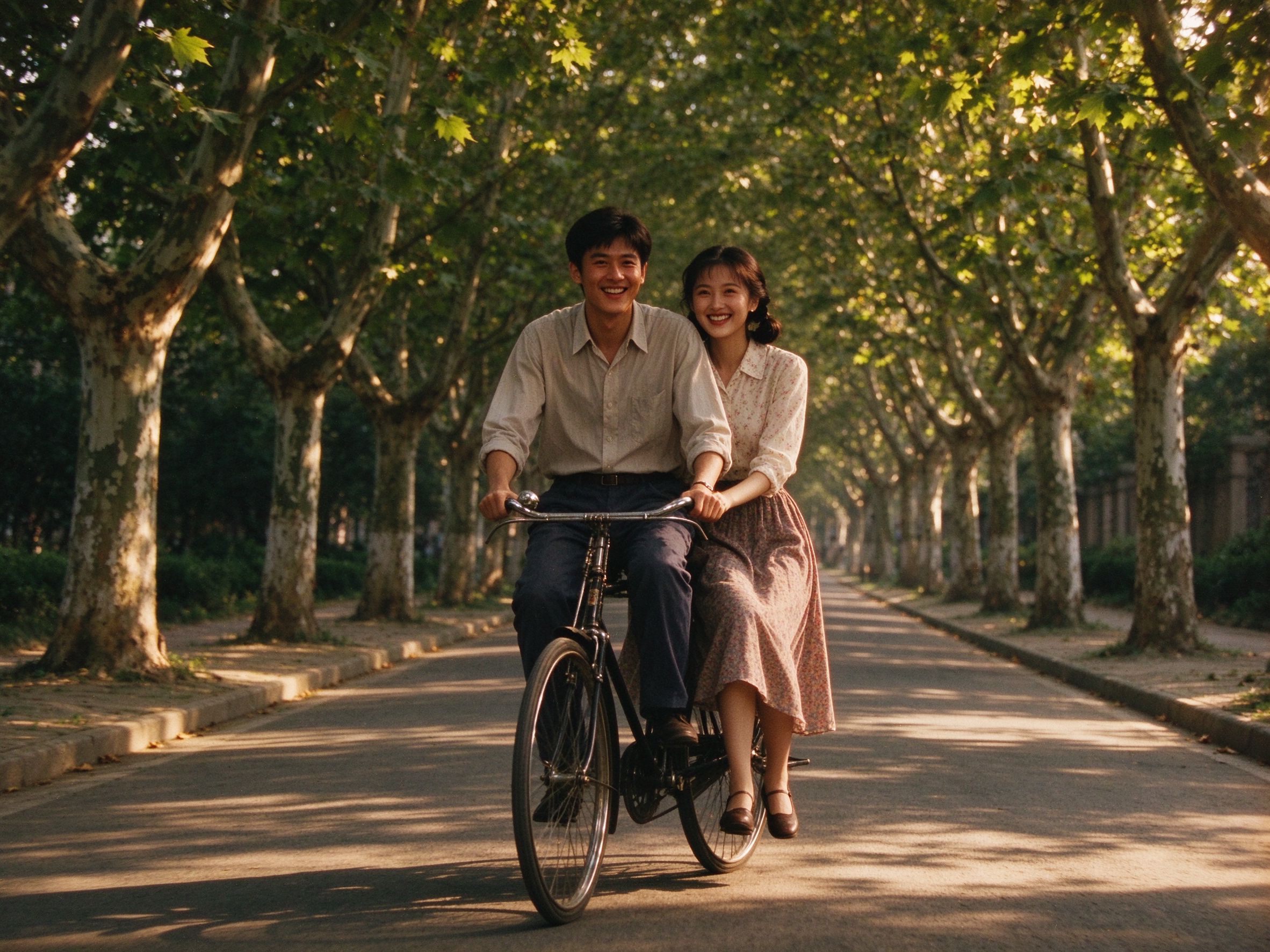
Old Movie Effect
Grain, sepia and vignette like a 1960s home movie.
颗粒、棕褐与暗角,重现老电影质感。
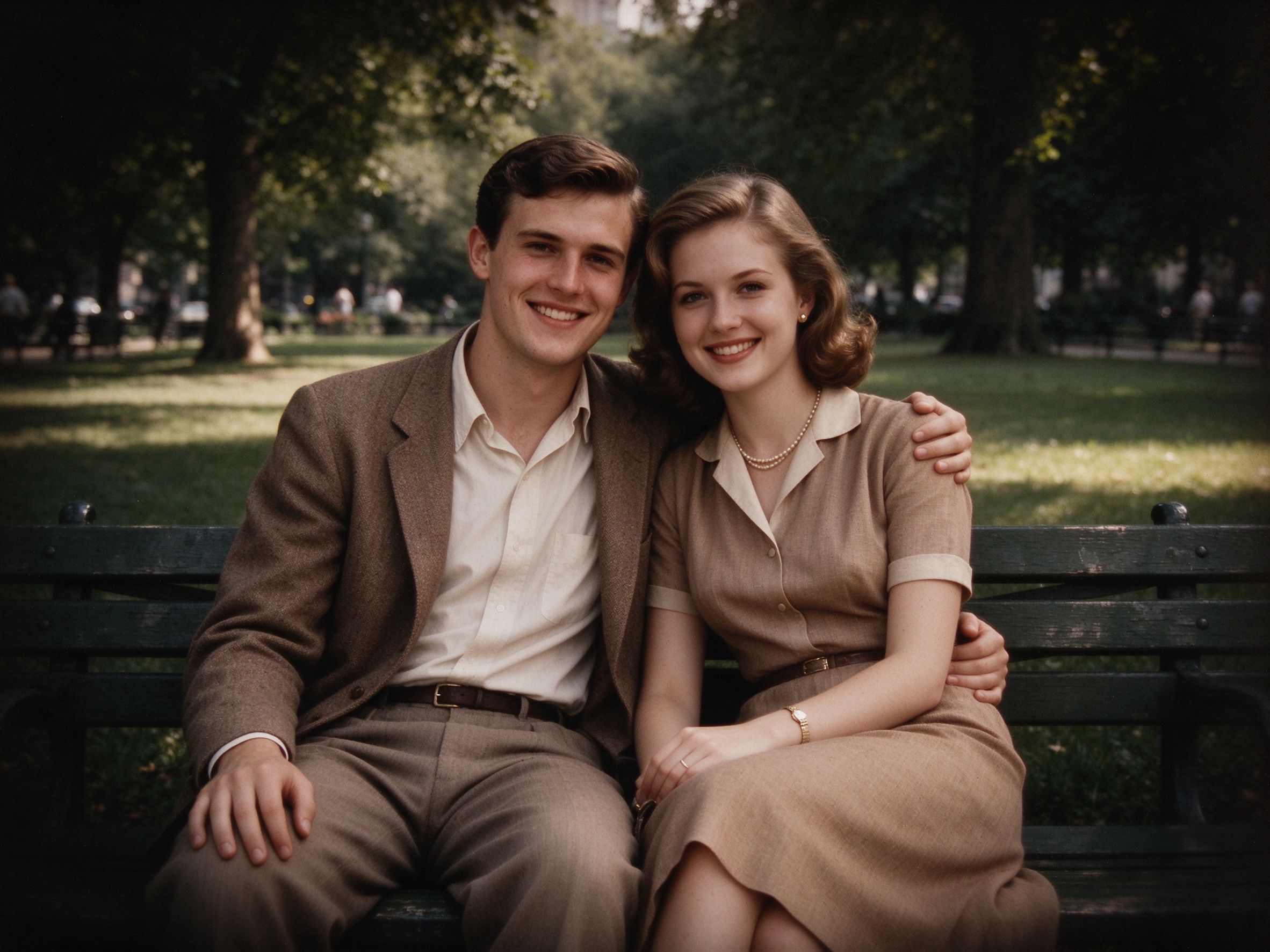
Vignette Effect
Darken the edges to focus attention on the center.
压暗四角,让视线聚焦画面中心。
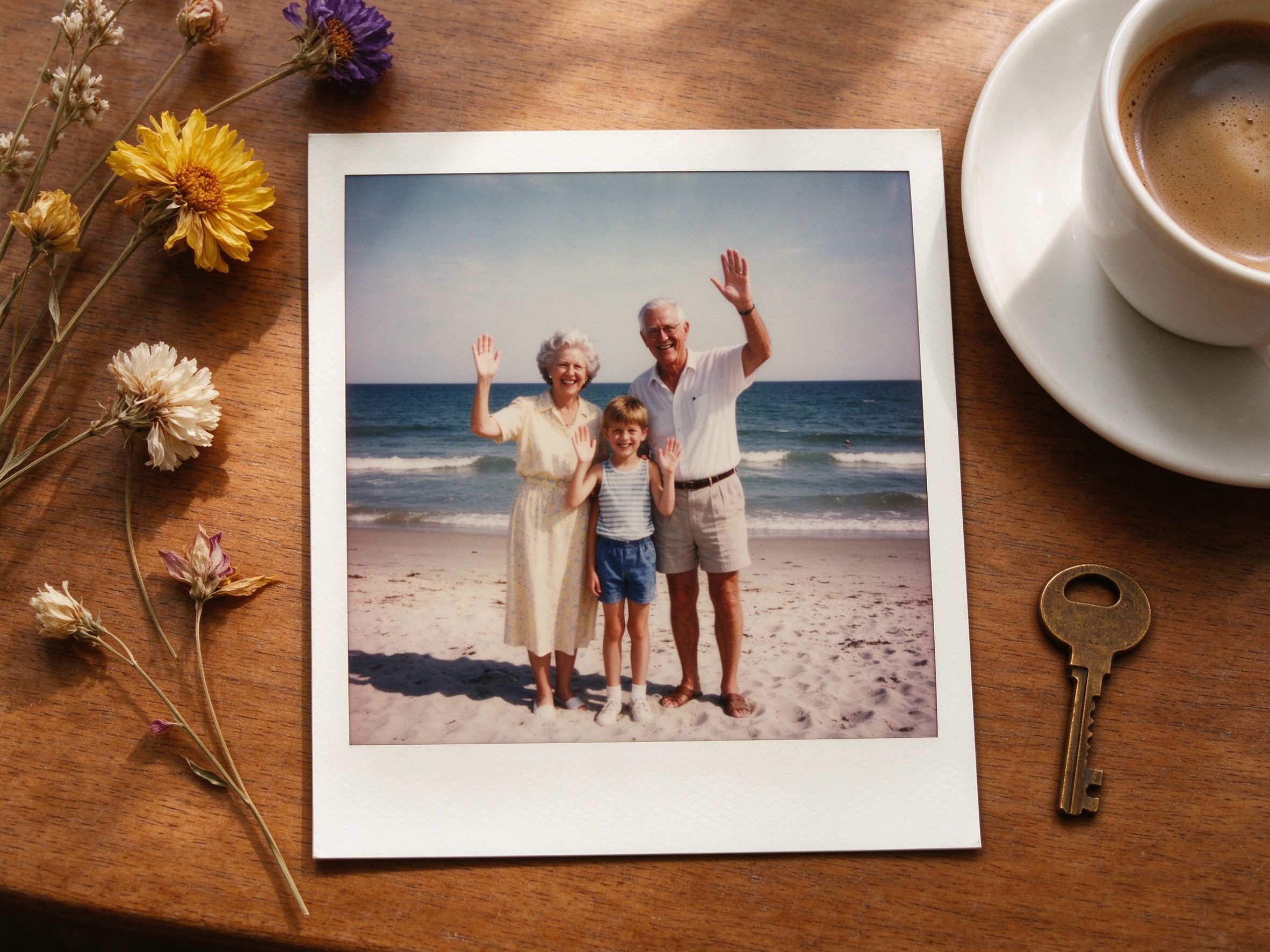
Vintage Frame
Add a Polaroid-style white border and your own caption.
加上宝丽来风格白边与自定义文字。
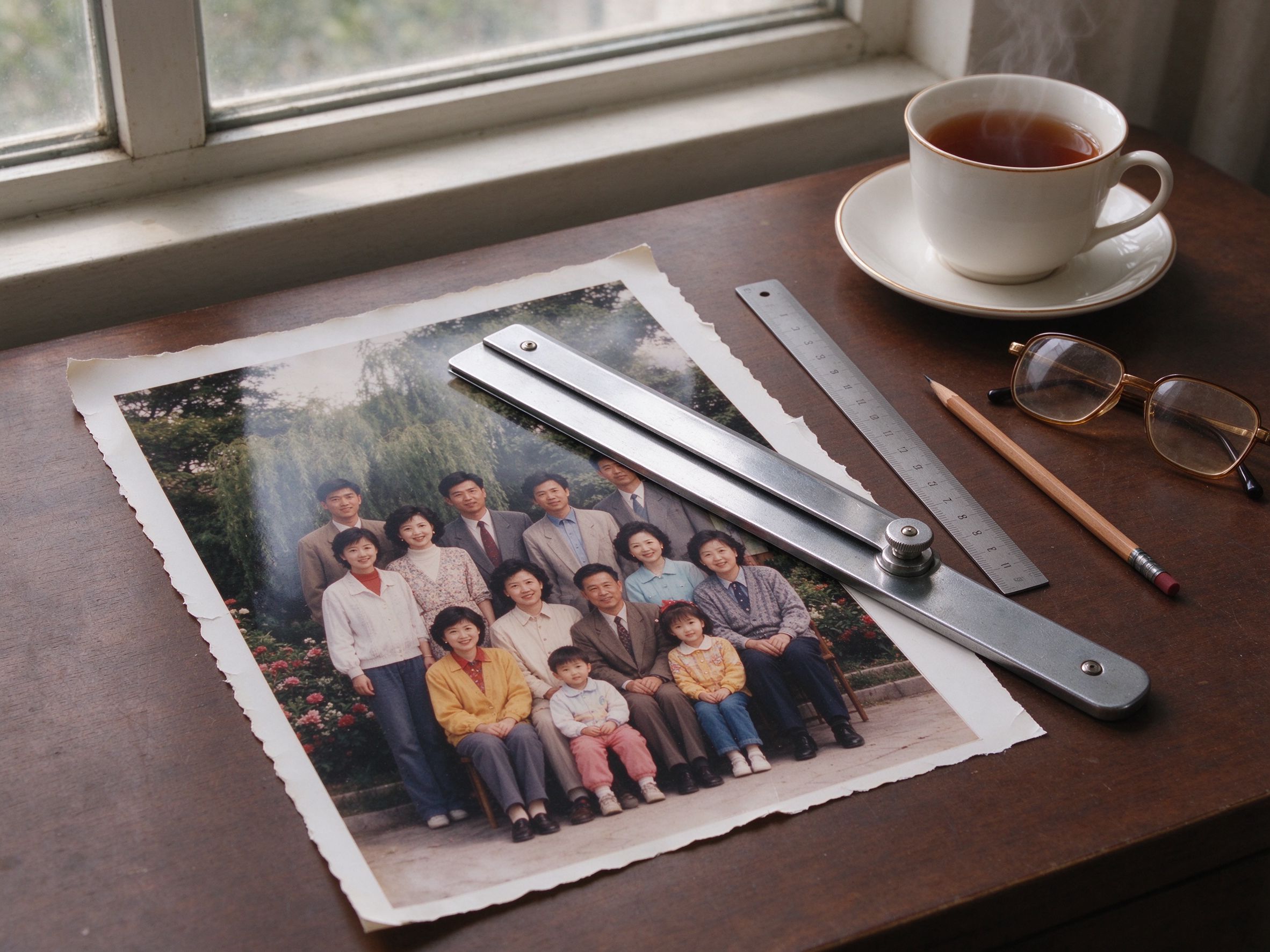
Photo Cropper
Crop away torn borders with ready-made aspect ratios.
用现成比例预设裁掉破损边缘。
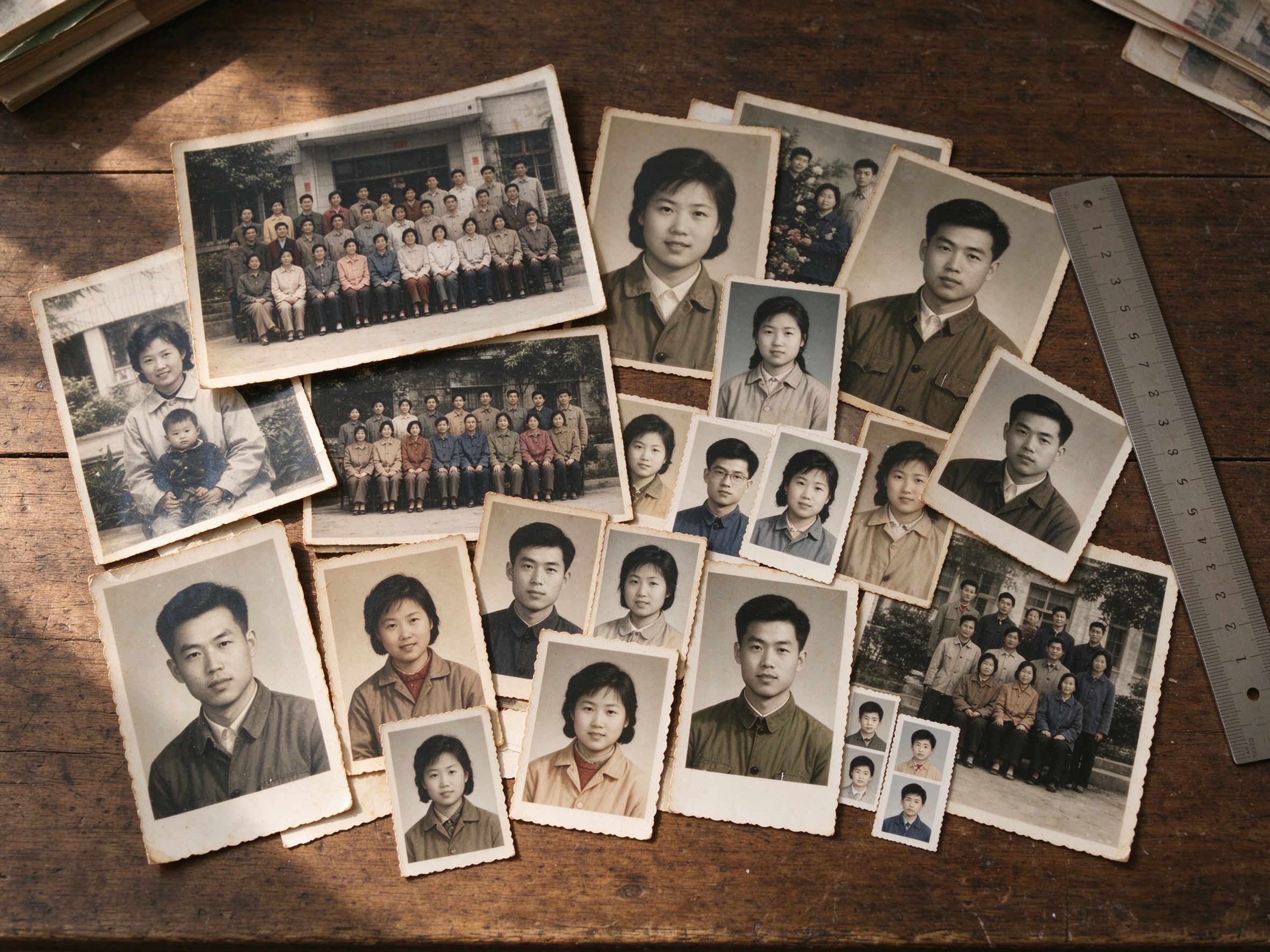
Photo Resizer
Resize to exact pixels or a percentage of the original.
按精确像素或原始百分比调整尺寸。
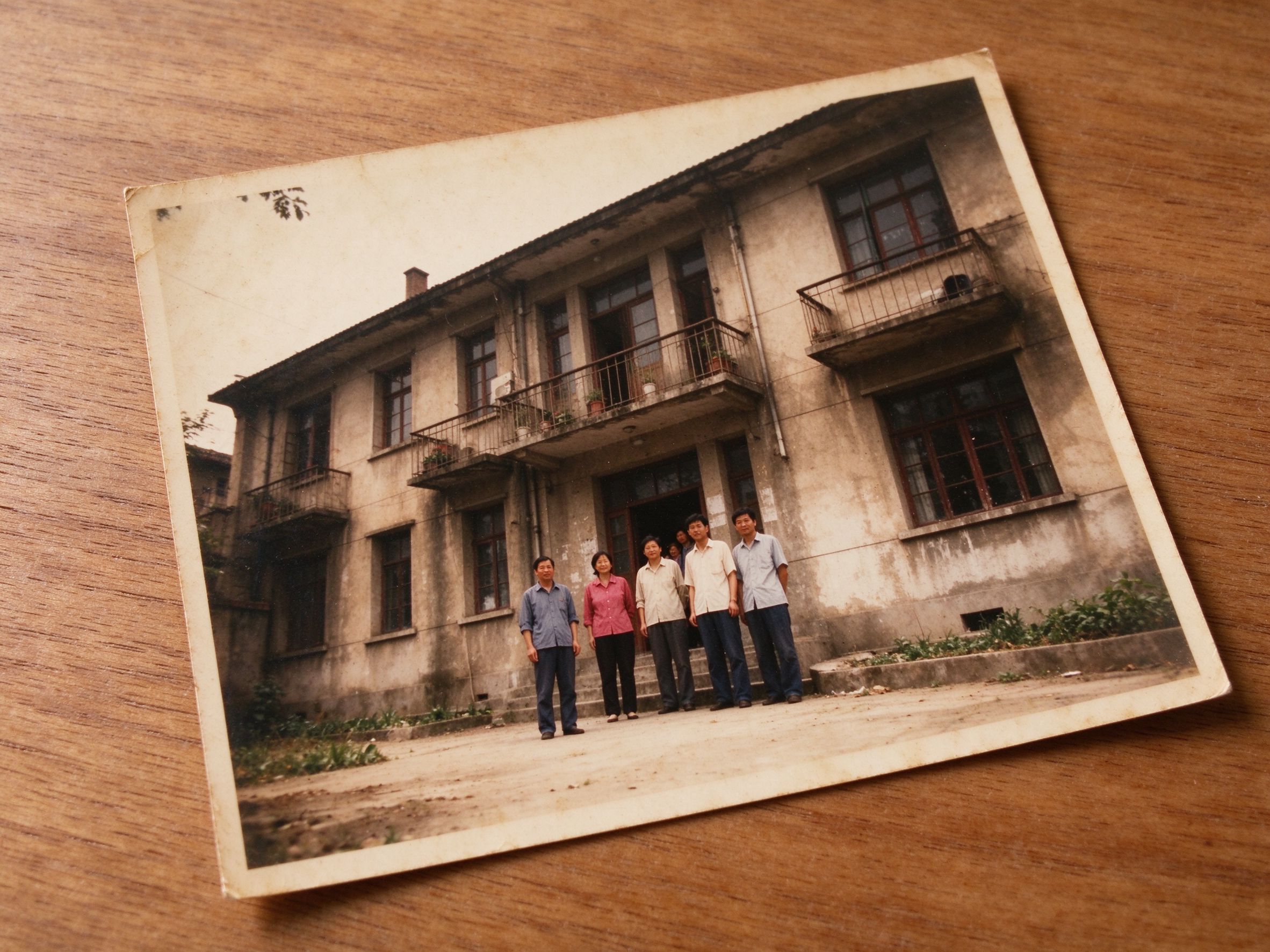
Perspective Corrector
Fix keystone and skewed scanning angles by dragging corners.
拖动四角,校正梯形与倾斜的扫描透视。
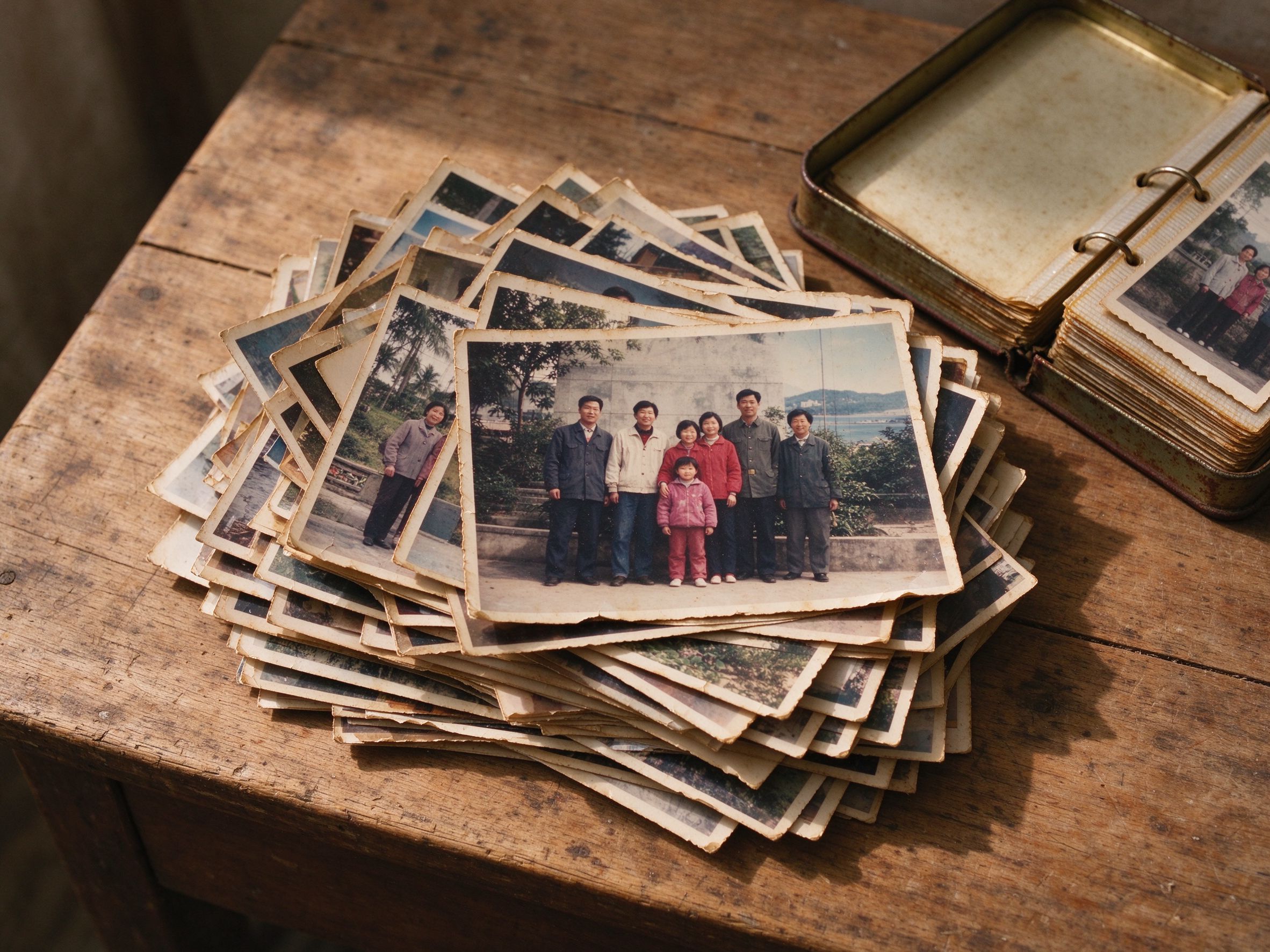
Batch Converter
Convert a whole folder of photos to one format at once.
一次性把整个文件夹的照片转成同一格式。
Image Compressor
Shrink file size for email, web and sharing, quality safe.
在保证画质的前提下压缩体积,便于分享。
New to restoration? Read the guides
刚开始修复?先看教程
Step-by-step tutorials on scanning, fixing faded color, removing scratches and preserving memories — before you touch a slider.
在动滑杆之前,先看扫描、褪色修复、除划痕与保存记忆的分步教程。
View All GuidesYour Photos Stay Yours
Every tool on this page is a local, browser-based algorithm — there is no upload, no account and no server that ever sees your family pictures. Once a tool loads, it works even offline.
本页每个工具都是浏览器本地算法——没有上传、没有账号、也没有任何服务器能看到你的家庭照片。页面加载后甚至断网也能用。