PhotoRevive Pro
A deeper toolkit for power users — batch processing, full-resolution export and a private local gallery. During the beta, every Pro feature is open to everyone at no cost.
为进阶用户打造的更完整工具集:批量处理、全分辨率导出与私密本地图库。Beta 期间,所有 Pro 权益对所有人免费开放。
Your plan: Pro — Beta Free
Unlocked: batch processing · HD export · local gallery · advanced tools · no ads. Stored locally on this device.
Beta free period: every Pro feature is unlocked for everyone right now, unlimited and free. We may turn Pro into a paid tier in the future — this page will always tell you the current status.
What you can do today
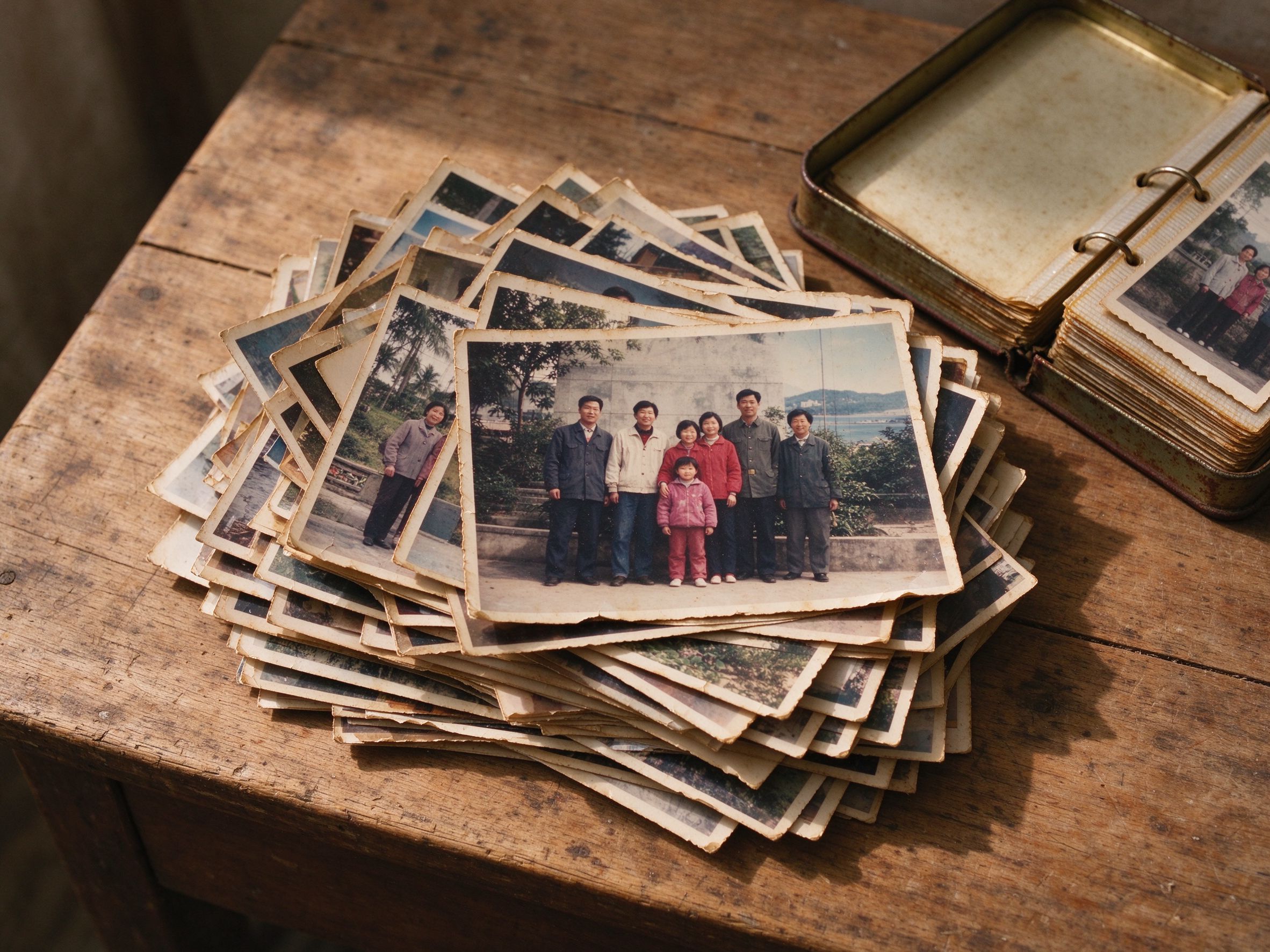
Queue many photos, apply repair or style modes, download everything at once as a ZIP — all in your browser.
把多张照片加入队列,选择修复或风格模式,一键把所有结果打包成 ZIP 下载——全部在浏览器本地完成。

Export processed results at full input resolution, or download the untouched original file — nothing is ever uploaded.
以输入原始分辨率导出处理结果,或下载未经处理的原始文件——照片永远不会上传。
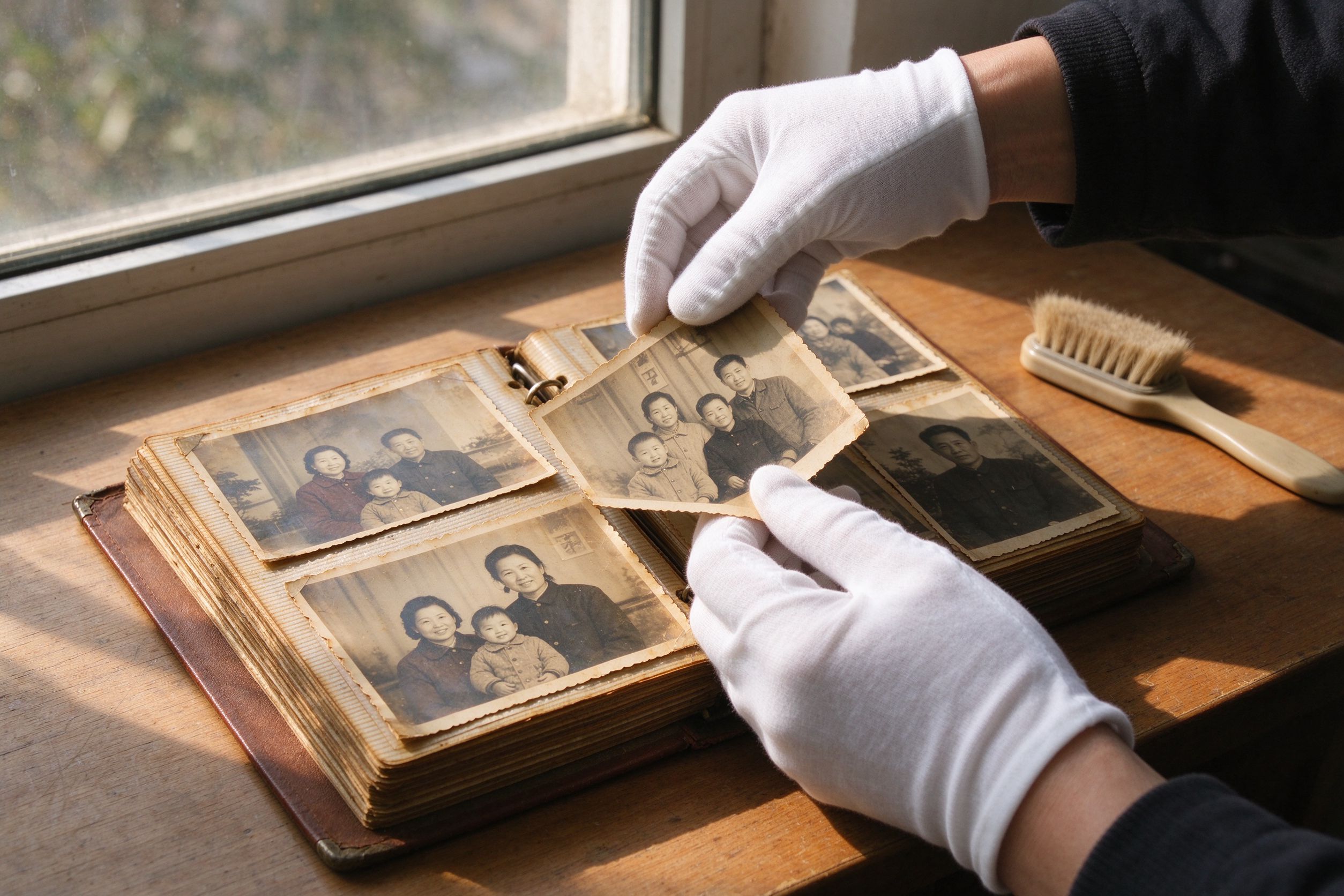
Save processed results to a gallery that lives only in this browser's local storage on your device.
把处理结果保存到图库——图库只存在于你这台设备的浏览器本地存储中。

Duotone, color pop, perspective correction, vintage frames and more — every tool is already unlocked.
双色调、色彩弹出、透视校正、复古相框等全部工具现已全部解锁。
The beta runs without advertising. If ads arrive later, Pro members will browse ad-free.
Beta 期全站无广告。若未来接入广告,Pro 会员将享受无广告浏览。
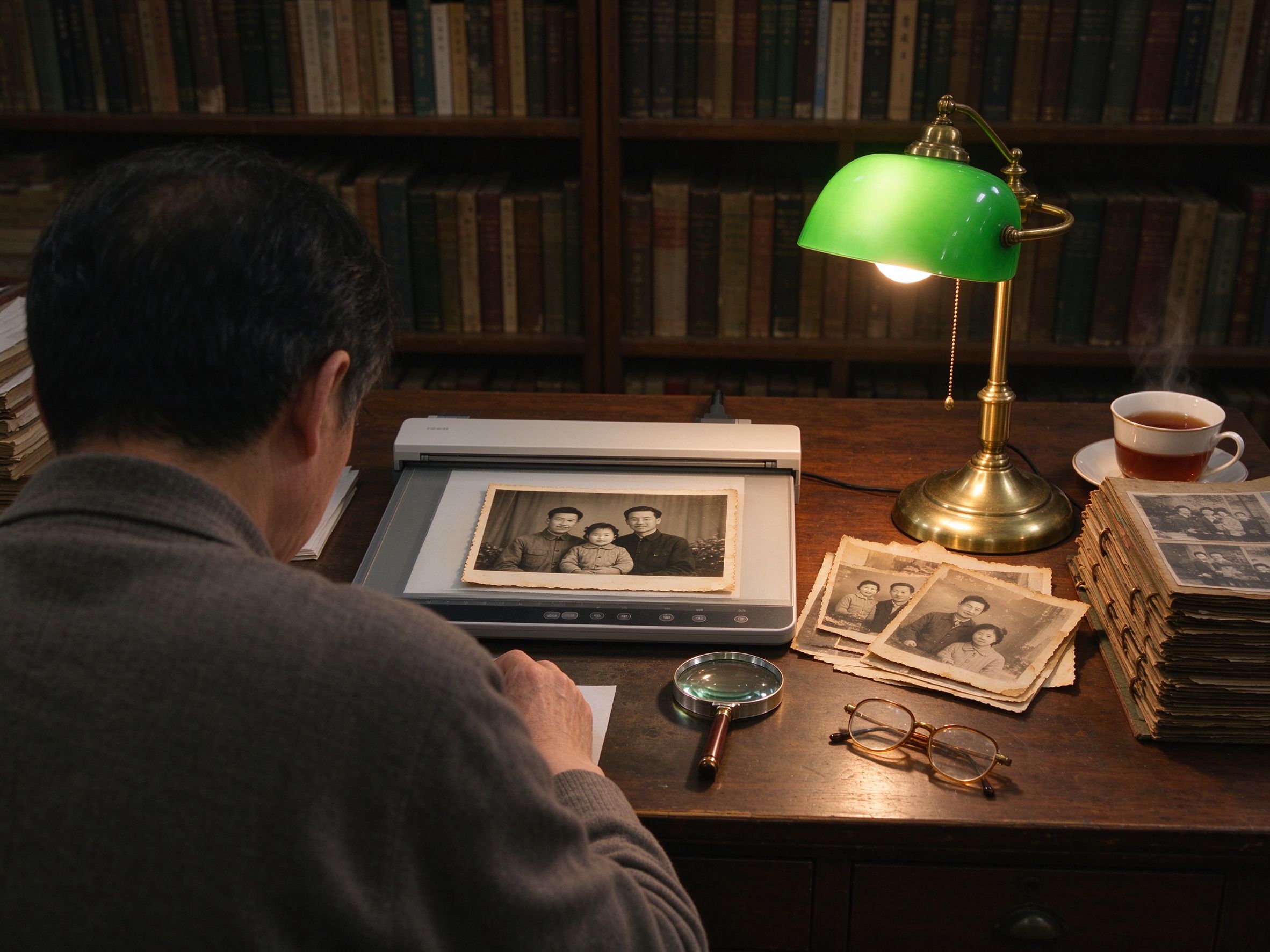
No account, no watermark, no limits. When the beta ends we will announce the change here first, honestly.
无需账号、无水印、无限制。Beta 结束前我们会先在本页如实公告变化。
Free vs Pro
| Free (all visitors) | Pro (beta: free for everyone) | |
|---|---|---|
| 19 photo tools, unlimited use | Included | Included |
| Batch processing & batch download | Planned | Included |
| Full-resolution / original export | Planned | Included |
| Private local gallery (on your device) | Planned | Included |
| Advanced tools & filter packs | Included | Included |
| Ad-free experience | Planned | Included |
Beta free period: every Pro feature is unlocked for everyone right now, unlimited and free. We may turn Pro into a paid tier in the future — this page will always tell you the current status.
Pro — Questions
Is Pro really free right now?
Will Pro cost money later?
Where is my gallery stored?
How much can I store in the gallery?
Which tools include Pro features?
Pro 现在真的免费吗?
Pro 以后会收费吗?
我的图库存放在哪里?
图库能存多少?
哪些工具包含 Pro 功能?
PhotoRevive Pro
PhotoRevive Pro
A deeper toolkit for power users — batch processing, full-resolution export and a private local gallery. During the beta, every Pro feature is open to everyone at no cost.
为进阶用户打造的更完整工具集:批量处理、全分辨率导出与私密本地图库。Beta 期间,所有 Pro 权益对所有人免费开放。
Open the Tools