Sepia & Vintage Tone
Bathe any photo in the warm chocolate-brown of a 19th-century toned print — with a single intensity slider, plus a fine warmth control for the exact aged feel.
让任何照片沐浴在 19 世纪调色相纸那种温暖的巧克力褐色中——一个强度滑杆搞定,再用暖调微调找到最地道的年代感。
Private by design — your photo is processed locally and never uploaded.Drop a photo here, or click to browse
Supported formats: JPG, PNG, WebP, GIF, BMP
Drag to compare
Tip: upload the largest scan you have — bigger input gives better results.
How It Works
Real sepia prints were photographs developed in a silver process and then chemically "toned" — silver replaced by warm brown silver-sulfide, which is why 19th-century portraits glow in chocolate brown rather than neutral gray. This tool reproduces that look mathematically, on your own device, with the HTML5 Canvas API. Your photo is never uploaded, stored or seen by anyone.
What the two sliders do:
Sepia intensity
Blends the classic photographic sepia matrix (reds pushed up, blues pulled down) into your image. At 0% the photo is untouched; at 100% every pixel is fully converted to the brown toned print recipe.
Warmth fine-tune
A gentle color-temperature shift applied on top. Push it positive for a deeper, more amber brown; pull it negative for a cooler, softer silver-brown like early platinum prints.
Preserves your tones
The sepia matrix keeps your original brightness and contrast relationships — a dark sky stays dark, bright skin stays luminous. It recolors, it does not flatten.
Works on any photo
Apply it to color portraits, old family snaps or even modern pictures when you want a nostalgic poster or album page look.
One-click vintage preset
"One-Click Sepia" applies a balanced 80% intensity with neutral warmth, the sweet spot most photos need as a starting point.
Fully local & private
No upload, no account, no watermark. Tone as many photos as you like — even offline.
An honest note: this is a digital color grade that mimics sepia toning — it is not a real chemical process, and it cannot age a print, add physical patina, or restore faded detail. If your photo is faded or yellowed already, run the Faded Photo Fixer first, then tone it; pair with grain and vignette tools when you want a complete old-movie look.
真正的棕褐色照片,是在银盐工艺显影后再做「调色」——银被暖棕色的硫化银取代,所以 19 世纪的肖像才会泛着巧克力褐而非中性灰。本工具在你自己的设备上用数学方式重现这种观感,全程通过 HTML5 Canvas API 完成。照片永远不会被上传、存储或被人看到。
两个滑杆的作用:
褐色强度
把经典摄影的褐色矩阵(红色上提、蓝色下压)融入画面。0% 时照片不变;100% 时每个像素都完全转为棕色调相纸的配方。
暖调微调
叠加一层温和的色温偏移。往正方向推是更浓的琥珀棕;往负方向拉则更清冷、更像早期铂金相纸的柔和银褐。
保留原有影调
褐色矩阵保留你原本的明暗与对比关系——暗天空仍暗,亮皮肤仍通透。它只重新着色,不会把画面压平。
任何照片都适用
无论是彩色人像、家庭旧快照,还是想做怀旧海报的现代照片,都可以用它铺上年代感。
一键怀旧预设
「一键怀旧」给出 80% 强度、中性暖调的平衡起点——大多数照片从这里微调即可。
完全本地、隐私安全
不上传、不注册、无水印。想调多少张就调多少张,断网也能用。
诚实说明:这是一种「模仿」棕褐色调的数字调色——它不是真正的化学工艺,不能让相纸真正变老、产生物理包浆,也无法修复褪色的细节。如果照片本身已经发黄褪色,建议先用「褪色修复」再调色;想要完整的老电影感,再叠加颗粒与暗角。
How to Use
- Upload your photoDrag the photo into the drop zone or click to browse. JPG, PNG, WebP, GIF and BMP are supported.
- Click "One-Click Sepia"The default 80% intensity gives a convincing aged-paper brown without washing out the image.
- Fine-tune the lookLower "Sepia intensity" for a subtle warm cast, or raise it for a fully vintage print. Use "Warmth" to shift toward amber or toward cooler silver-brown.
- Combine for more characterAdd grain and a vignette with the Old Movie Effect, or frame it with the Vintage Frame tool.
- Download your toned photoExport PNG for archiving, JPG for sharing, WebP for the web.
- 上传照片拖入或点击选择。支持 JPG、PNG、WebP、GIF、BMP。
- 点击「一键怀旧」默认 80% 强度就能做出令人信服的旧相纸棕色,又不会洗掉画面。
- 微调观感降低「褐色强度」得到淡淡的暖色偏色;拉高则完全是复古相纸。用「暖调」在琥珀棕与清冷银褐之间切换。
- 组合出更强个性用「老电影效果」加颗粒与暗角,或用「复古相框」给照片加边。
- 下载调色结果存档用 PNG,分享用 JPG,网页用 WebP。
FAQ
Does this make my photo look like a real 19th-century sepia print?
My photo is already yellow and faded. Should I tone it first?
What does the Warmth slider actually do?
Can I remove the color entirely first, then add sepia?
Is my photo uploaded to a server?
Is it really free and unlimited?
它能让我的照片看起来像真正的 19 世纪棕褐色照片吗?
我的照片本来就发黄褪色,应该先调色吗?
「暖调」滑杆到底做了什么?
我可以先完全去色再加褐色吗?
我的照片会被上传到服务器吗?
真的免费且不限次数吗?
Related Tools
Black & White Converter
Convert to monochrome first, then tone for a classic print.
先转黑白,再调色,得到经典相纸感。
Old Movie Effect
Add grain and vignette on top of your sepia tone.
在褐色调之上再加颗粒与暗角。
Duotone Generator
Choose your own dark and light vintage colors.
自选深浅两色,定制你的复古配色。
Color Temperature
Fine-tune warm and cool casts beyond the sepia preset.
在褐色预设之外微调冷暖偏色。
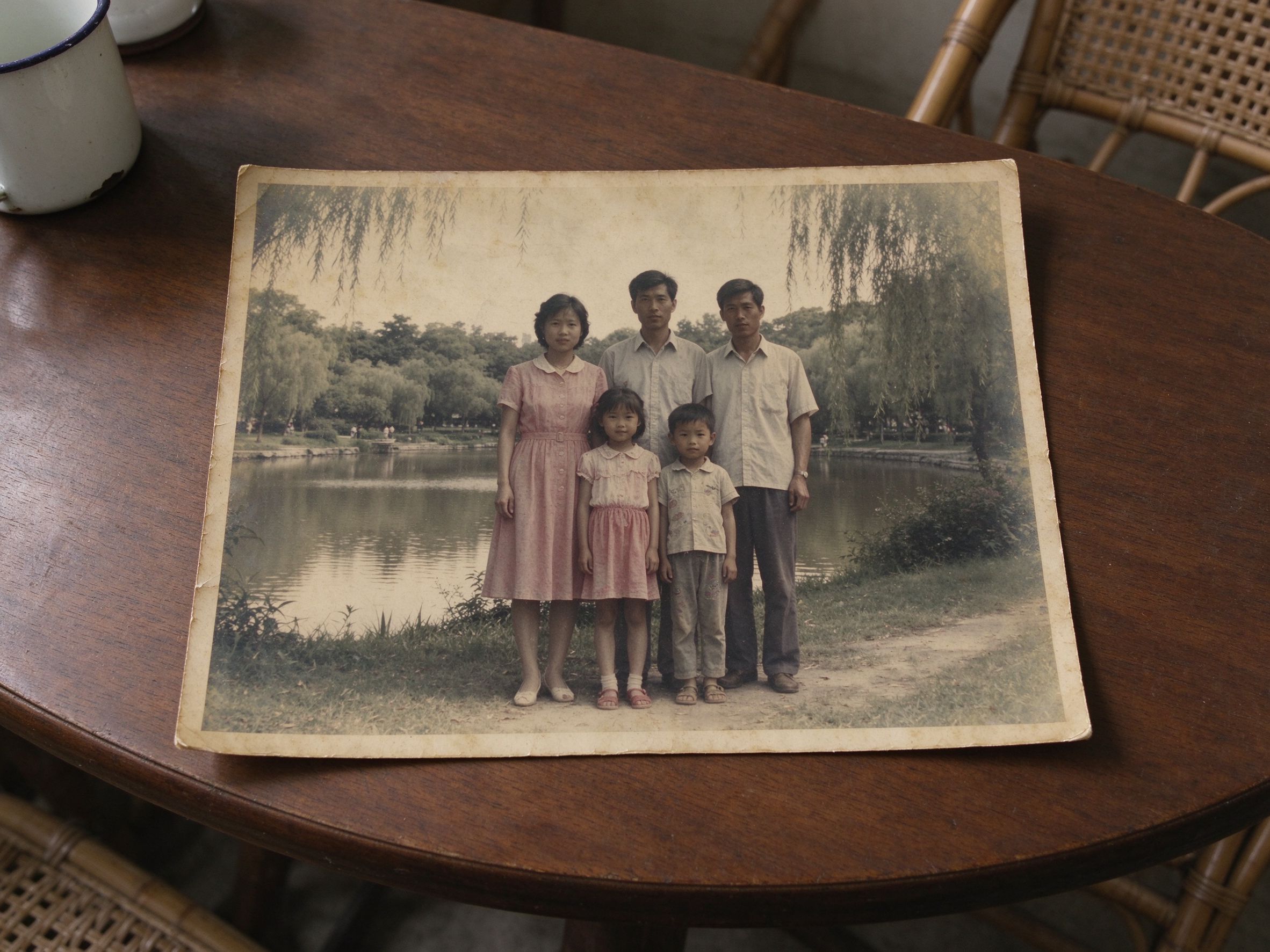
Faded Photo Fixer
Restore faded color and contrast before toning.
调色之前先恢复褪色的色彩与对比。
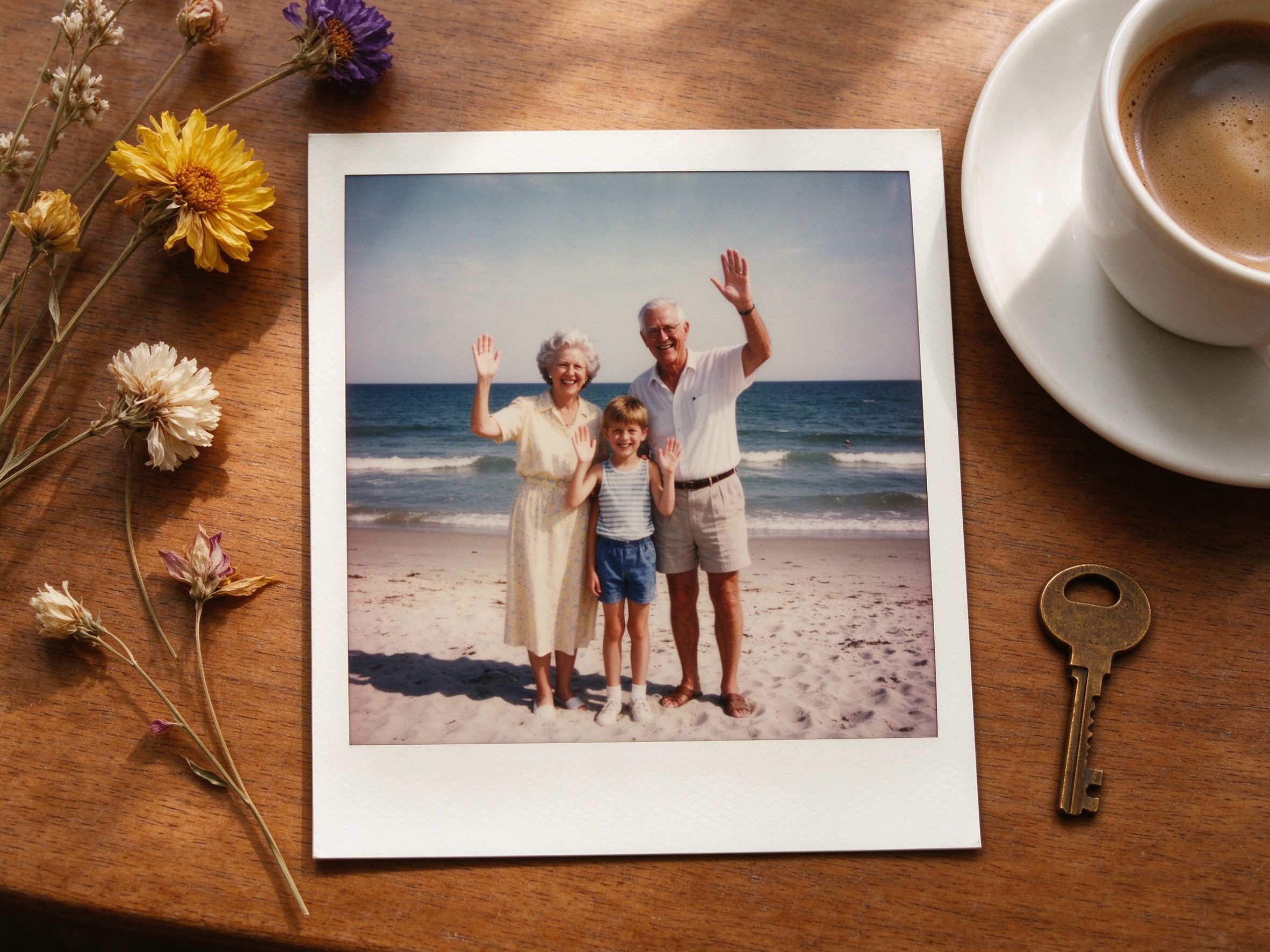
Vintage Frame
Add a polaroid-style paper border to your toned photo.
给调色后的照片加上拍立得式纸边。
Related Guides
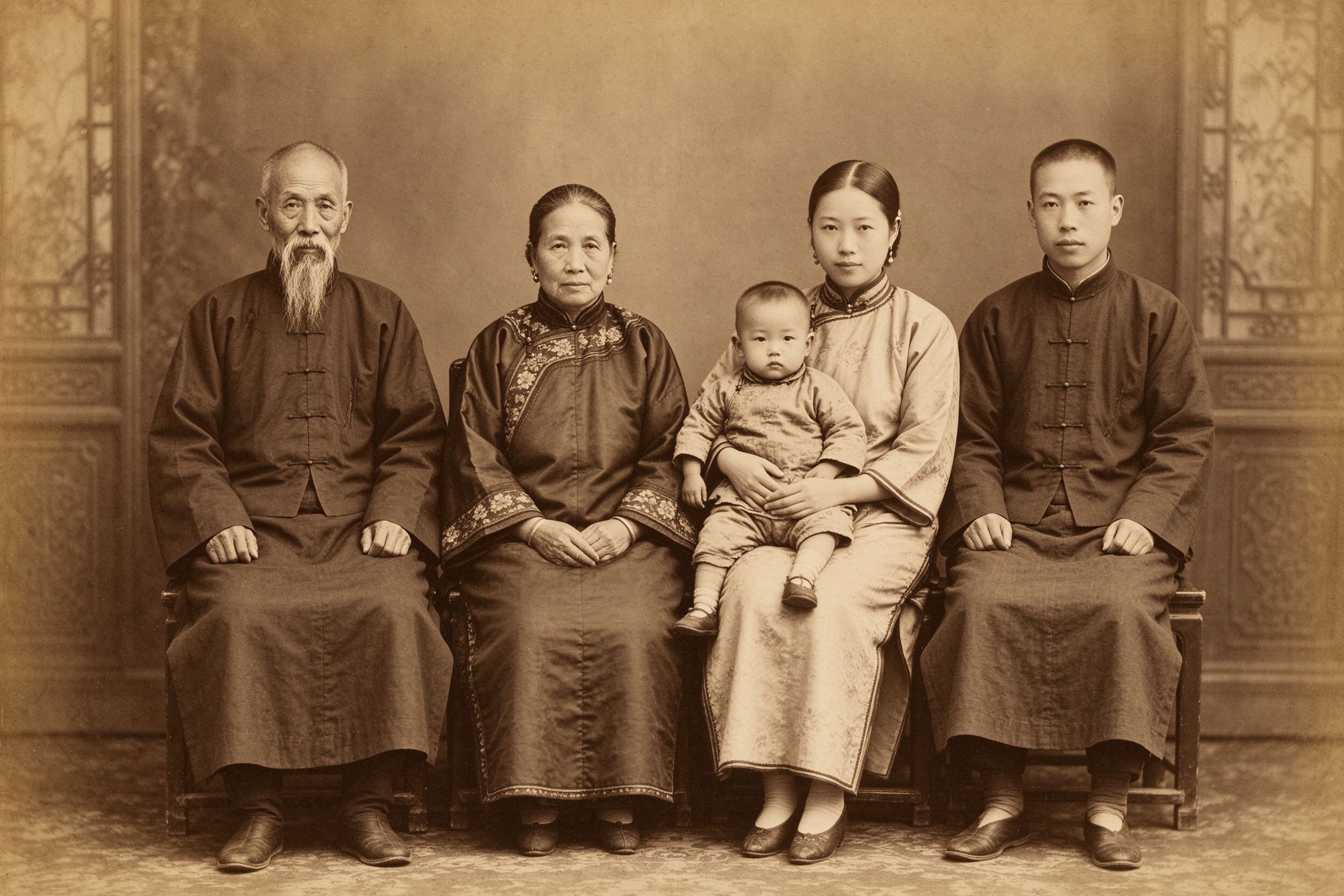
The Art of Sepia: Making Photos Look Truly Vintage
History, tonal choices and step-by-step sepia workflows.
棕褐色调的历史、影调选择与分步流程。
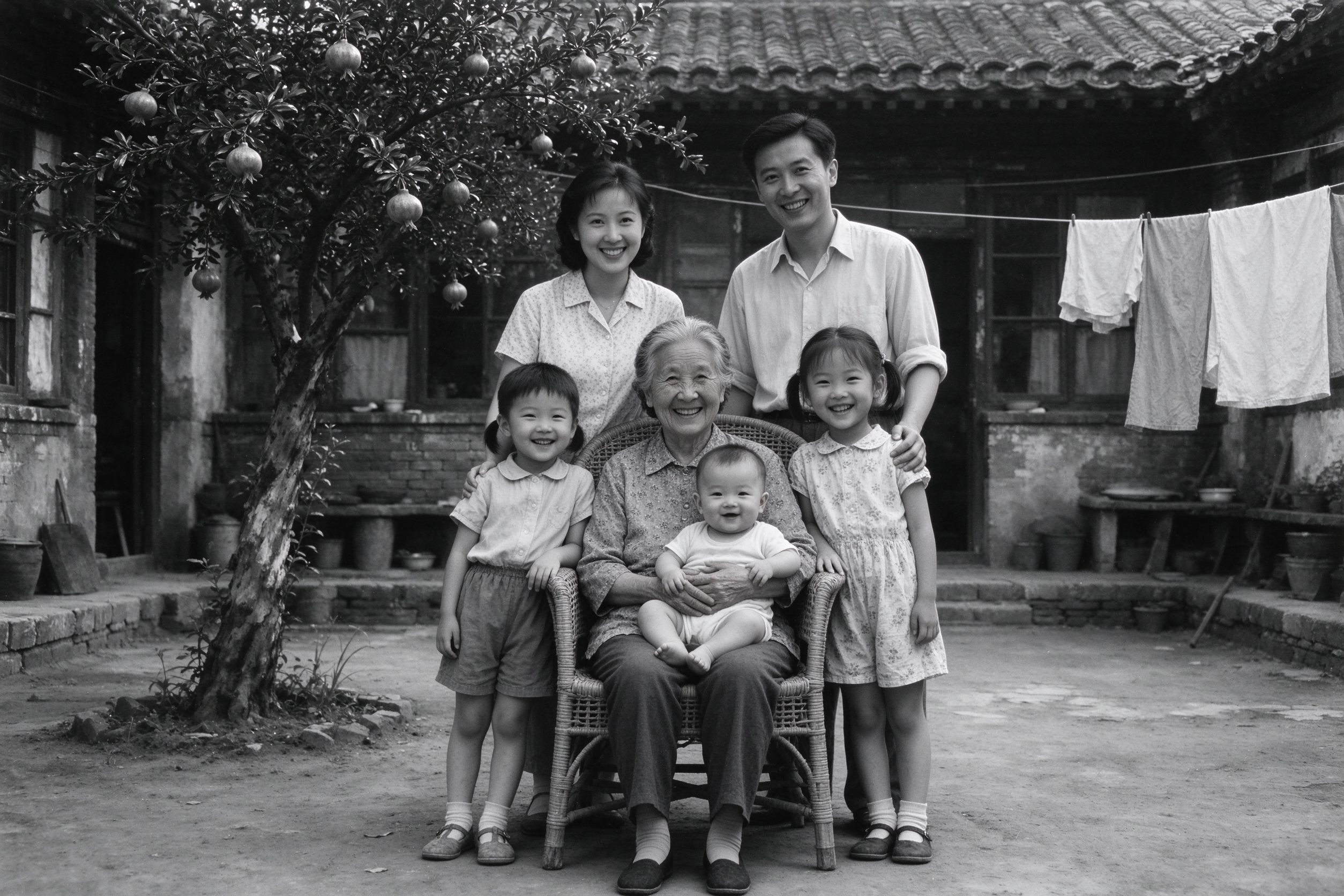
How to Convert Old Photos to Black and White Properly
Start from a great monochrome base before toning.
调色之前,先打好黑白底子。
Creative Vintage Effects: Movie, Vignette & Frames
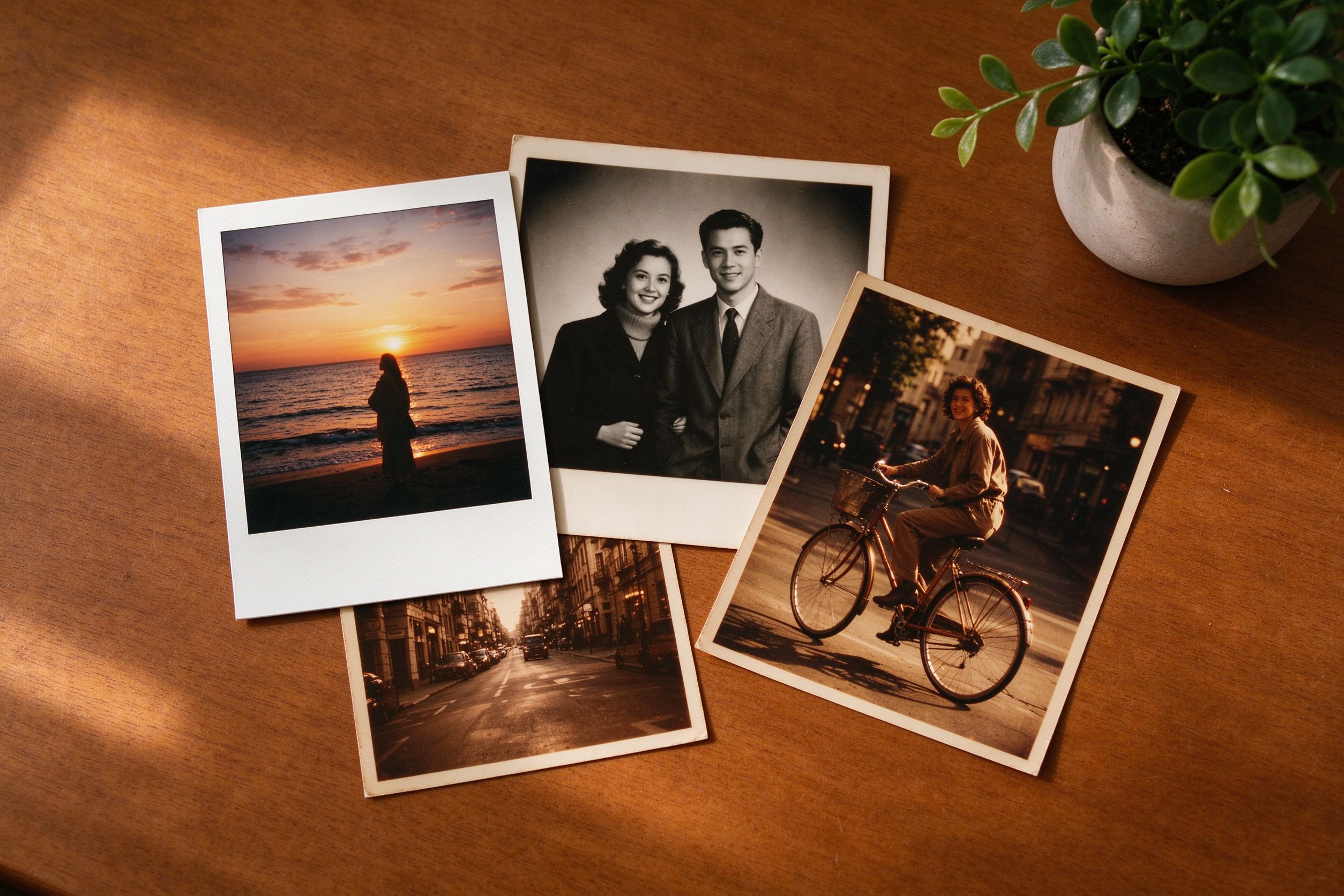
Layer sepia, grain, vignette and frames for one cohesive look.
把褐色、颗粒、暗角与边框叠成统一风格。
Faded Photo Restoration: Color & Contrast
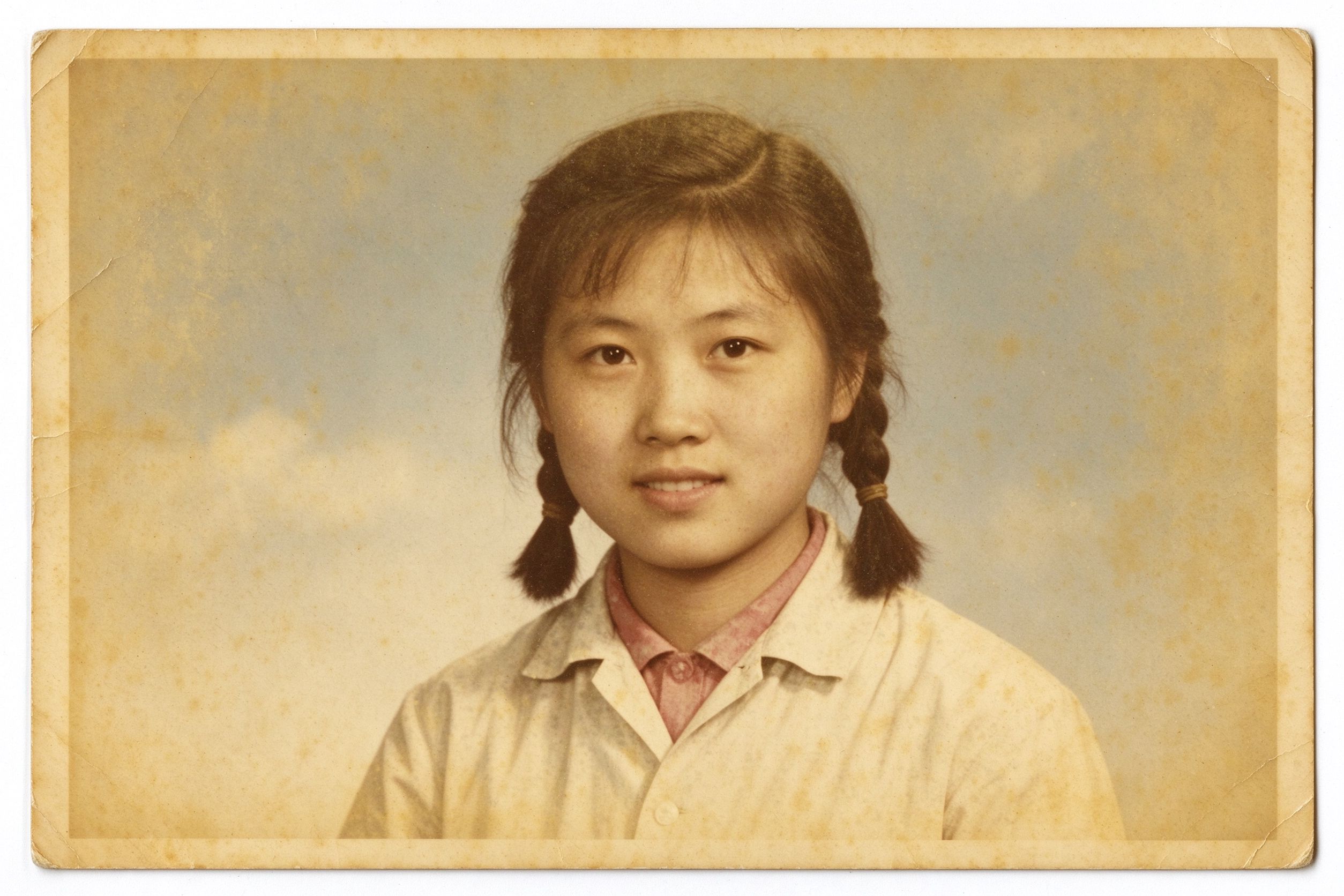
Fix fading before you apply any vintage toning.
上复古色调之前先修好褪色。