Perspective Corrector
Turn a tilted, trapezoid scan of a photo or document back into a clean rectangle by dragging its four corners — then fine-tune the rotation.
把倾斜、梯形的照片或文档扫描件,通过拖动四个角点校正为规整矩形——再微调旋转。
Private by design — your photo is processed locally and never uploaded.Drop a photo here, or click to browse
Supported formats: JPG, PNG, WebP, GIF, BMP
Drag to compare
Tip: this is perfect for photos taken of a print from an angle, scans with keystone distortion, or documents shot on a phone.
提示:适合斜拍的冲印照片、带梯形畸变的扫描件,或手机拍摄的文档。
How It Works
When you photograph a print or scan from an angle, the rectangular picture projects as a trapezoid — one side looks longer, edges converge. The Perspective Corrector inverts that projection: you mark the four corners of the picture as it appears, and the tool remaps that quadrilateral onto a clean rectangle using inverse bilinear interpolation.
Four corner handles
Drop each handle onto a real corner of the content. The overlay shows the quad you are selecting.
Perspective unwarp
Every output pixel is sampled from inside your quad, so converging edges become parallel and the content reads straight.
Fine rotation
A small rotation slider (±30°) trims off the last crooked degree after the corners are set.
Fully local
Warping and rotation run in your browser on the Canvas API — no upload, no server, works offline.
An honest note: perspective correction can only flatten the trapezoid you trace. It does not fix motion blur, low resolution, or a picture that is partly out of frame, and extreme warping can soften fine detail. For best results, photograph or scan as squarely as you can first.
当你斜拍照片或斜扫文档时,矩形的画面会投影成梯形——一边更长、边缘会聚。透视校正器反演这一投影:你标出画面实际呈现的四个角,工具用逆双线性插值把该四边形重映射为规整矩形。
四个角点手柄
把每个手柄放到内容真实的角上,叠加层会显示你选中的四边形。
透视展开
每个输出像素都从四边形内采样,会聚的边缘变为平行,画面恢复端正。
微调旋转
四角定好后,用小范围旋转滑杆(±30°)修正最后那点歪斜。
完全本地
展开与旋转都在浏览器 Canvas API 上完成——不上传、无服务器、可离线。
诚实说明:透视校正只能拉平你圈出的梯形,无法解决运动模糊、低分辨率或画面被裁切的问题,过度展开还会让细节变软。最好先尽量正面拍摄或扫描。
How to Use
- Upload the skewed photoDrag it in or click to browse. A scan or phone photo of a print works equally well.
- Place the four cornersDrag each circular handle onto the four corners of the actual picture content (not the whole scan edge).
- Fine-tune rotationUse the Rotation slider by small steps until horizontal lines look level.
- Compare and downloadDrag the compare handle to check the straightened result, then export as PNG, JPG or WebP.
- 上传倾斜照片拖入或点击选择。扫描件与手机翻拍冲印件效果相同。
- 放置四个角点把每个圆形手柄拖到画面内容真实的四个角(而非整张扫描的边缘)。
- 微调旋转小步拖动旋转滑杆,直到水平线看起来端正。
- 对比并下载拖动对比滑块查看校正结果,然后导出为 PNG、JPG 或 WebP。
FAQ
What is perspective correction used for?
Will it make my photo perfectly straight?
Why does the corrected result look softer?
Is my photo uploaded?
Can I rotate a full 90°?
透视校正用来做什么?
它能让照片完全端正吗?
为什么校正后看起来更软?
我的照片会被上传吗?
能旋转 90° 吗?
Related Tools
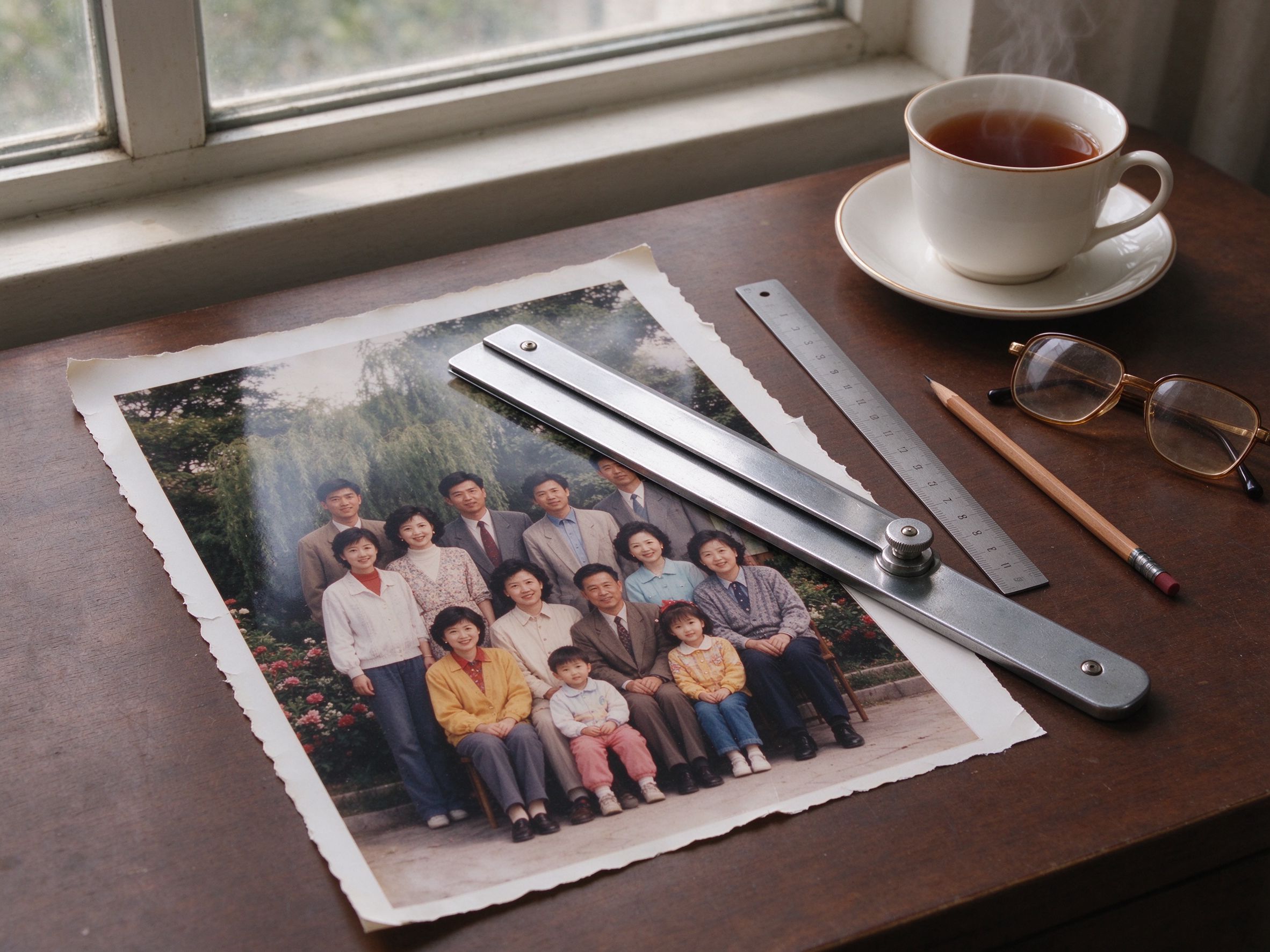
Photo Cropper
Trim the borders after you straighten the scan.
校正扫描件后裁掉多余边缘。
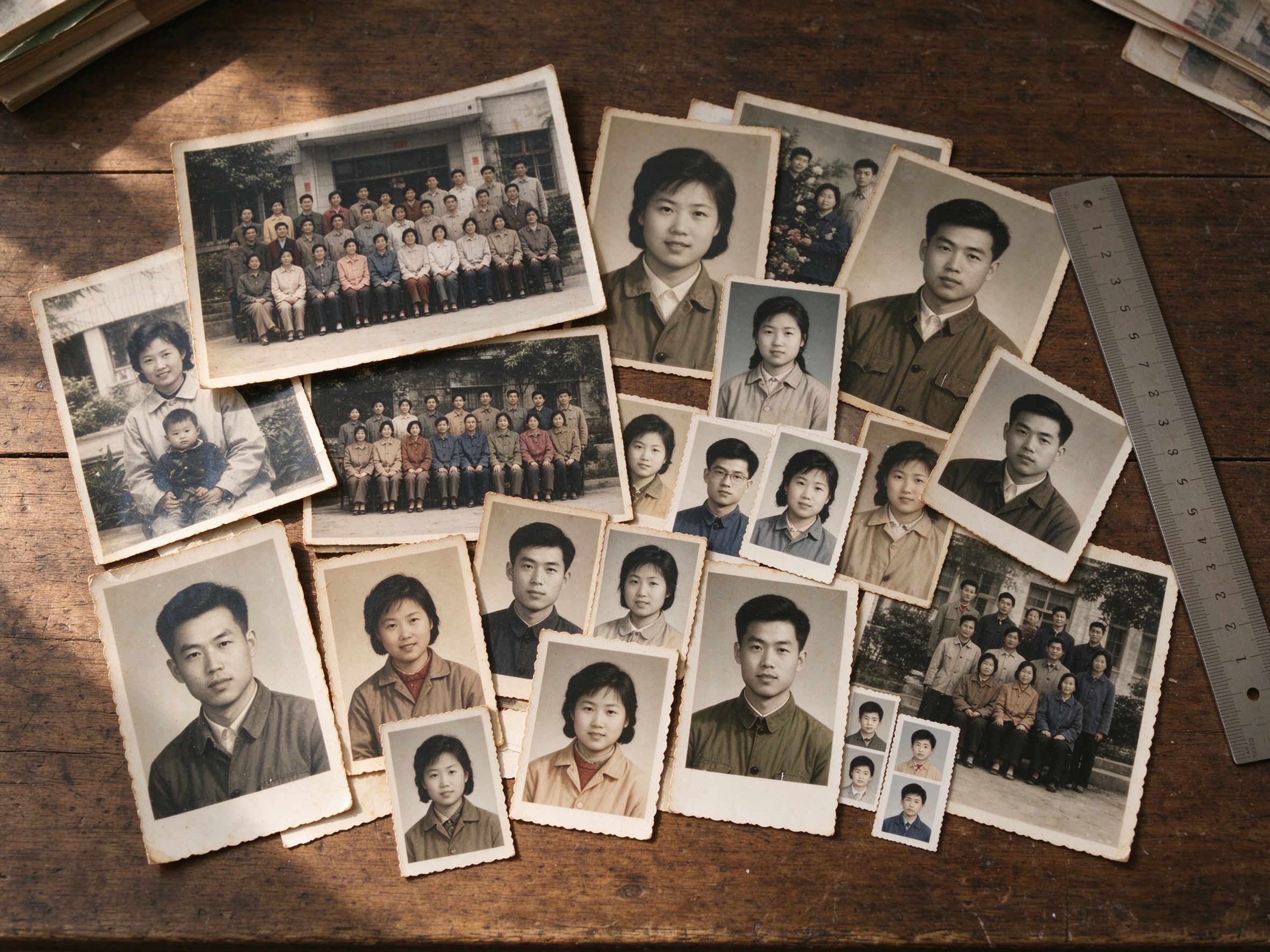
Photo Resizer
Set the corrected photo to exact pixels.
把校正后的照片设为精确像素尺寸。
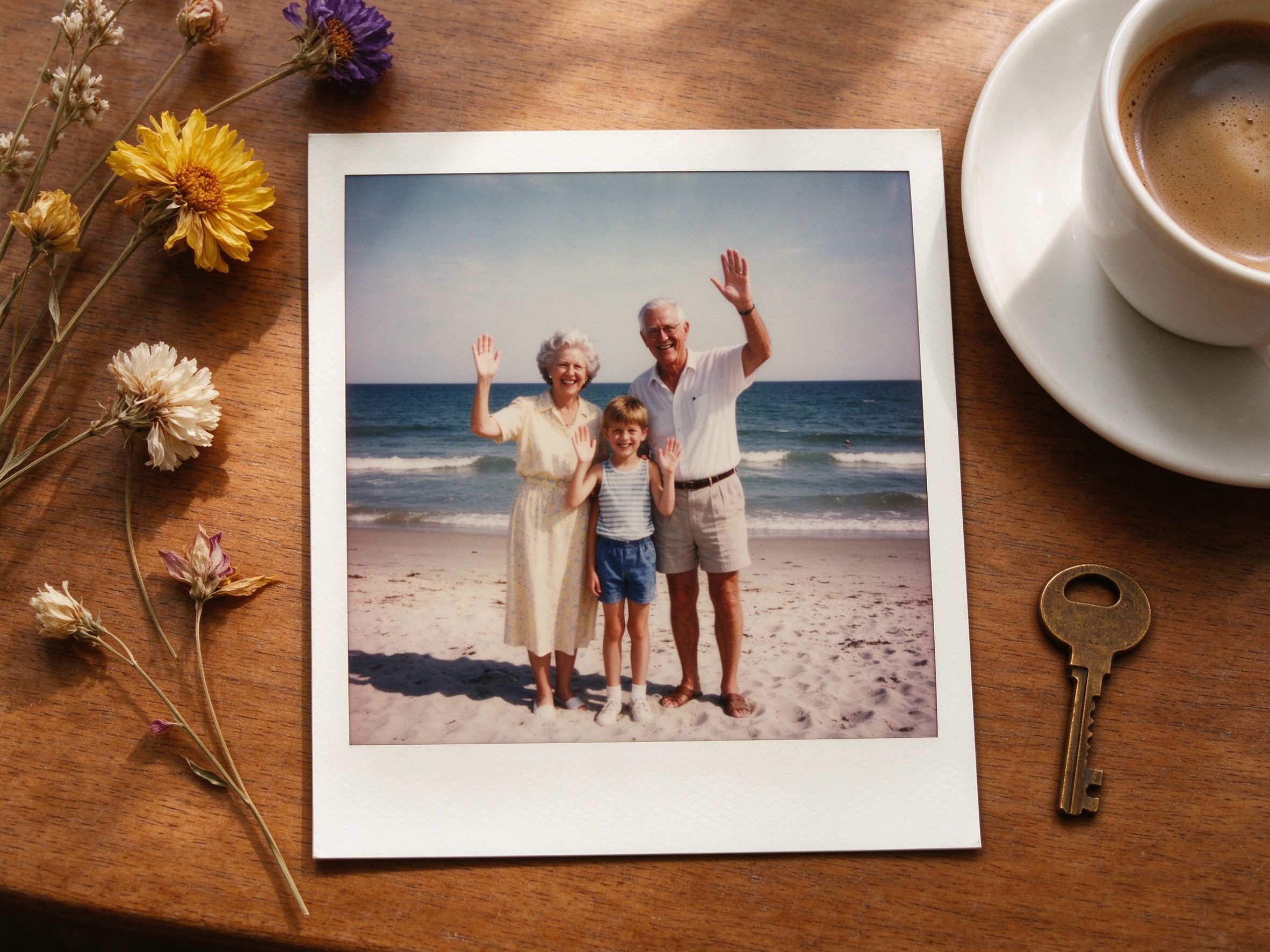
Vintage Frame
Put your straightened photo in a polaroid frame.
把端正后的照片放进拍立得相框。
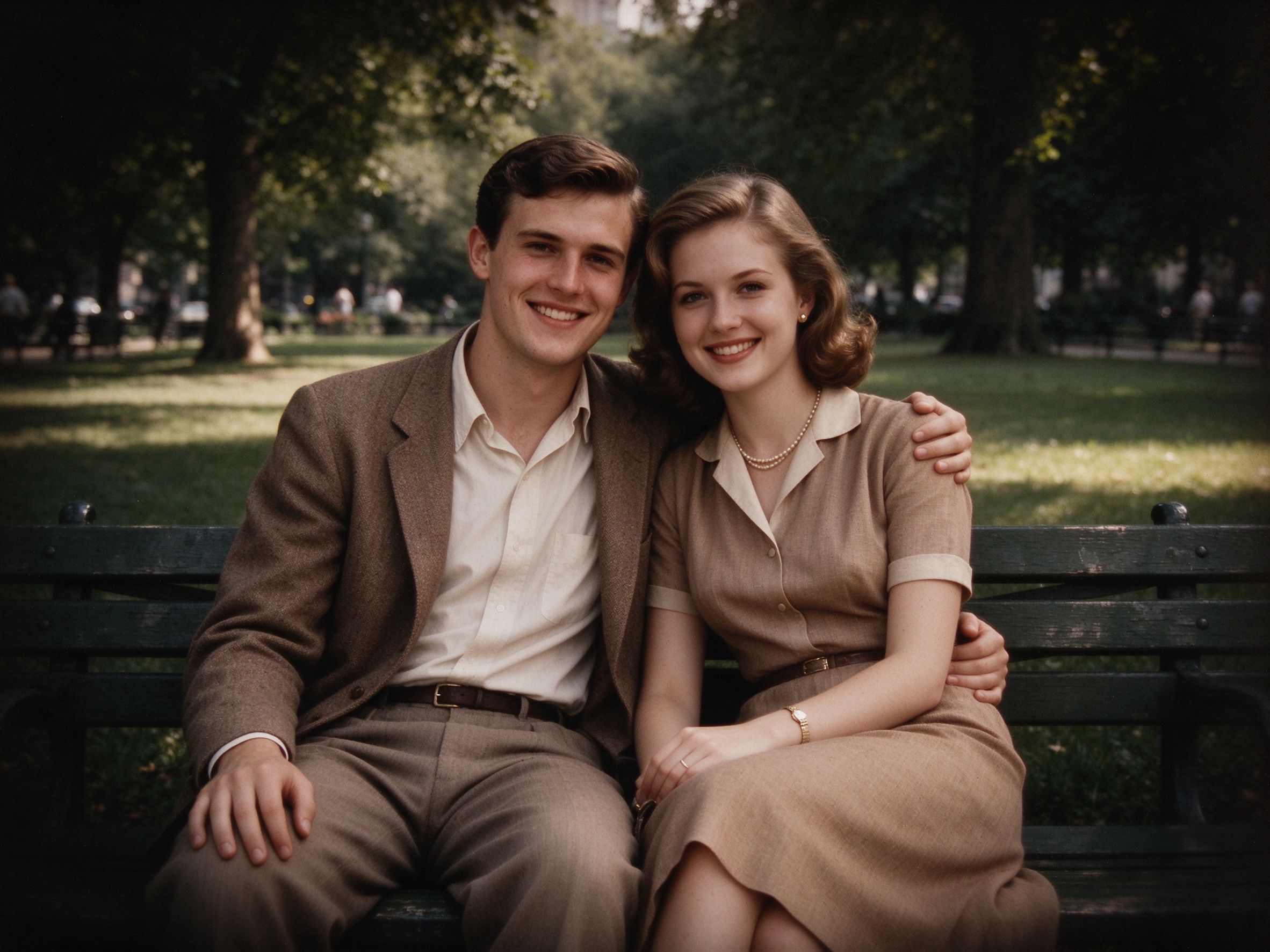
Vignette Effect
Add a soft vignette after correcting the geometry.
校正几何后再加柔和暗角。
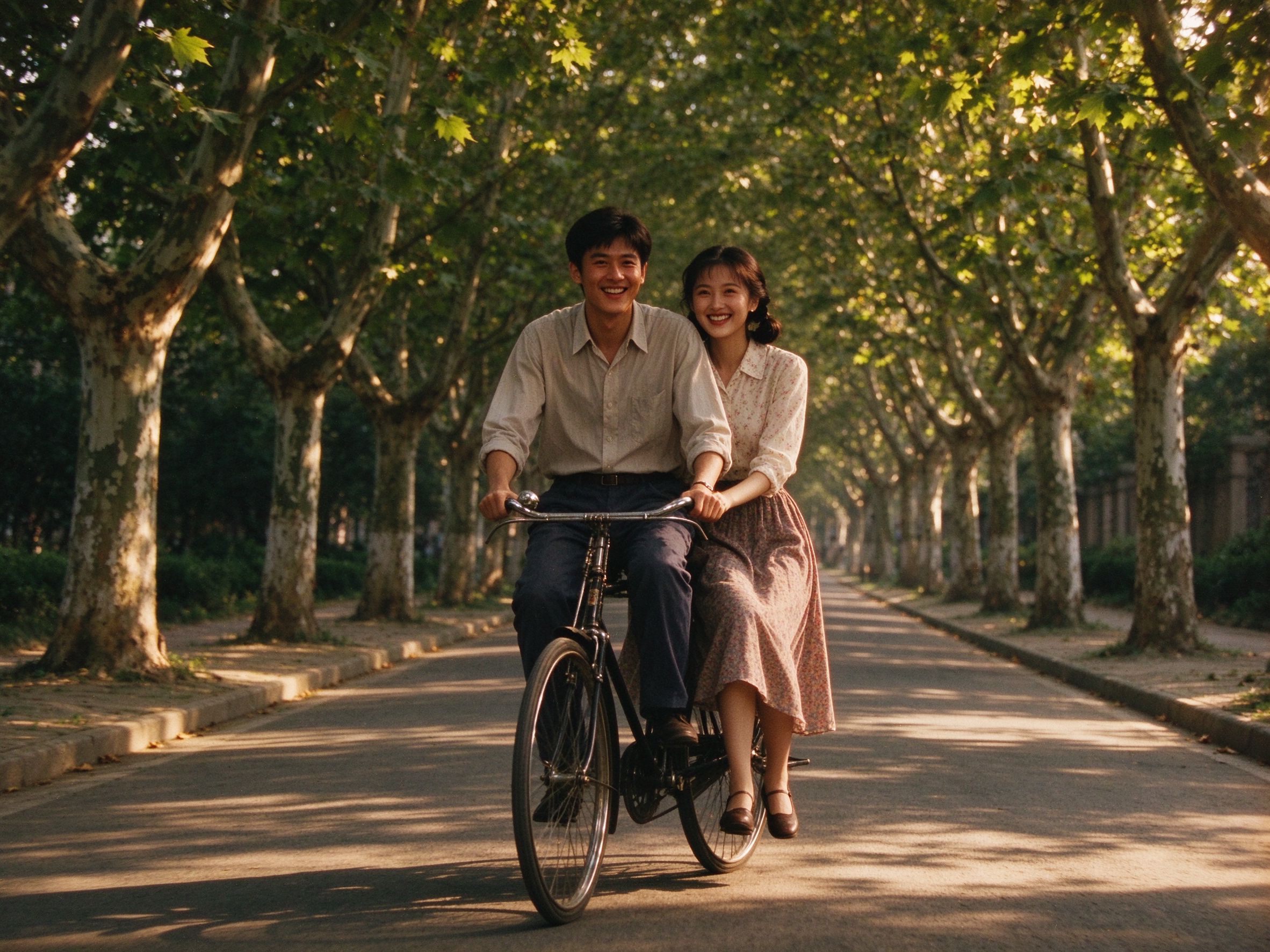
Old Movie Effect
Give the corrected scan a nostalgic film look.
给校正后的扫描件加上怀旧电影感。
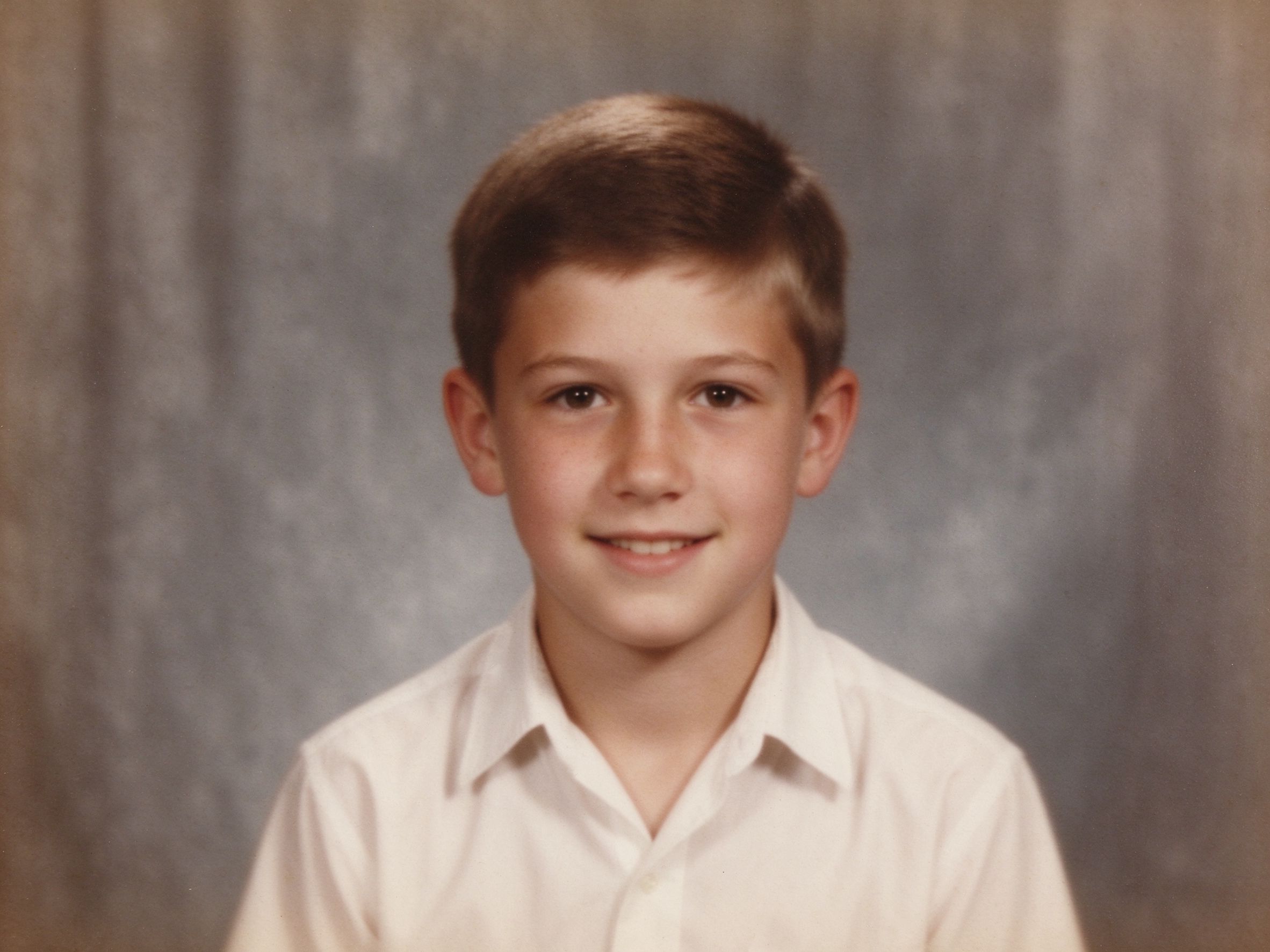
Photo Sharpener
Recover crisp edges after the warp softens detail.
展开导致细节变软后恢复清晰边缘。
Related Guides
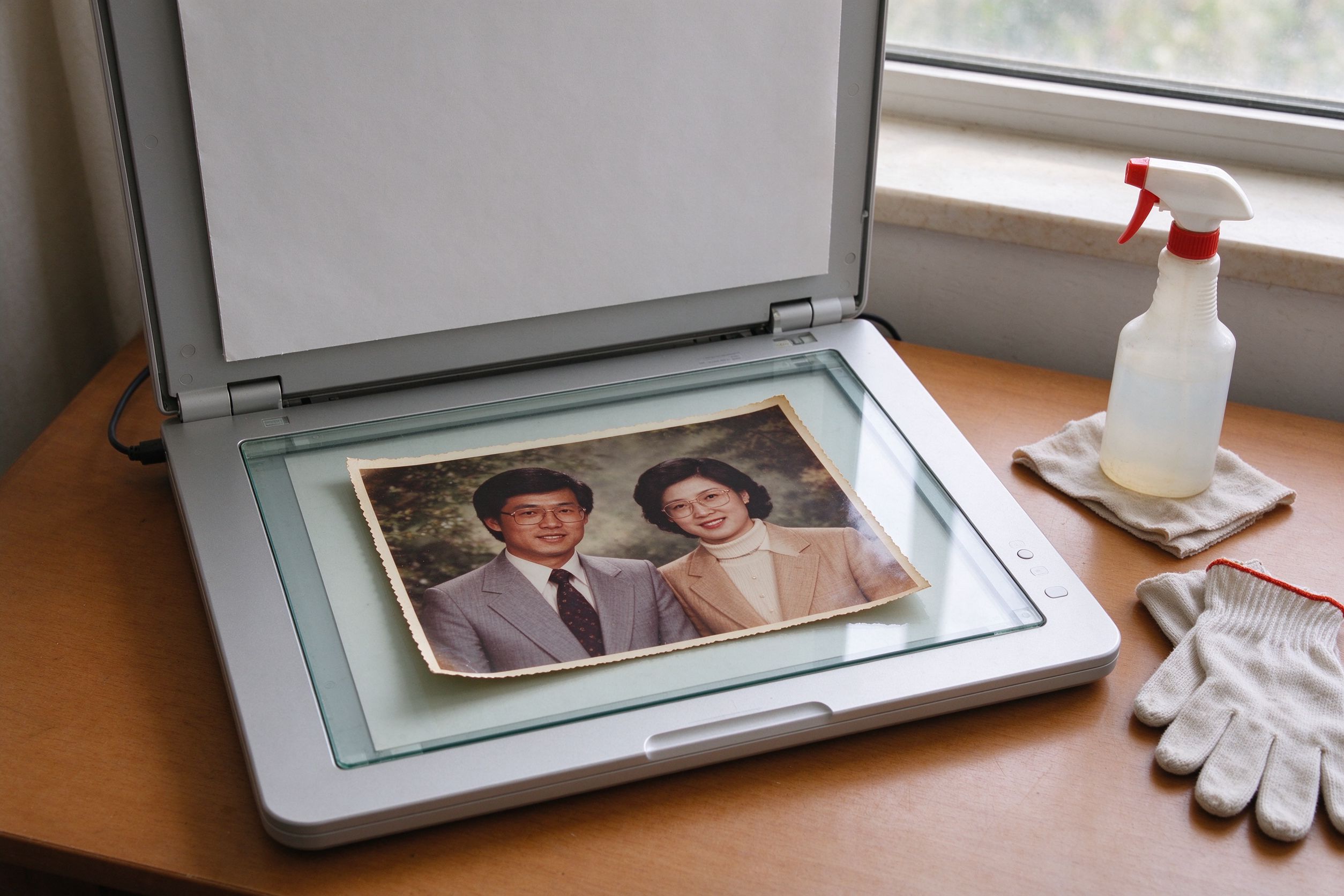
Scanning Old Photos: Best Settings
Scan square to minimize the perspective you need to fix.
尽量扫正,减少需要校正的透视。
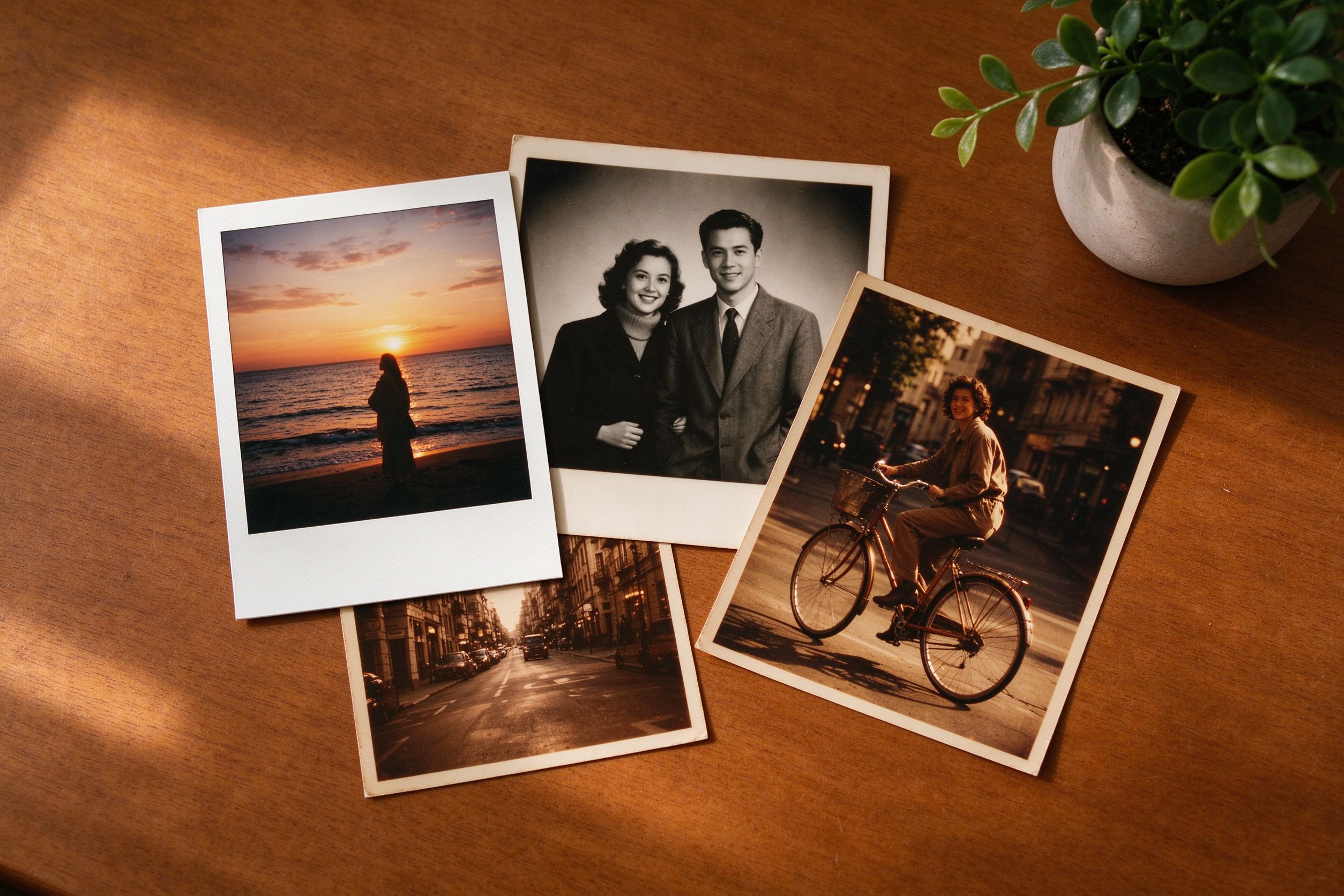
Creative Vintage Effects
Styling ideas after you correct the geometry.
校正几何之后的风格化思路。
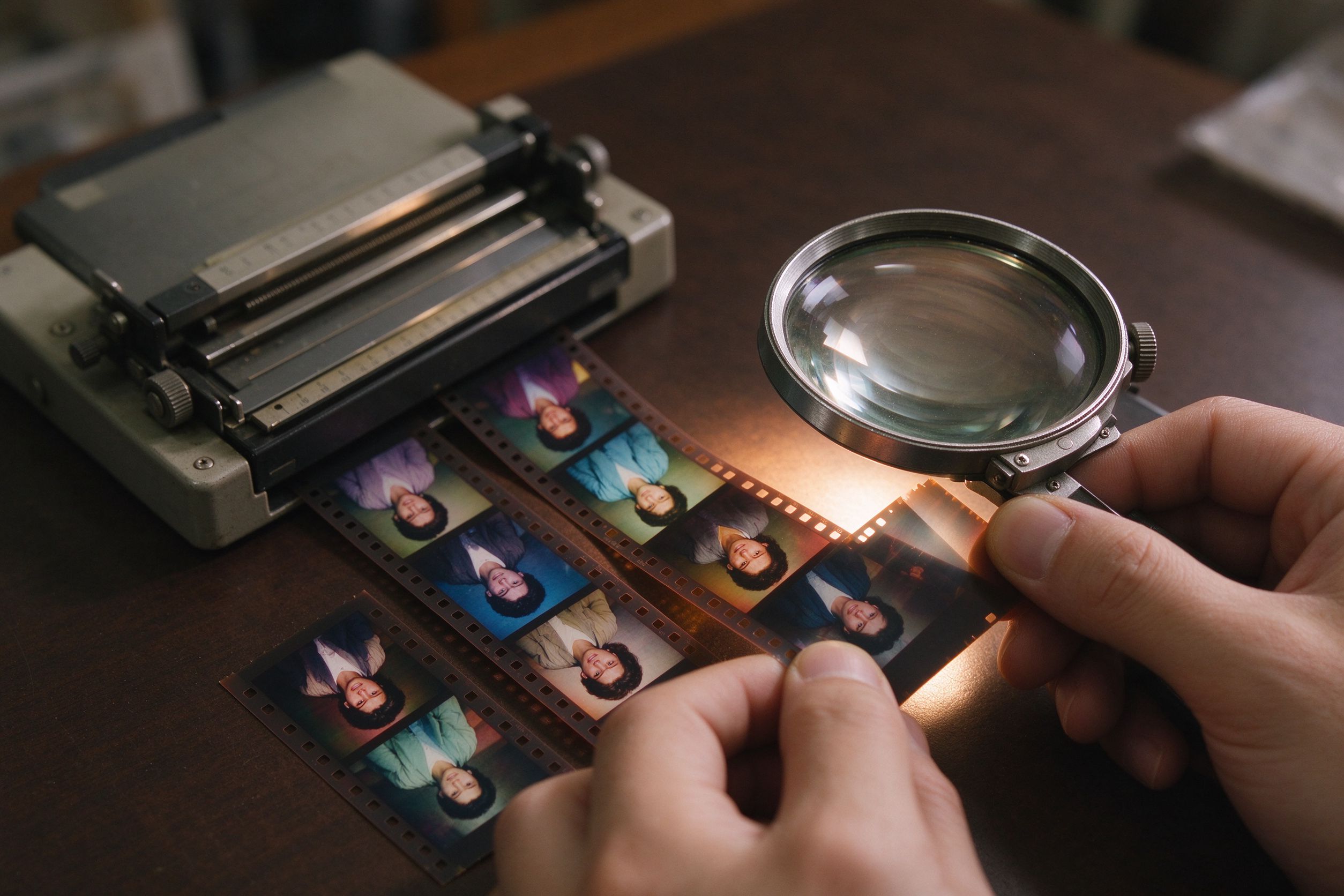
Film Scan Restoration
Handle keystone and color shifts from film scans.
处理胶片扫描中的梯形畸变与偏色。
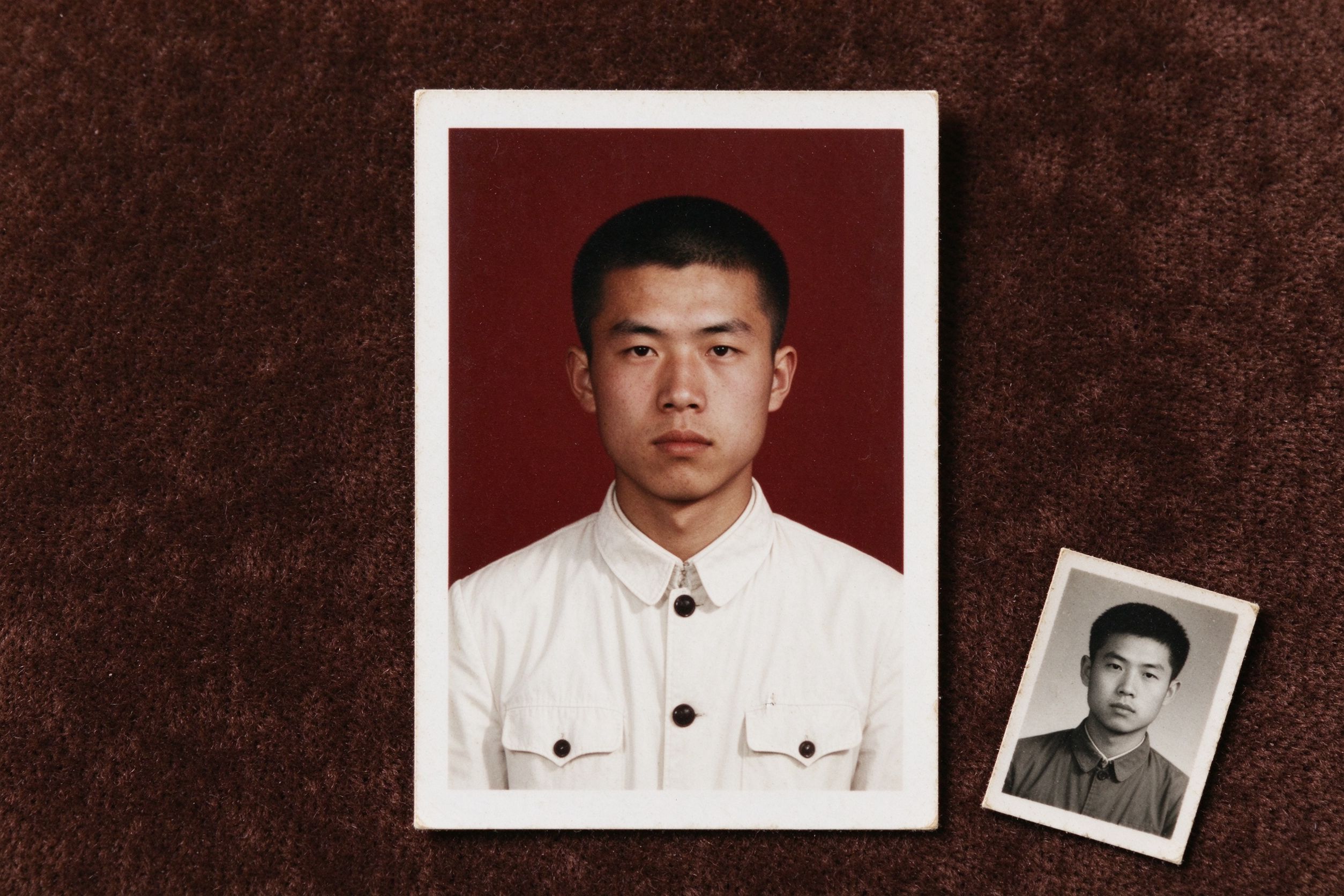
Restoring ID & Passport Photos
Straighten and crop old ID photos at home.
在家把旧证件照校正并裁切端正。