Old Movie Effect
Turn any digital photo into a still from a grainy 1950s film — warm sepia, softened color, organic grain and a gentle vignette, layered in one filter.
把任何数码照片变成 1950 年代电影的一格——温暖褐色、柔化色彩、有机颗粒与柔和暗角,一个滤镜叠好。
Private by design — your photo is processed locally and never uploaded.Drop a photo here, or click to browse
Supported formats: JPG, PNG, WebP, GIF, BMP
Drag to compare
Tip: upload the largest scan you have — bigger input gives better results.
How It Works
A vintage film look is not one trick but four, layered in order: a warm sepia grade over the tones, slightly desaturated color so it does not pop too modern, fine film grain over everything, and a soft vignette that darkens the frame edges. This tool runs that whole chain on your own device through the HTML5 Canvas API — your photo is never uploaded, stored or seen by anyone.
The four layers, and what each slider does:
Sepia tone
The warm brown base. Higher values read older and more monochrome; lower values keep more of your original color visible.
Color kept
How saturated the result stays. Old film was never as punchy as a modern phone camera — around 70–85% feels authentic, near 100% looks contemporary.
Film grain
Fine, evenly distributed noise mimicking silver halide crystals. Keep it subtle (15–25%) — heavy grain reads as low quality rather than vintage.
Vignette
Gradually darkens the corners, the way old lenses and darkroom printing naturally did, to pull the eye toward the center.
One-click film preset
"One-Click Film Look" applies the balanced 65 / 78 / 18 / 40 mix most photos look best with, before you fine-tune.
Fully local & private
No upload, no account, no watermark. Style as many photos as you like — even offline.
An honest note: this is a digital filter that simulates old film — the grain is generated noise, the sepia is a color grade and the vignette is a radial darkening applied on top of your pixels. It cannot genuinely age a photo, add real scratches or dust, or reconstruct lost detail. If your source is already grainy, lower the grain slider instead of raising it; if you also want physical wear marks and paper borders, combine this with the Vintage Frame tool.
复古胶片感不是单一技巧,而是四层效果按顺序叠加:暖褐调色罩住影调、略微降低饱和度以免太现代、整体覆盖细腻胶片颗粒、再压一圈柔和暗角。本工具在你的设备上通过 HTML5 Canvas API 跑完整条链路——照片永远不会被上传、存储或被人看到。
四层效果与各自滑杆:
褐色调
暖棕色底色。值越高越老派、越接近单色;值越低,保留的原色越多。
保留色彩
结果保留多少饱和度。老胶片从来没有现代手机那么艳——70–85% 最地道,接近 100% 就显得很当代。
胶片颗粒
均匀细腻的噪点,模拟银盐晶体。保持克制(15–25%)——颗粒太重会显得画质差而非复古。
暗角
逐渐压暗四角,正如老镜头与暗房放大天然呈现的那样,把视线拉向画面中央。
一键胶片预设
「一键胶片感」给出大多数照片都好看的 65 / 78 / 18 / 40 平衡配比,再由你微调。
完全本地、隐私安全
不上传、不注册、无水印。想做多少张就做多少张,断网也能用。
诚实说明:这是一个模拟老胶片的数字滤镜——颗粒是生成的噪点,褐色是配色罩,暗角是叠加在像素上的径向压暗。它不能真正让照片变老、加上真实划痕灰尘,也无法重建丢失的细节。源图本来就有颗粒时,请调低而非调高颗粒滑杆;如果还想要物理磨损痕迹与纸边框,请配合「复古相框」工具。
How to Use
- Upload your photoDrag it into the drop zone or click to browse. JPG, PNG, WebP, GIF and BMP are supported — this effect flatters portraits, still lifes and landscapes alike.
- Click "One-Click Film Look"The default layering (warm sepia, 78% color, light grain, soft vignette) is the safest vintage starting point.
- Tune the four layersRaise Sepia for an older monochrome feel, lower Color kept if modern colors look too punchy, keep Grain under ~25%, and deepen the Vignette if you want more drama.
- Stack with other toolsAdd a paper border with Vintage Frame, or isolate one colored object with Color Pop on top of the film look.
- Download your film stillExport PNG for quality, JPG for social, WebP for fast web pages.
- 上传照片拖入或点击选择。支持 JPG、PNG、WebP、GIF、BMP——这个效果对人像、静物与风光都适用。
- 点击「一键胶片感」默认叠加(暖褐、78% 色彩、轻颗粒、柔暗角)是最稳妥的复古起点。
- 调四层效果想更老派就提高褐色调;现代色太艳就降低「保留色彩」;颗粒保持在约 25% 以内;想要更戏剧化就加深暗角。
- 与其他工具叠加用「复古相框」加纸边,或在胶片感之上用「Color Pop」让一处物体保持彩色。
- 下载电影剧照存档用 PNG,社交用 JPG,追求网页速度用 WebP。
FAQ
Does this make a modern photo look like it was really shot on old film?
Why does my result look dirty?
Should I use this on an already-old photo?
Can I make a pure black-and-white film look?
Does the grain move between exports?
Is my photo uploaded to a server?
它能让现代照片看起来真的像老胶片拍的吗?
为什么结果看起来很脏?
本来就是老照片,还该用它吗?
能做出纯黑白的胶片感吗?
每次导出的颗粒位置会变吗?
我的照片会被上传到服务器吗?
Related Tools
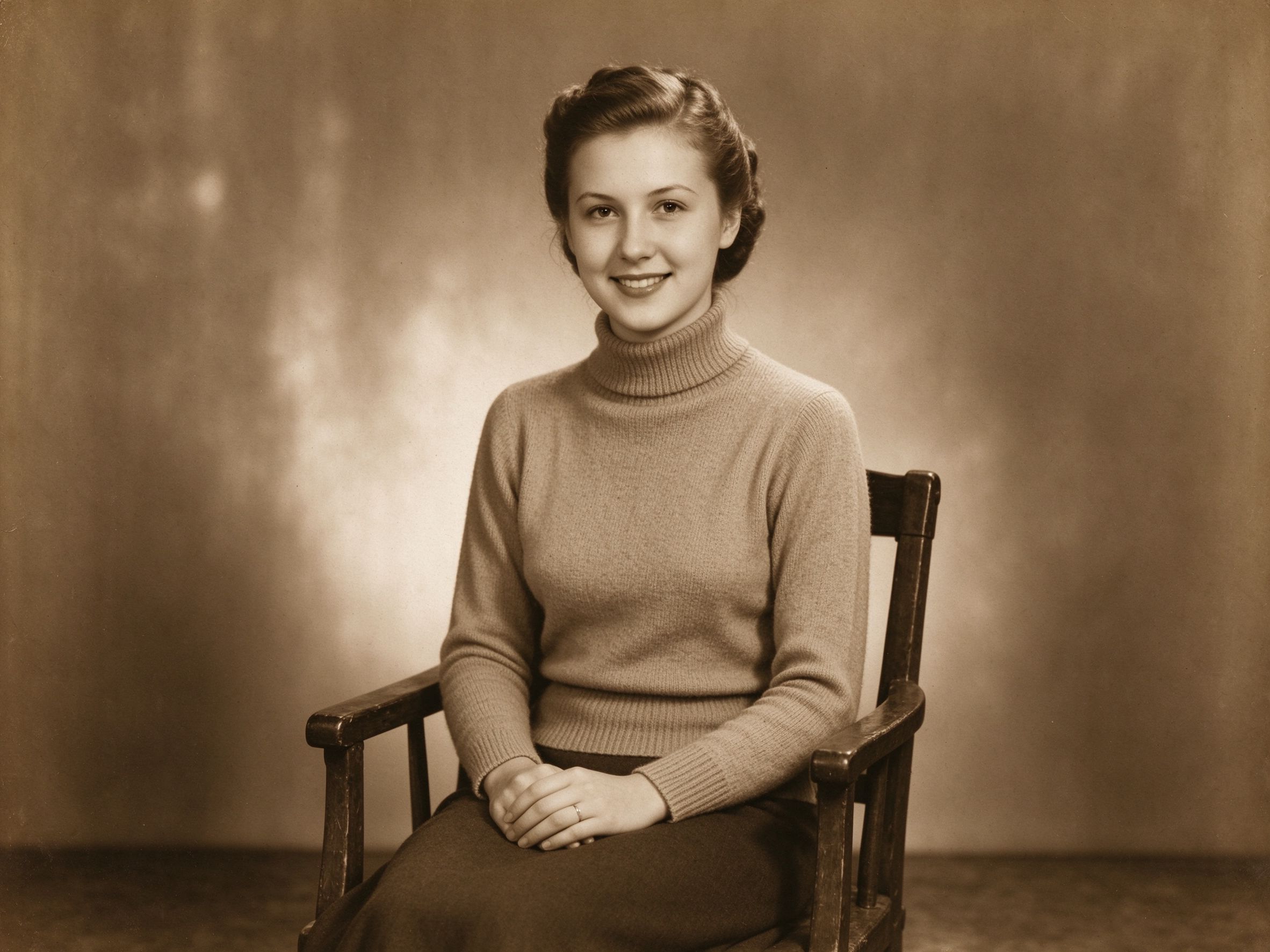
Sepia & Vintage Tone
Just the warm brown grade, without grain or vignette.
只要暖棕调色,不要颗粒与暗角。
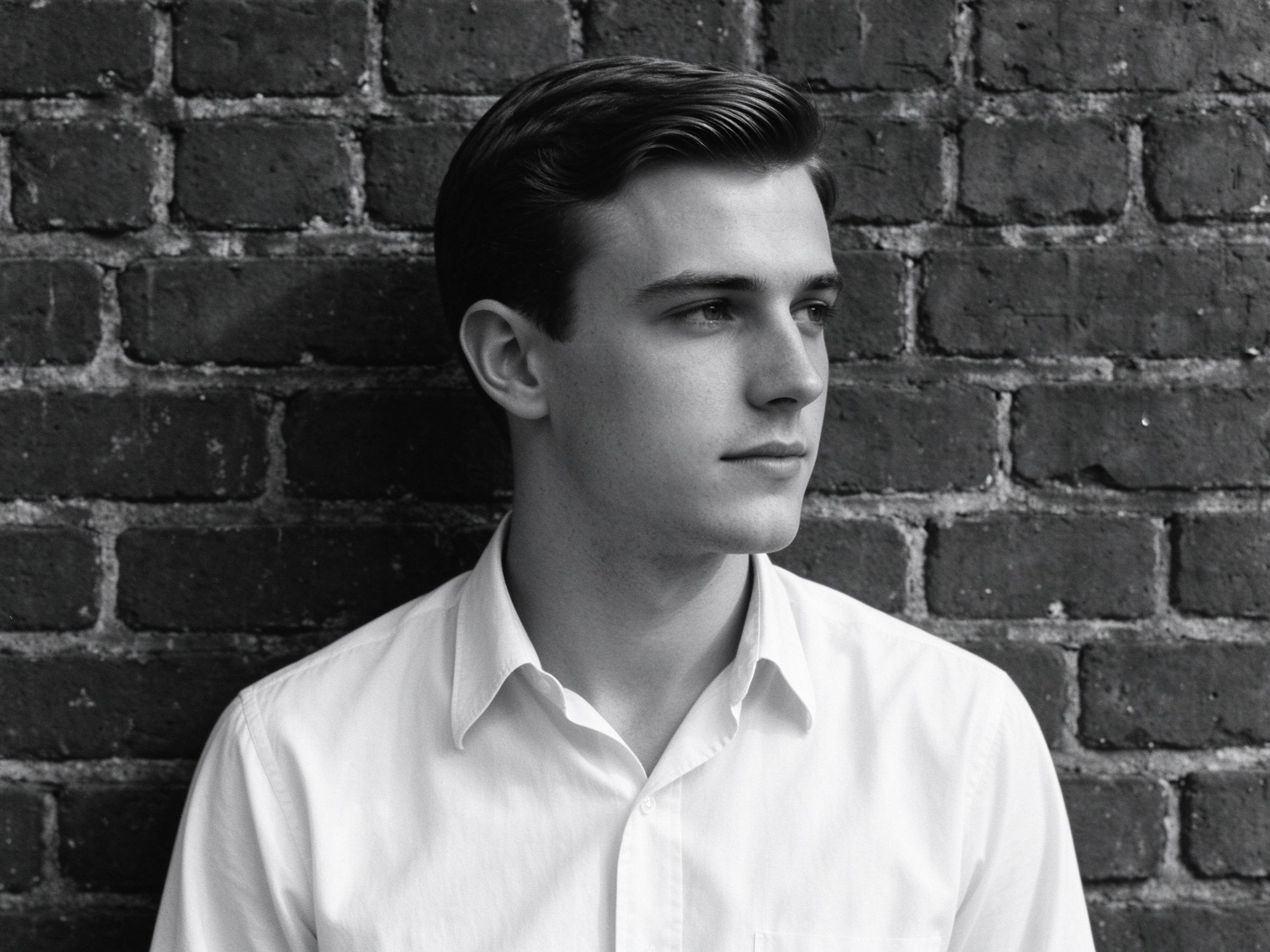
Black & White Converter
A great monochrome base for classic film looks.
经典胶片感的好黑白底子。
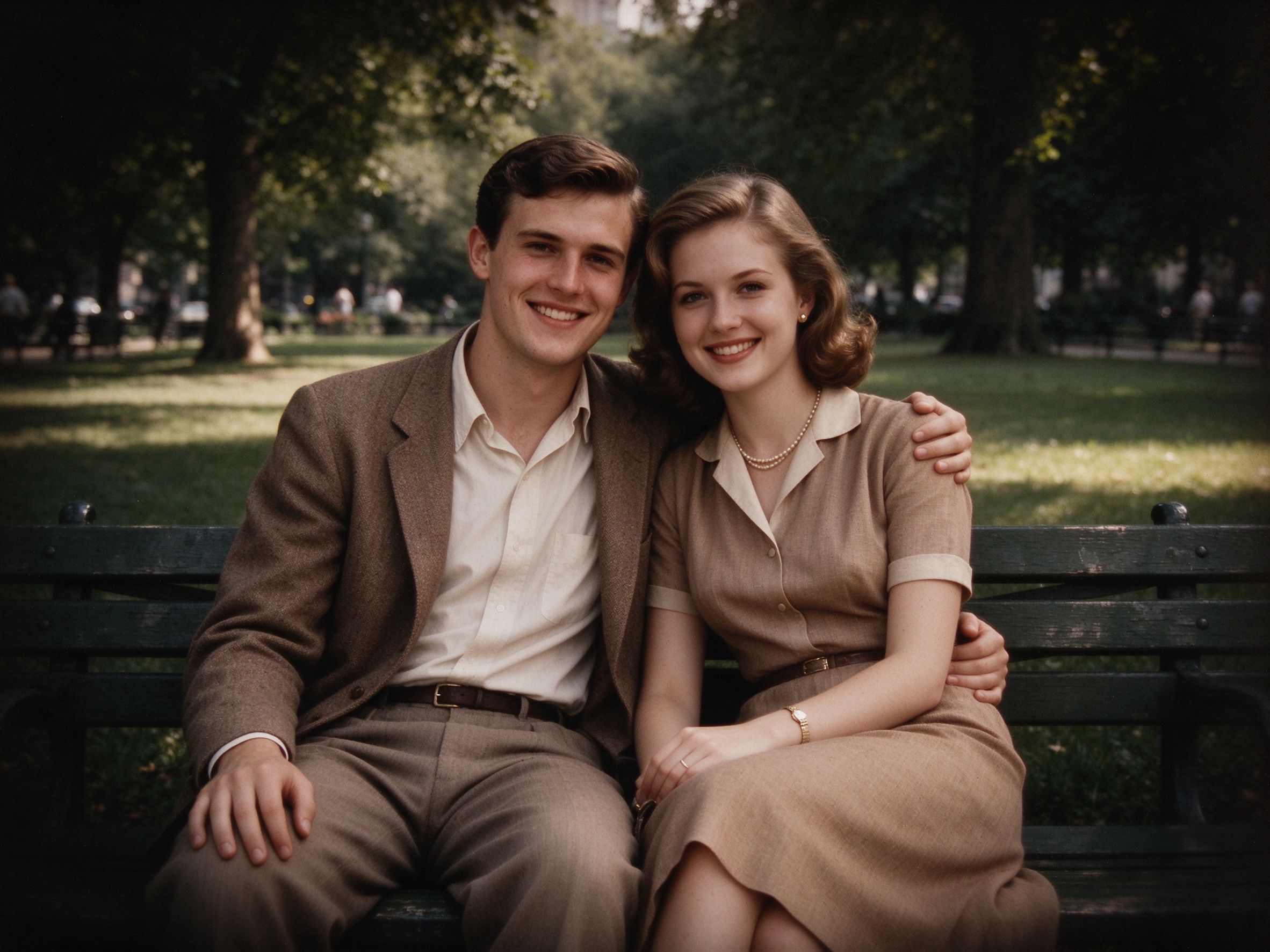
Vignette Effect
Standalone corner darkening with full strength and feather control.
独立暗角,强度与羽化完全可控。
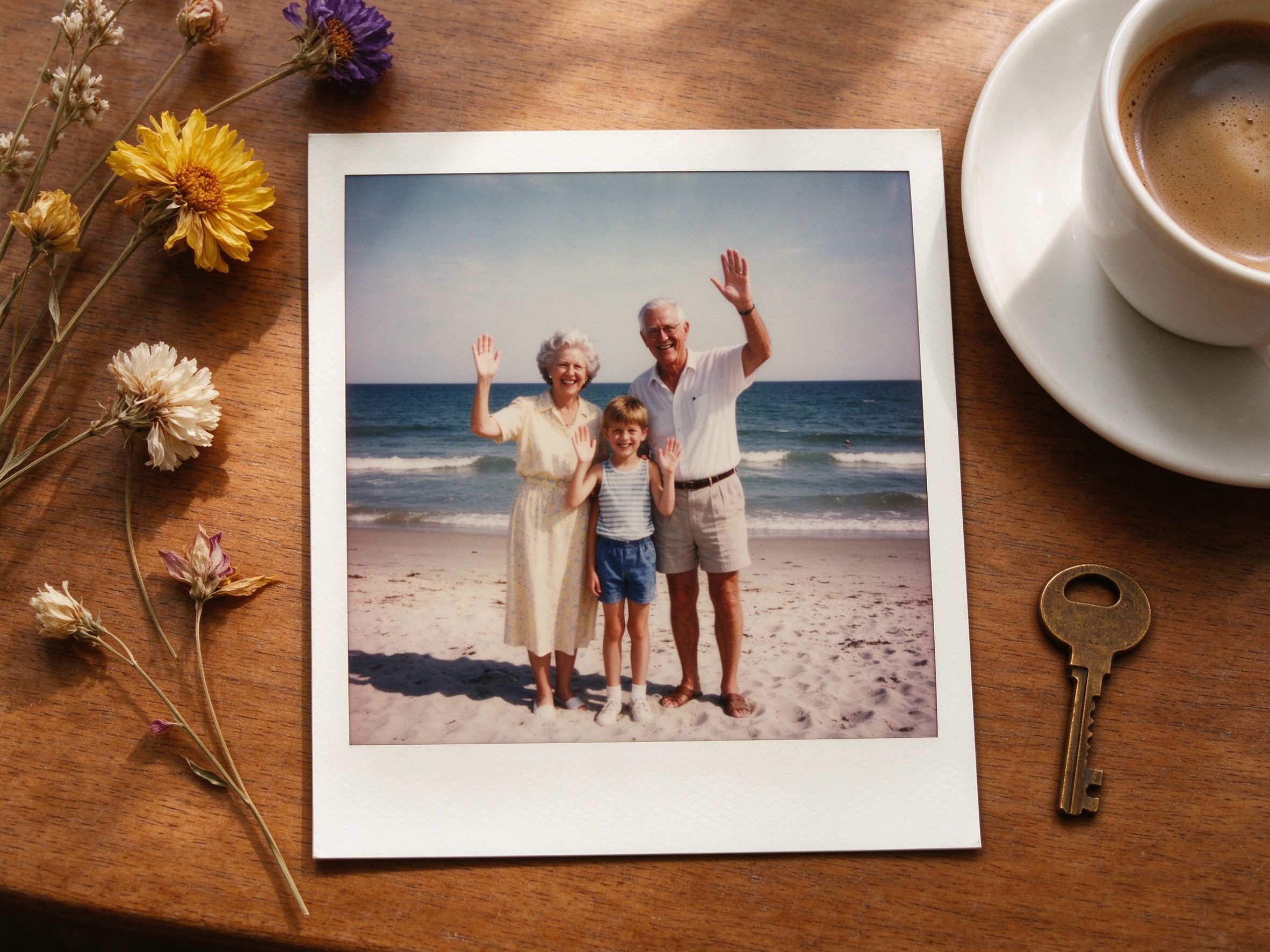
Vintage Frame
Add a polaroid paper border to your film still.
给电影剧照加上拍立得纸边框。
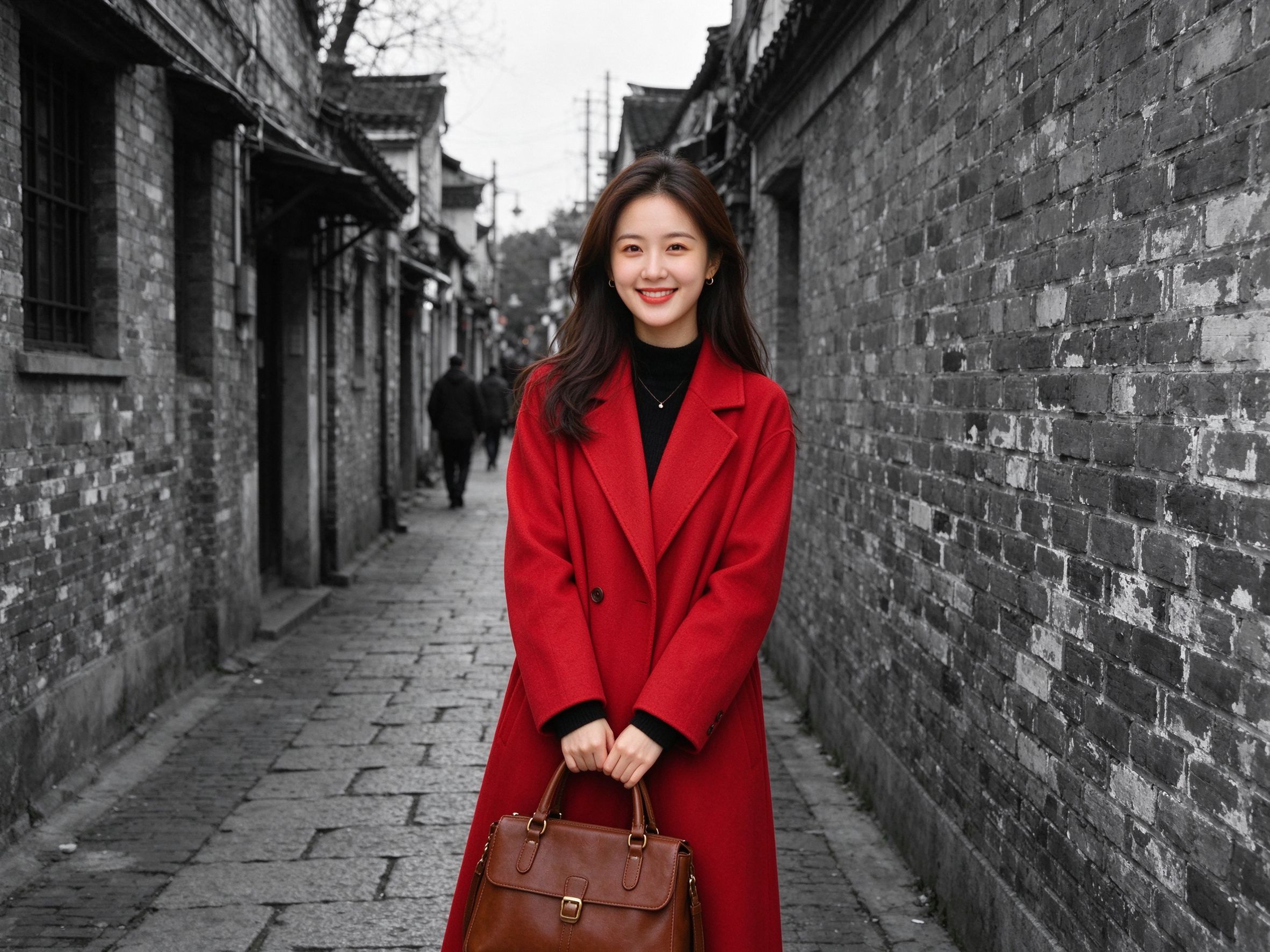
Color Pop
Keep one focal object colored inside the vintage grade.
在复古调色里让一处焦点保持彩色。
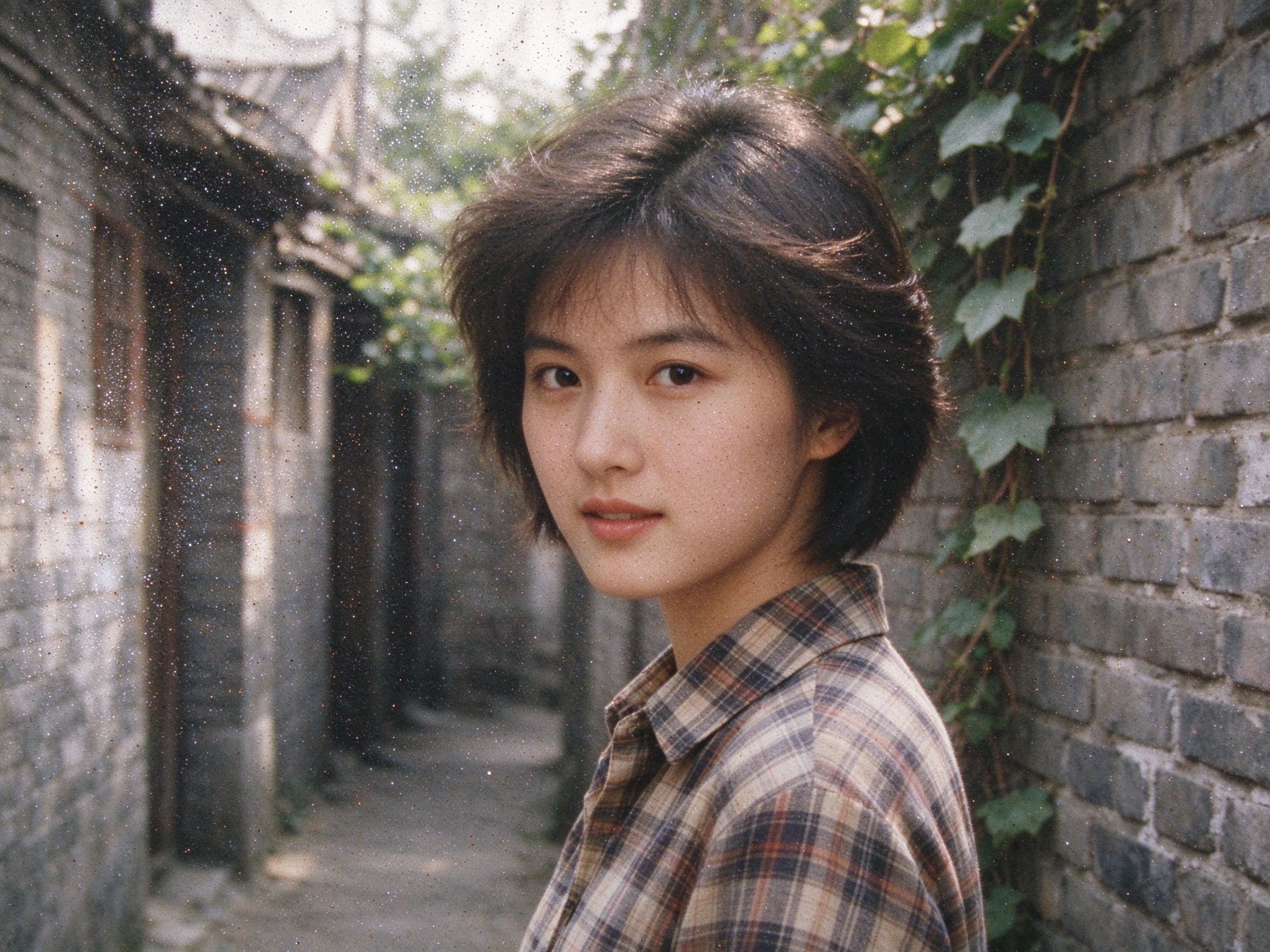
Photo Denoiser
Clean heavy noise first, then add controlled film grain.
先去掉重噪点,再加受控的胶片颗粒。
Related Guides
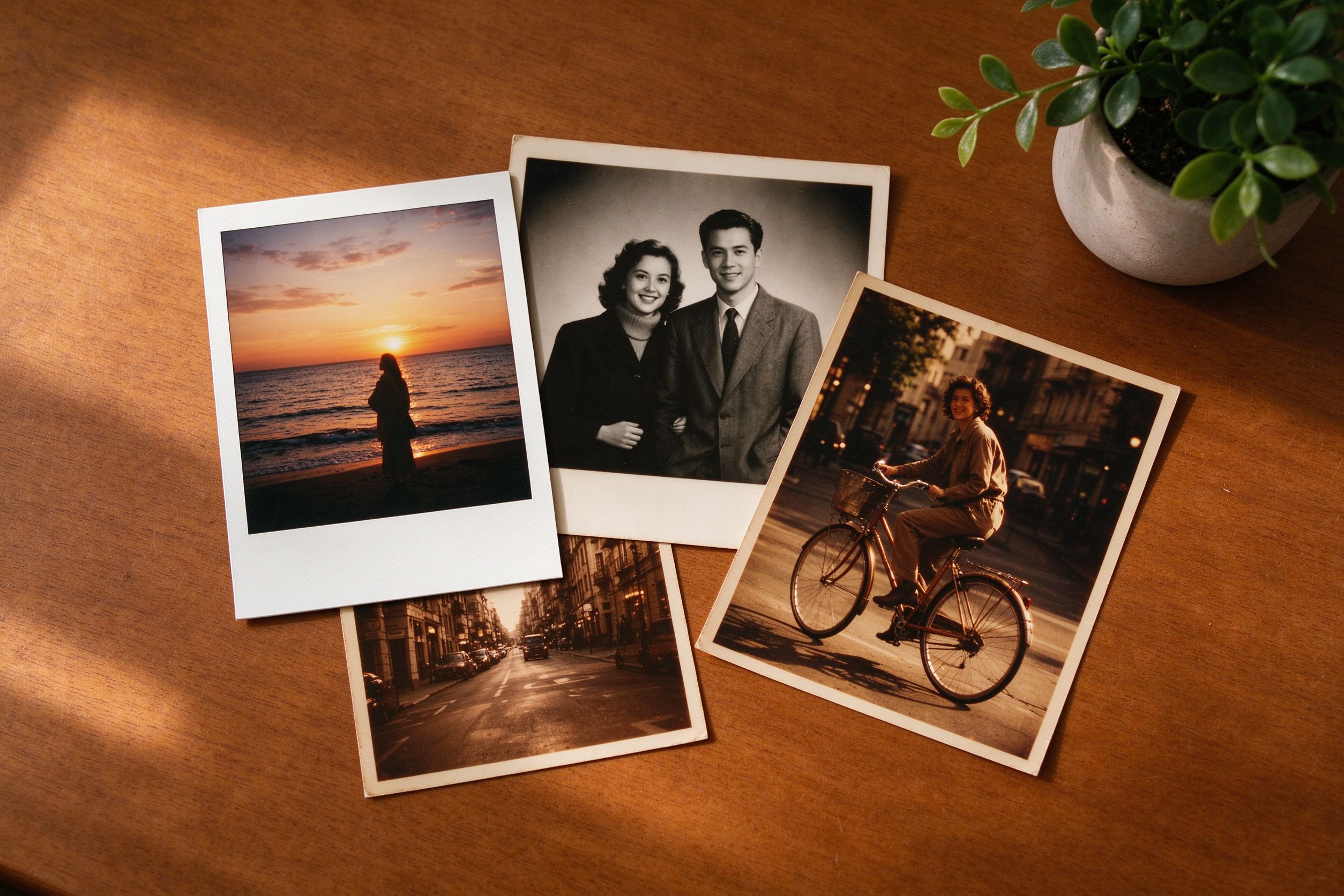
Creative Vintage Effects: Movie, Vignette & Frames
The complete playbook for combining film looks without overdoing it.
把胶片感组合得恰到好处的完整手册。
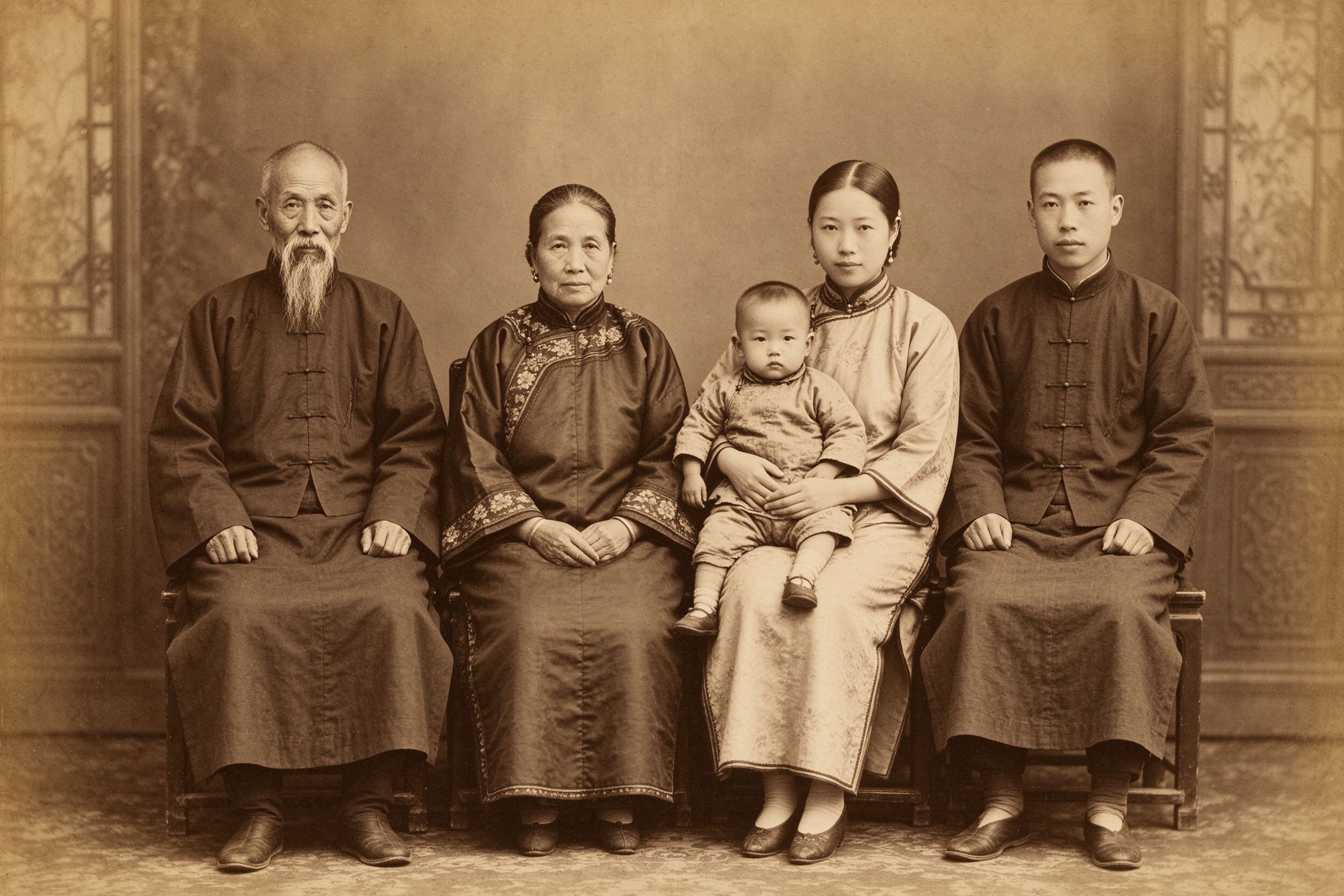
The Art of Sepia: Making Photos Look Truly Vintage
Understand the warm tone that drives this whole effect.
理解驱动整个效果的暖棕色调。
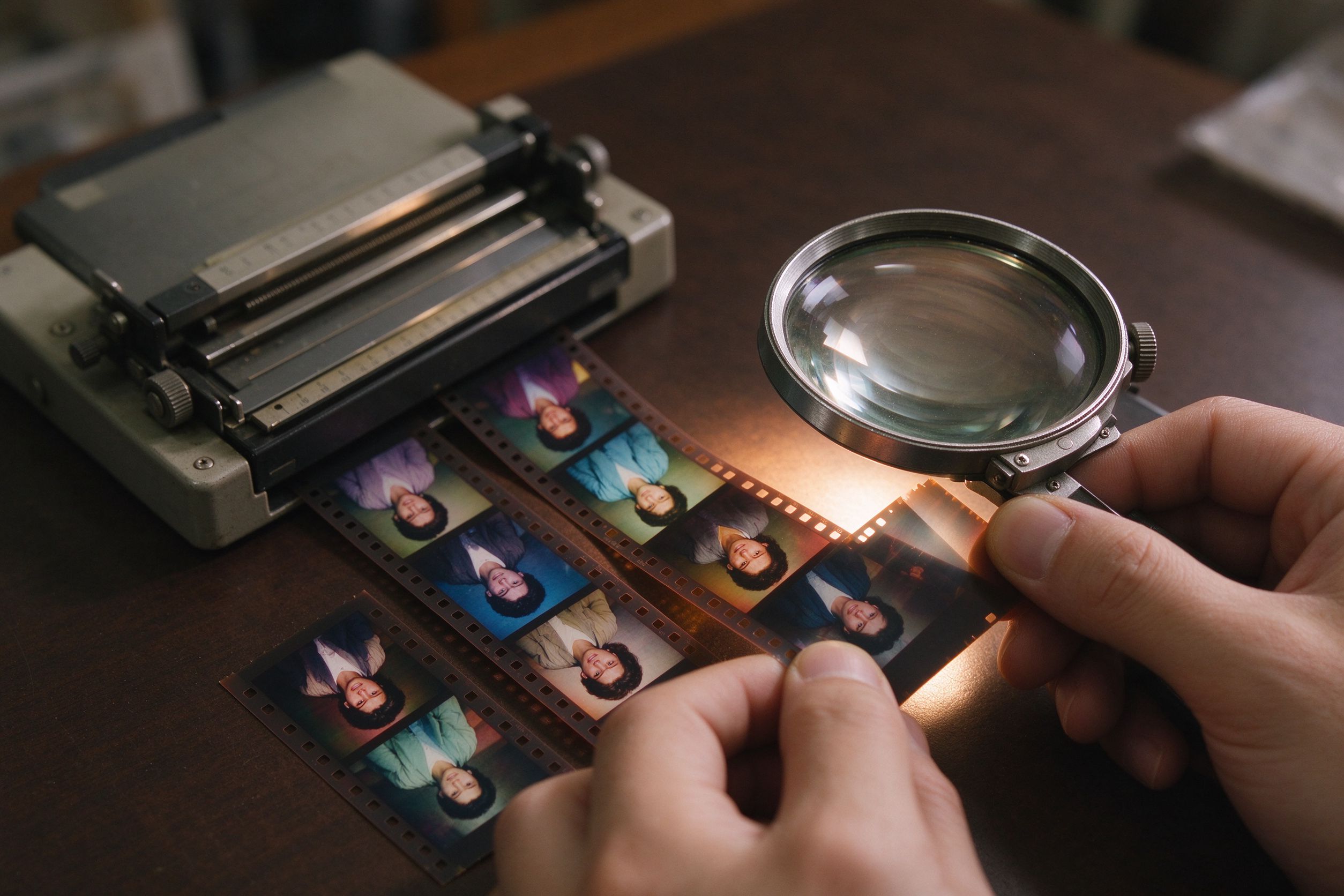
Film Scan Restoration: Dust, Grain & Color Shifts
Real film grain vs. digital noise — know the difference before styling.
真胶片颗粒与数码噪点的区别,风格化之前先搞懂。
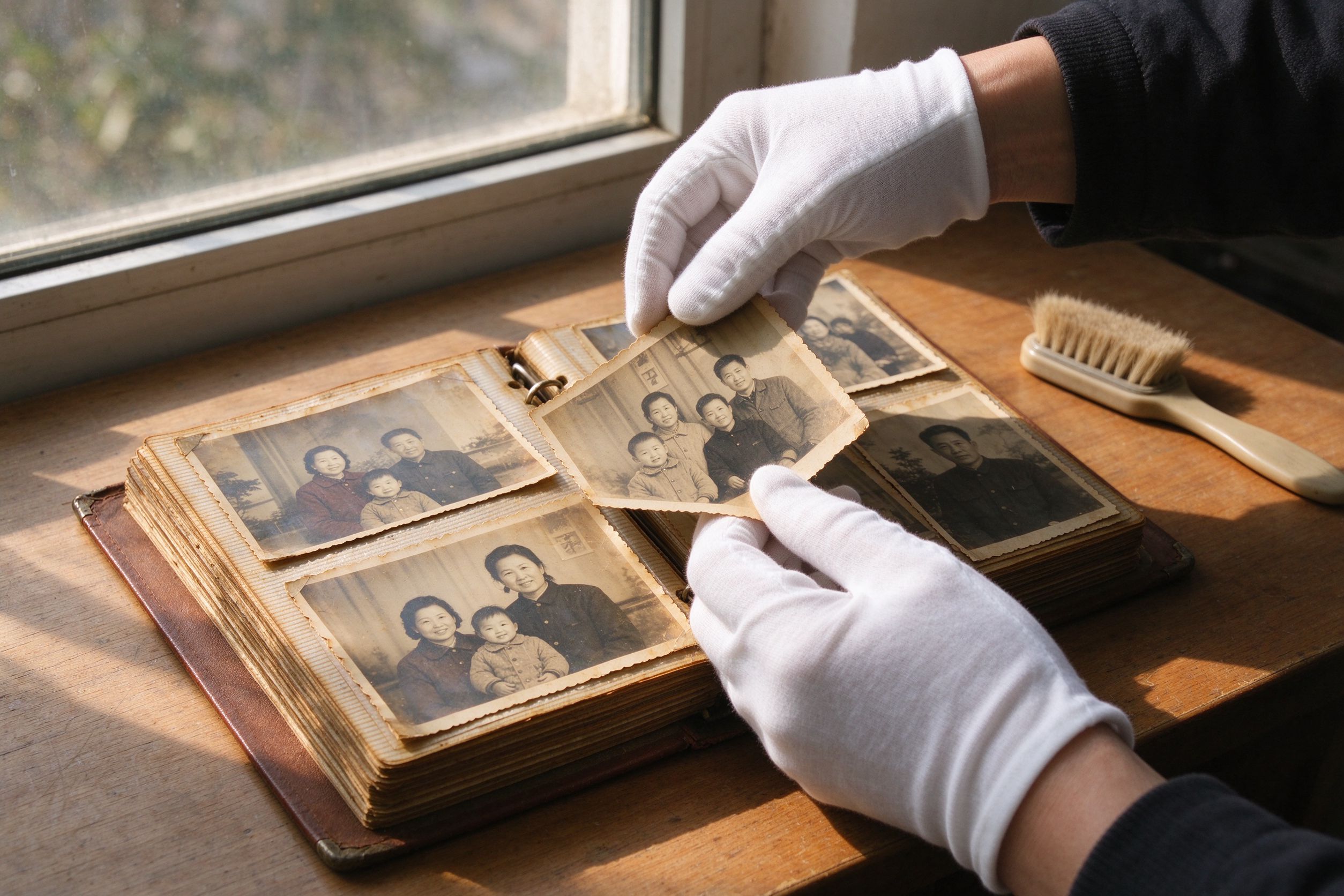
10 Photo Care Tips to Preserve Memories
Style is fun — but keeping the original print safe matters most.
风格化好玩,但保护好原始照片最重要。