Black & White Converter
Turn color photographs into rich, gallery-grade monochrome — and decide exactly how light the skin and how dark the sky go, with full channel mixing.
把彩色照片变成层次丰富的黑白作品——通过通道混合,精确控制肤色的明暗与天空的深浅。
Private by design — your photo is processed locally and never uploaded.Drop a photo here, or click to browse
Supported formats: JPG, PNG, WebP, GIF, BMP
Drag to compare
Tip: upload the largest scan you have — bigger input gives better results.
How It Works
A black-and-white photograph is not just a faded color photo: it is one brightness channel rebuilt from three. This tool measures the red, green and blue value of every pixel, then mixes them into a single gray level — and you choose the recipe, with live preview. Everything runs on your own device through the HTML5 Canvas API; your photo is never uploaded, stored or seen by anyone.
What the channel sliders do:
Channel mixing
Each slider controls how much that color contributes to the final gray. The defaults (30 / 59 / 11) reproduce the classic luminance curve human eyes are most sensitive to — green. Raise a channel to make everything of that hue lighter; lower it to push it darker.
Weights normalize automatically
The numbers are relative proportions, not absolute brightness. The engine renormalizes them to 100% behind the scenes, so you can push Red to 80 without crushing the rest of the image to black.
Portraits: lift the Red slider
Skin is warm — rich in red. Raising the Red channel lightens skin and soft freckles into luminous grays, the way soft portrait films render a face.
Landscapes: push Green and Blue
Green foliage separates beautifully when the Green weight is high, and a higher Blue weight turns pale skies into deep dramatic grays with clean clouds — the Ansel Adams look.
One-click classic preset
The "Classic B&W" button restores the industry-standard channel balance in a single click, before you start experimenting.
Fully local & private
No upload, no account, no watermark. Convert as many photos as you like, even after you go offline.
An honest note: this is a mathematical channel-mix filter applied to the pixels you already have. It cannot recover texture or detail that was never captured, and it does not add film grain, halation or a film contrast curve on its own — pair it with the Old Movie Effect or Vignette tool when you want that vintage character.
黑白照片不是「褪色的彩色照片」,而是由三个通道重新合成的一条亮度。本工具测量每个像素的红、绿、蓝值,再按你的配方混合成单一灰度——所有调节实时预览。全程通过 HTML5 Canvas API 在你的设备上完成,照片永远不会被上传、存储或被人看到。
通道滑杆的作用:
通道混合
每个滑杆控制对应颜色对最终灰度的贡献。默认值(30 / 59 / 11)还原了人眼最敏感的经典亮度曲线——绿色占主导。提高某一通道,该色相的物体就变亮;降低则变暗。
权重自动归一化
数字是相对比例而非绝对亮度。引擎会在幕后自动把它们归一化为 100%,所以你把红色拉到 80 也不会让画面其余部分全黑。
人像:提高红色
肤色偏暖、富含红色。提高红色通道能让皮肤与淡雀斑变成通透的灰色,正是柔和人像胶片的观感。
风光:推高绿与蓝
绿色通道高时,绿叶层次分明;蓝色通道高时,浅色天空变成深沉的灰、云朵干净突出——就是安塞尔·亚当斯式的风景黑白。
一键经典预设
点击「经典黑白」即可一键恢复业界标准的通道平衡,再开始自由实验。
完全本地、隐私安全
不上传、不注册、无水印。想转多少张就转多少张,断网也能用。
诚实说明:这是一个作用于现有像素的数学通道混合滤镜。它无法恢复从未被拍下的纹理与细节,本身也不添加胶片颗粒、光晕或胶片对比度曲线——想要复古胶片质感,请配合「老电影效果」或「暗角」工具。
How to Use
- Upload a color photoDrag the photo into the drop zone or click to browse. JPG, PNG, WebP, GIF and BMP are supported — a high-resolution scan converts to much richer grays.
- Start from the classic presetClick "Classic B&W" to get the standard 30 / 59 / 11 channel balance as a neutral starting point.
- Mix the channels for your subjectFor portraits, raise Red to lighten skin; for landscapes, raise Green for foliage and Blue to darken the sky. Watch the before/after slider as you go.
- Download your monochromeExport as PNG for archiving, JPG for sharing, or WebP for the smallest file.
- 上传一张彩色照片拖入或点击选择。支持 JPG、PNG、WebP、GIF、BMP——高分辨率扫描件能转换出层次丰富得多的灰阶。
- 从经典预设开始点击「经典黑白」,得到标准的 30 / 59 / 11 通道平衡作为中性起点。
- 按主体混合通道人像就提高红色让皮肤变亮;风光就提高绿色表现枝叶、提高蓝色压暗天空。边调边看前后对比滑块。
- 下载黑白作品存档导出 PNG,分享用 JPG,追求小体积用 WebP。
FAQ
Why does my sky turn into flat gray?
Why does skin look too dark or muddy?
What do the 30 / 59 / 11 numbers actually mean?
Can this add film grain or contrast to my black and white?
Is my photo uploaded to a server?
Is it really free and unlimited?
为什么天空变成了平板的灰色?
为什么皮肤显得太暗、太脏?
30 / 59 / 11 这些数字到底是什么意思?
它能给黑白照片加胶片颗粒或对比度吗?
我的照片会被上传到服务器吗?
真的免费且不限次数吗?
Related Tools
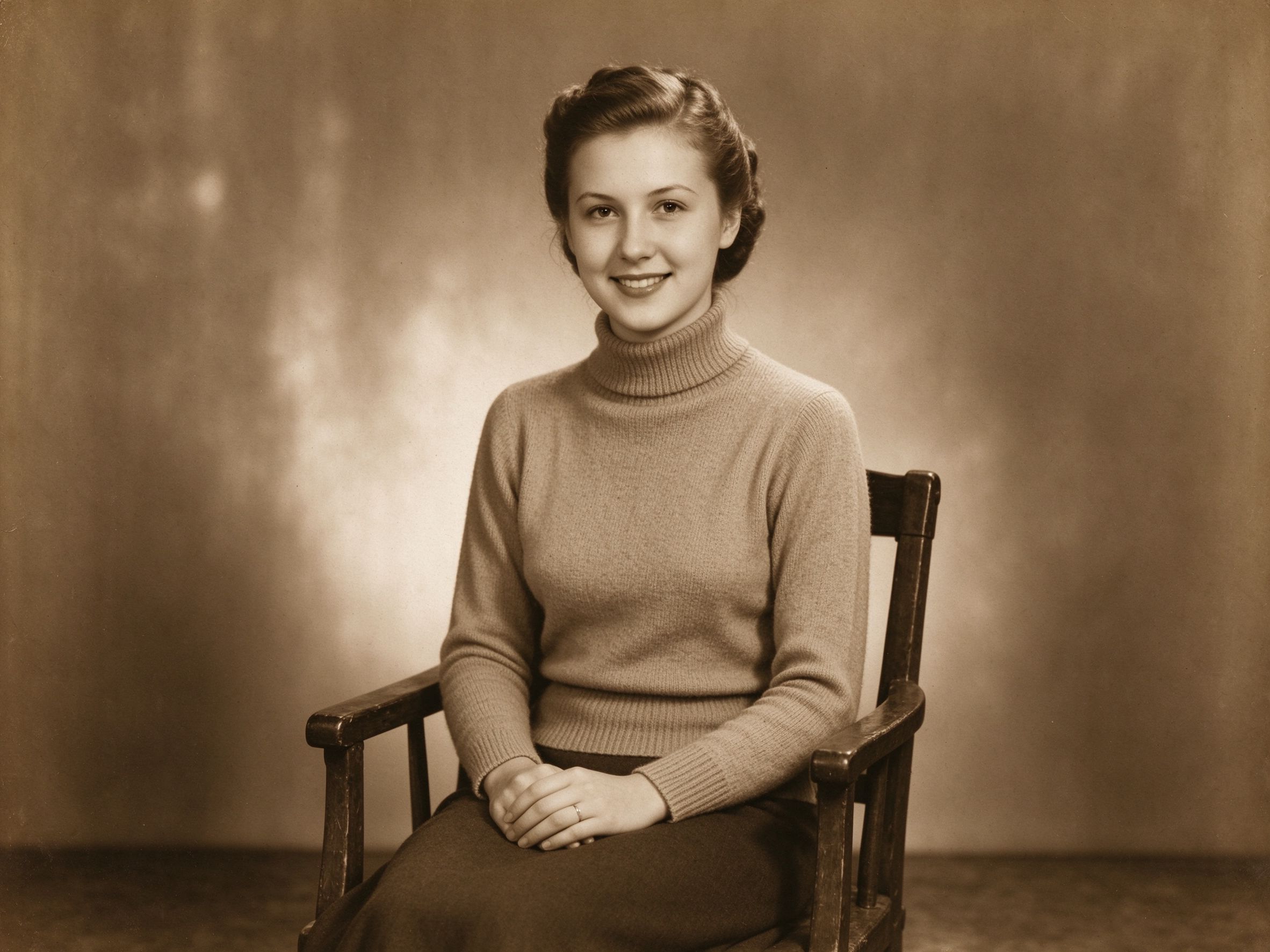
Sepia & Vintage Tone
Give photos a warm, aged sepia finish with adjustable intensity.
用可调强度为照片铺上温暖的怀旧褐色调。
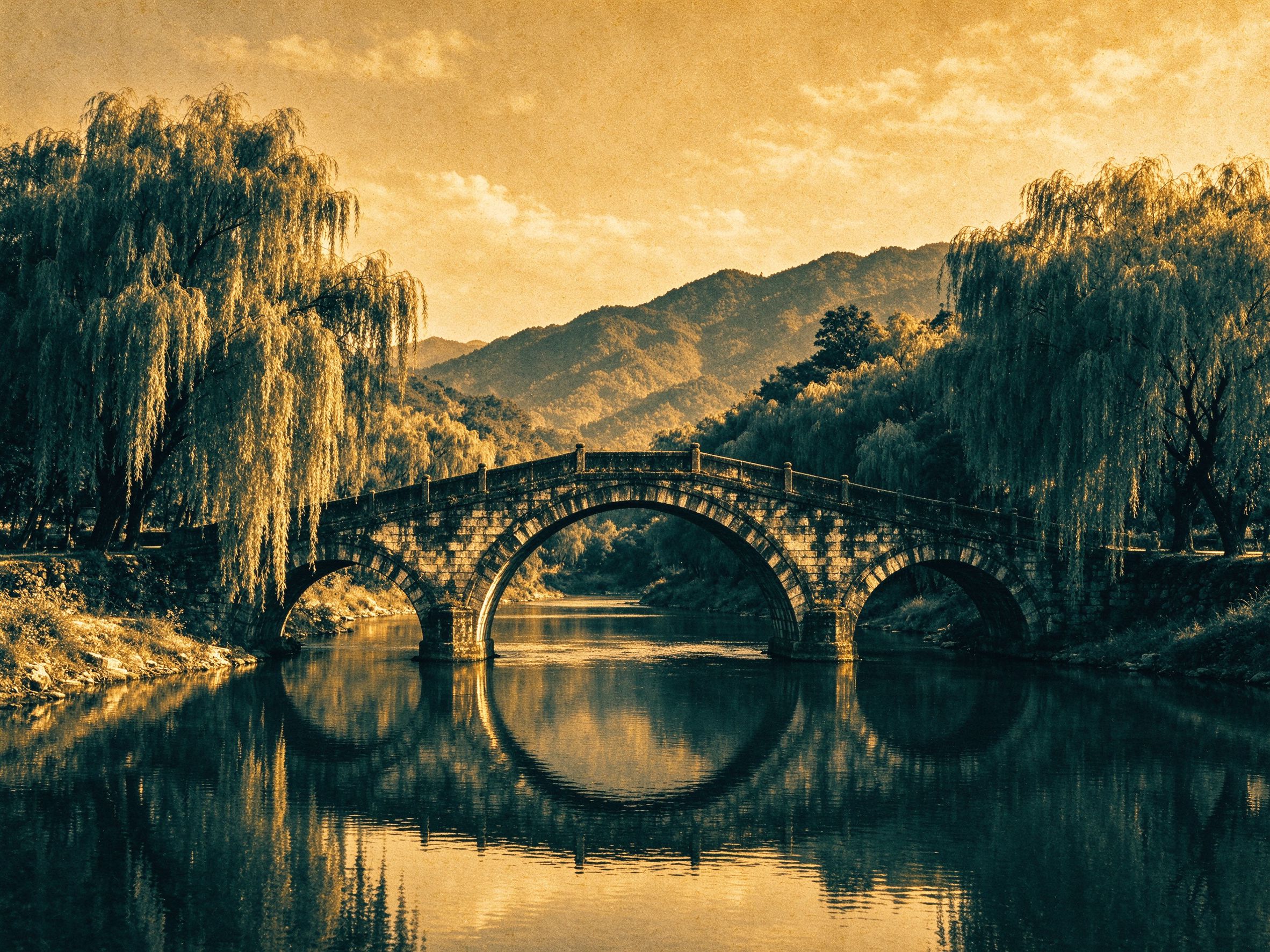
Duotone Generator
Map your photo's tones between any two custom colors.
把照片影调映射到你自选的两种颜色之间。
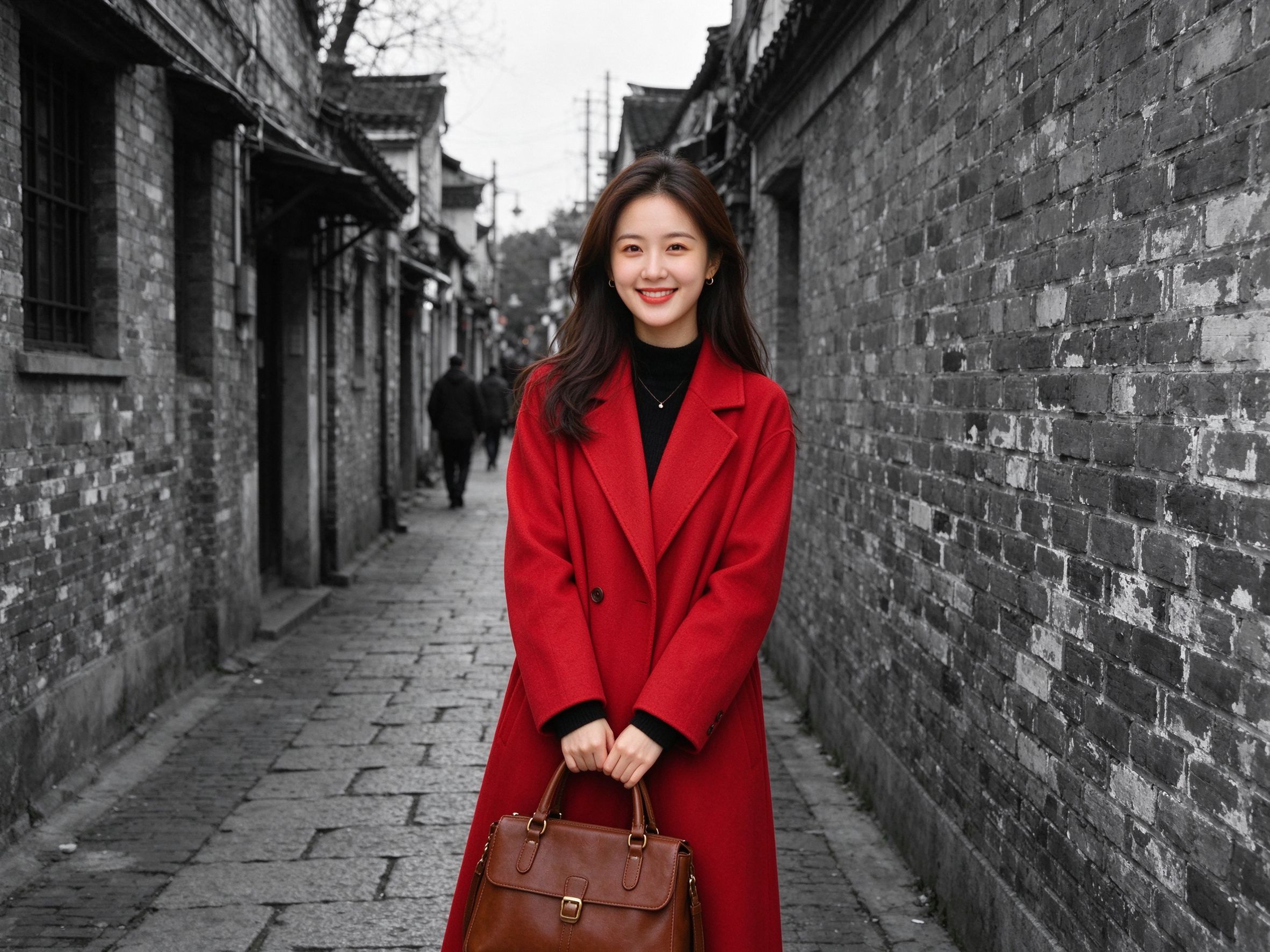
Color Pop
Keep one focal subject in color while the rest fades to monochrome.
让焦点主体保持彩色,其余部分褪为黑白。
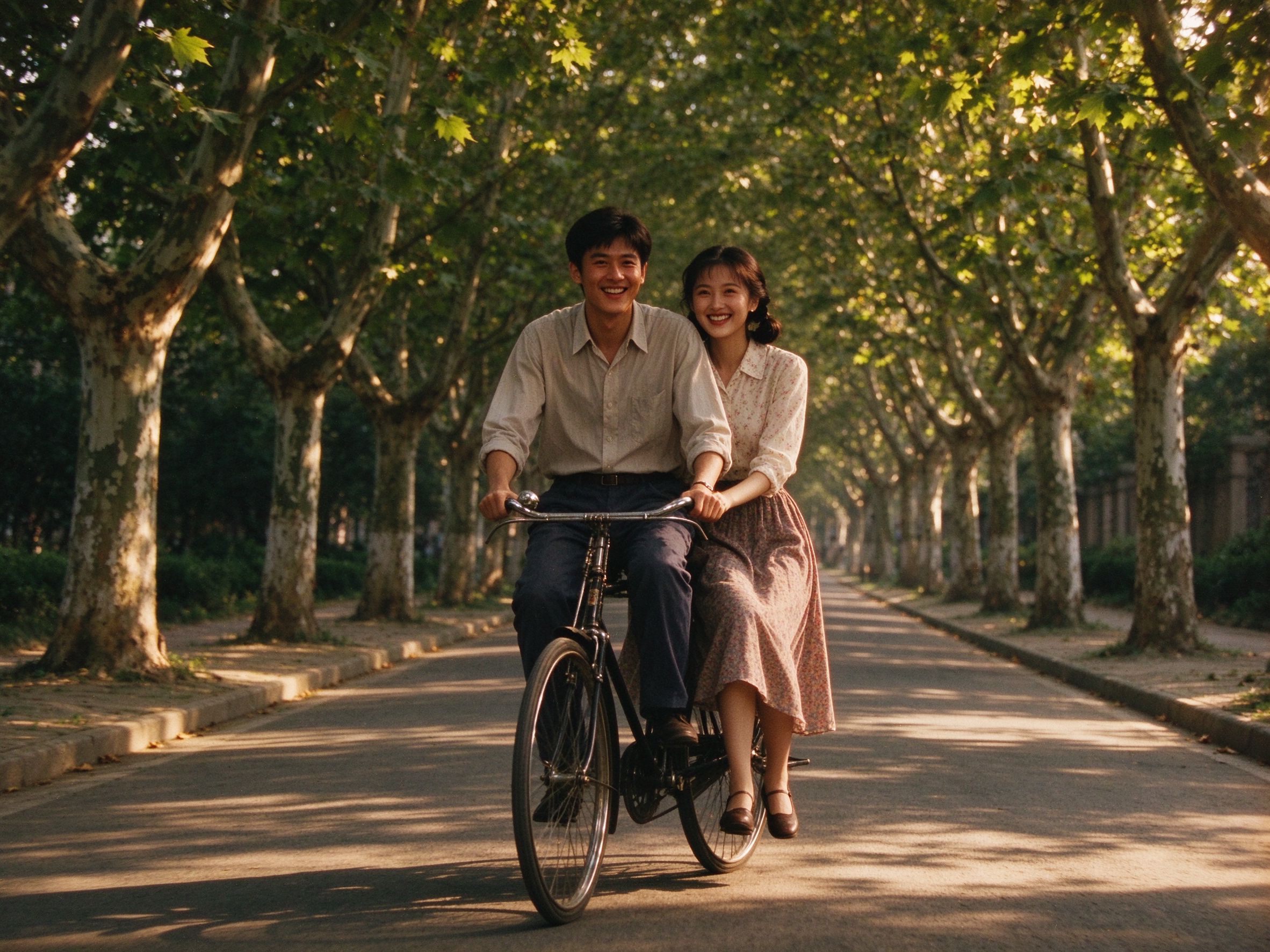
Old Movie Effect
Layer sepia, grain and vignette for a vintage film look.
叠加褐色、颗粒与暗角,打造复古胶片质感。
Vignette Effect
Darken the edges to guide the eye toward your subject.
压暗画面边缘,让视线聚焦主体。
Photo Sharpener
Recover crisp edge detail after converting to monochrome.
转黑白后恢复清晰锐利的边缘细节。
Related Guides
How to Convert Old Photos to Black and White Properly
Master channel mixing, contrast and tonal separation for true monochrome.
掌握通道混合、对比度与影调分离,做出真正的黑白。
The Art of Sepia: Making Photos Look Truly Vintage
Understand why sepia works and how to apply it without looking fake.
理解棕褐色调为何耐看,以及如何用得不假。
Creative Vintage Effects: Movie, Vignette & Frames
Combine B&W, grain, vignette and frames into a cohesive look.
把黑白、颗粒、暗角与边框组合成统一风格。
Film Scan Restoration: Dust, Grain & Color Shifts
Get monochrome film scans clean and toned the right way.
让胶片扫描件干净、影调到位。