Image Compressor
Shrink photos for the web and email while watching the exact before/after file size — quality slider plus an optional max-width, all in your browser.
为网页与邮件压缩照片,实时查看压缩前后的精确体积——质量滑杆加可选最大宽度,全在浏览器完成。
Private by design — your photo is processed locally and never uploaded.Drop a photo here, or click to browse
Supported formats: JPG, PNG, WebP, GIF, BMP
Drag to compare
Tip: PNG output stays lossless (the quality slider won't shrink it); choose JPG or WebP to actually reduce size.
提示:PNG 输出无损(质量滑杆无法压缩它);要真正减小体积请选 JPG 或 WebP。
How It Works
The Image Compressor draws your photo onto a canvas, optionally scales it down to a max width, then re-encodes it as JPG or WebP at the quality you choose. It measures the result from the encoded data and shows the real file size and the percentage you saved — all on your device.
Quality slider
Lower quality = smaller file. Around 75–85 keeps photos looking crisp on the web while cutting size dramatically.
Max width
Set a long-edge cap (e.g. 1600px) to shrink oversized scans. 0 keeps the original dimensions.
Honest size readout
You see the original bytes, the compressed bytes and the savings percent before you download.
Fully local
Compression runs in your browser with the Canvas API. Photos are never uploaded or stored.
An honest note: compression is lossy (except PNG). Pushing quality very low or shrinking a small image too far will introduce visible blockiness or softness. Keep the quality at 70–85 for most web use, and always keep an uncompressed master copy of your original.
Image Compressor 把照片绘到画布上,可选地缩放到指定最大宽度,再按你选的质量重新编码为 JPG 或 WebP。它根据编码后的数据测量结果,显示真实文件体积与节省百分比——全程在你的设备上完成。
质量滑杆
质量越低体积越小。约 75–85 在网页上依然清晰,同时大幅减小体积。
最大宽度
给长边设上限(如 1600 像素)缩小过大扫描件;填 0 保持原尺寸。
诚实的体积读数
下载前就能看到原始体积、压缩后体积与节省百分比。
完全本地
压缩在浏览器中通过 Canvas API 完成,照片绝不上传或存储。
诚实说明:压缩是有损的(PNG 除外)。质量压得过低,或把小图缩得太小,会出现明显色块或发虚。一般网页用途保持质量 70–85,并务必保留一份未压缩的原始母版。
How to Use
- Upload the photoDrop it in or click to browse. The tool reads its exact original file size.
- Lower the qualityDrag the slider toward 75–85 and watch the compressed size drop. Add a max width for very large scans.
- Check the savingsRead the original vs compressed size and the savings percentage; drag to compare visual quality.
- DownloadSave the smaller JPG or WebP. Keep your original master untouched.
- 上传照片拖入或点击选择,工具会读取它精确的原始文件体积。
- 调低质量把滑杆拖到 75–85,观察压缩后体积下降;超大扫描件再加最大宽度。
- 查看节省对比原始与压缩体积及节省百分比,用滑块检查画质。
- 下载保存更小的 JPG 或 WebP,原始母版保持不动。
FAQ
Does compressing my photo upload it?
How much can I shrink a photo?
Why is PNG not getting smaller?
Will compression hurt my photo?
Which format should I download?
压缩照片会上传它吗?
照片能缩小多少?
为什么 PNG 没有变小?
压缩会损伤照片吗?
该下载哪种格式?
Related Tools
Batch Converter
Apply the same compression and format to many photos at once.
对多张照片统一压缩与转格式。
Photo Resizer
Scale to exact pixels before you compress for the web.
网页压缩前先缩放到精确像素。
Photo Cropper
Crop away empty space to cut down the file size.
裁掉多余空间以减小文件体积。
Faded Photo Fixer
Enhance first, then export a compressed web copy.
先增强,再导出压缩后的网页副本。
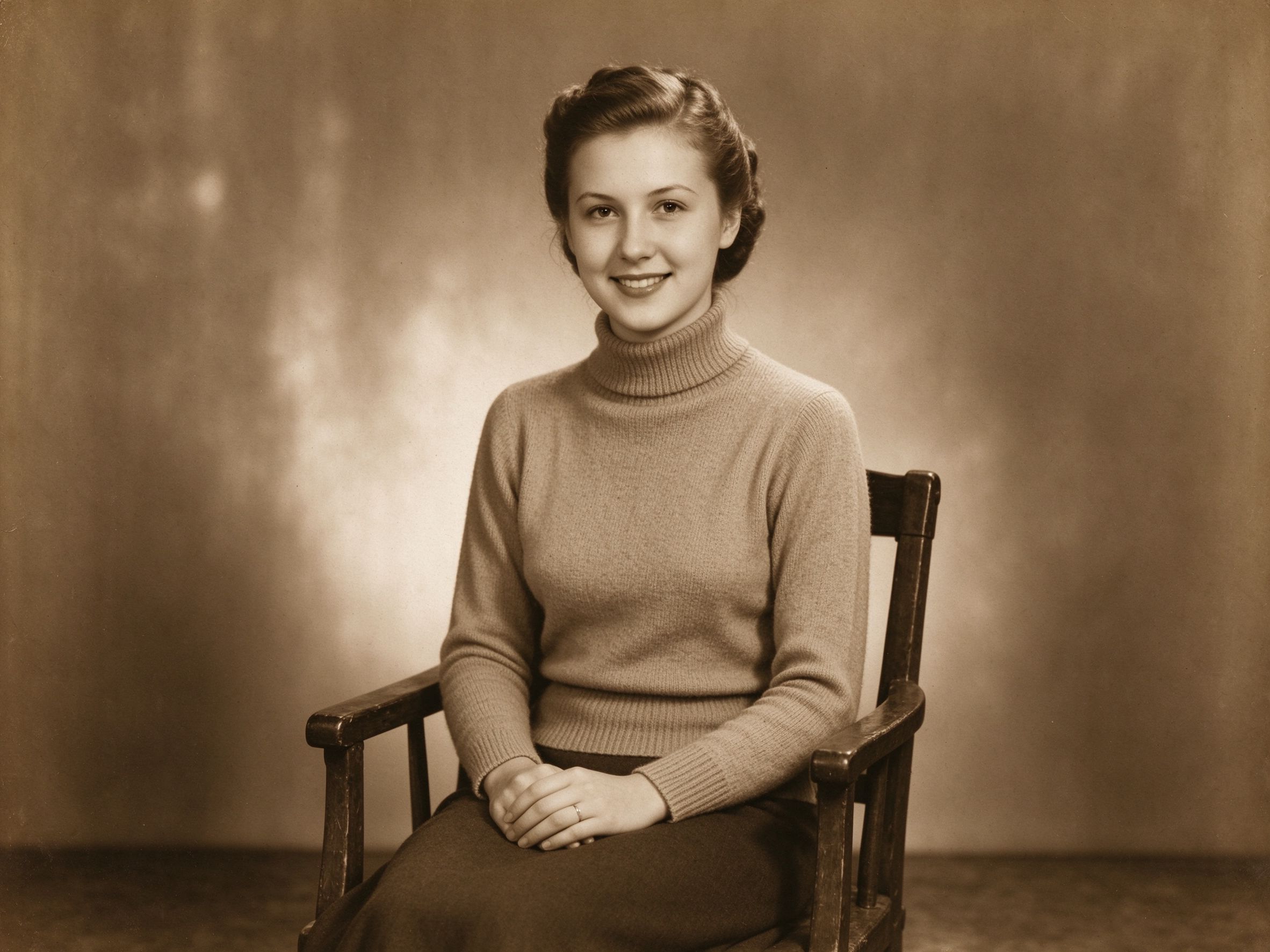
Sepia & Vintage Tone
Apply a look, then compress for sharing.
先调色,再压缩用于分享。

Old Movie Effect
Style a photo, then make a small shareable file.
先做风格,再生成小巧的分享文件。
Related Guides
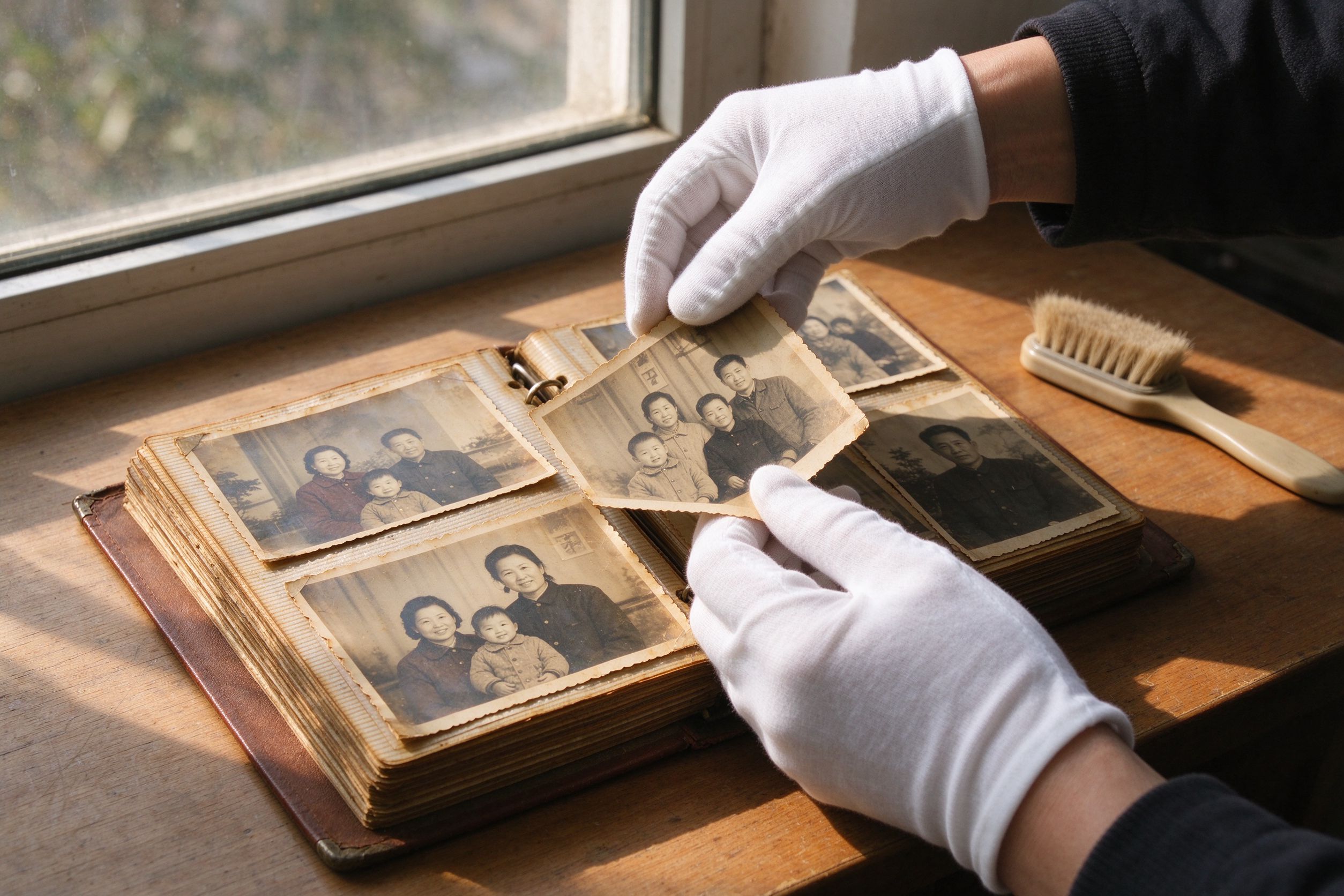
10 Photo Care Tips
Archive masters carefully, compress only the web copies.
妥善归档母版,只压缩网页副本。
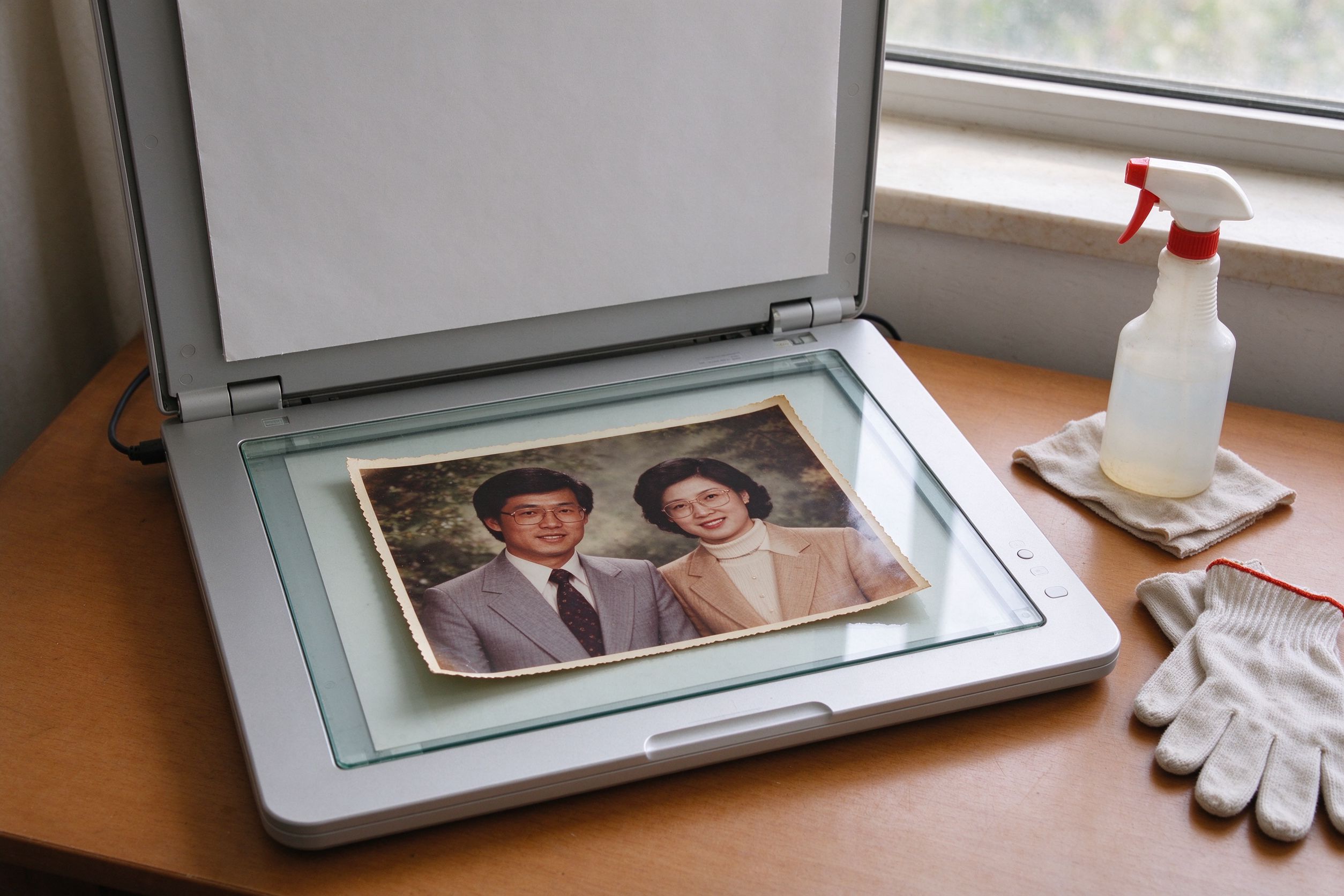
Scanning Old Photos
Scan high, compress the shareable version down.
高分辨率扫描,再压缩分享版本。
Privacy-First Editing
Why compressing locally beats uploading to a web tool.
为什么本地压缩胜过上传到网页工具。
Film Scan Restoration
Tame huge film-scan files for the web.
把巨大的胶片扫描文件压到适合网页。