Vintage Frame
Slide your photo into a polaroid-style instant frame — pick the paper color, write a caption on the bottom border, and export the whole keepsake.
把照片放进拍立得风格的即时相框——选择相纸颜色,在底边写一句说明,导出完整的纪念相。
Private by design — your photo is processed locally and never uploaded.Drop a photo here, or click to browse
Supported formats: JPG, PNG, WebP, GIF, BMP
Drag to compare
Tip: export as PNG to keep the paper border crisp, or JPG if you will share it on social feeds.
提示:导出 PNG 让相纸边框更干净;若要发社交平台可用 JPG。
How It Works
The Vintage Frame tool builds a brand-new canvas the size of your photo plus a polaroid-style border, fills it with the paper color you pick, draws your photo into the window in the middle, and renders your caption in the wide bottom strip. The whole keepsake is one image you can download.
Instant-film proportions
Equal side margins, a slim top margin and a wide bottom margin that mimics the classic instant-photo look.
Three paper tones
Bright white for a clean modern print, warm cream for an aged feel, or light gray for a neutral matte look.
Your caption, centered
Type any note — names, a date, a place — and it is typeset in the bottom border in both Latin and CJK scripts.
Fully local
The frame is drawn on your device with the Canvas API. Your photo and its caption never leave your computer.
An honest note: this adds a decorative border around the photo; it does not improve the photo itself. Crop or restore your image first, then frame it. The frame is a flat graphic treatment, not a physical texture or shadow.
Vintage Frame 新建一块画布,尺寸为你的照片加上拍立得风格边框:填入所选相纸颜色,把照片画进中央窗口,并在宽阔的底边排上你的说明文字。整张纪念相是一张可下载的图片。
即时胶片比例
左右边距相等、上边距较窄、底边距较宽,还原经典即时照片的样子。
三种相纸色
亮白=干净现代,米色=年代感,浅灰=中性哑光。
居中说明文字
写下任何注释——姓名、日期、地点——会以居中方式排在底边,兼容中英文。
完全本地
相框在你的设备上用 Canvas API 绘制,照片与文字都不离开电脑。
诚实说明:它只是在照片外加装饰边框,不会改善照片本身。请先裁切或修复照片,再加相框。边框是平面图形处理,并非实体纸张纹理或投影。
How to Use
- Upload the photo to frameDrop it in or click to browse. Portrait and landscape both fit the instant-film layout.
- Pick a paper colorChoose white, cream or light-gray swatch; the preview updates instantly.
- Write a captionType a name, date or place. It appears centered on the bottom border and wraps if long.
- Download the framed photoExport the complete polaroid as PNG, JPG or WebP — border and caption included.
- 上传要装框的照片拖入或点击选择。横竖图都能适配即时相框布局。
- 选择相纸颜色点选白、米白或浅灰色块,预览即时更新。
- 写说明文字输入姓名、日期或地点,居中显示在底边,过长自动换行。
- 下载装框照片导出完整拍立得(含边框与文字)为 PNG、JPG 或 WebP。
FAQ
What does the exported file look like?
Can I leave the caption blank?
Does the frame lower my photo quality?
Is my photo and caption uploaded?
Can I change the border thickness?
导出的文件长什么样?
可以不写说明文字吗?
相框会降低照片质量吗?
照片和文字会被上传吗?
可以改边框粗细吗?
Related Tools
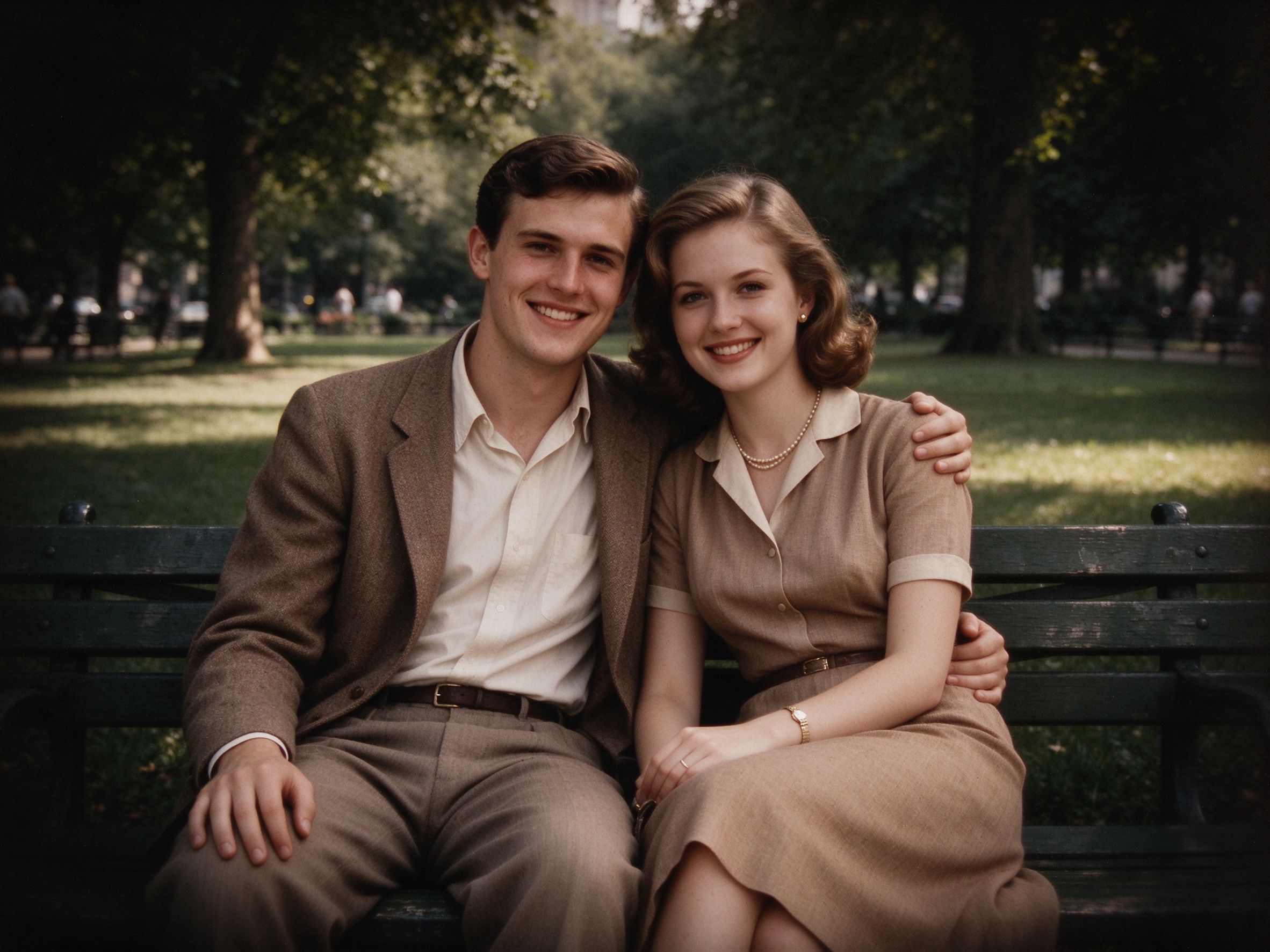
Vignette Effect
Add a soft vignette before you put the photo in its frame.
装框之前先加柔和暗角。
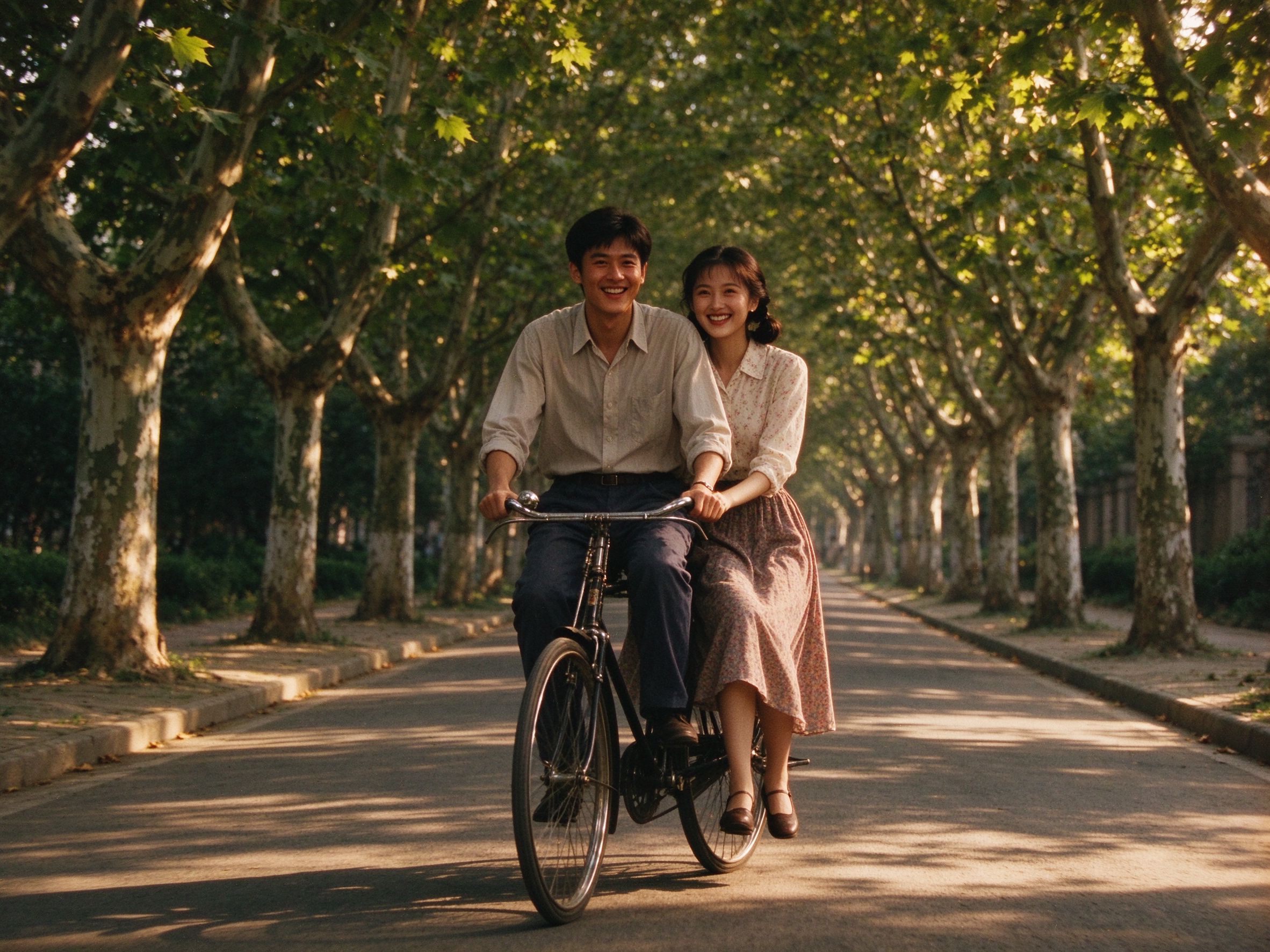
Old Movie Effect
Give the photo a warm grainy look before framing it.
装框前先加暖色颗粒电影感。
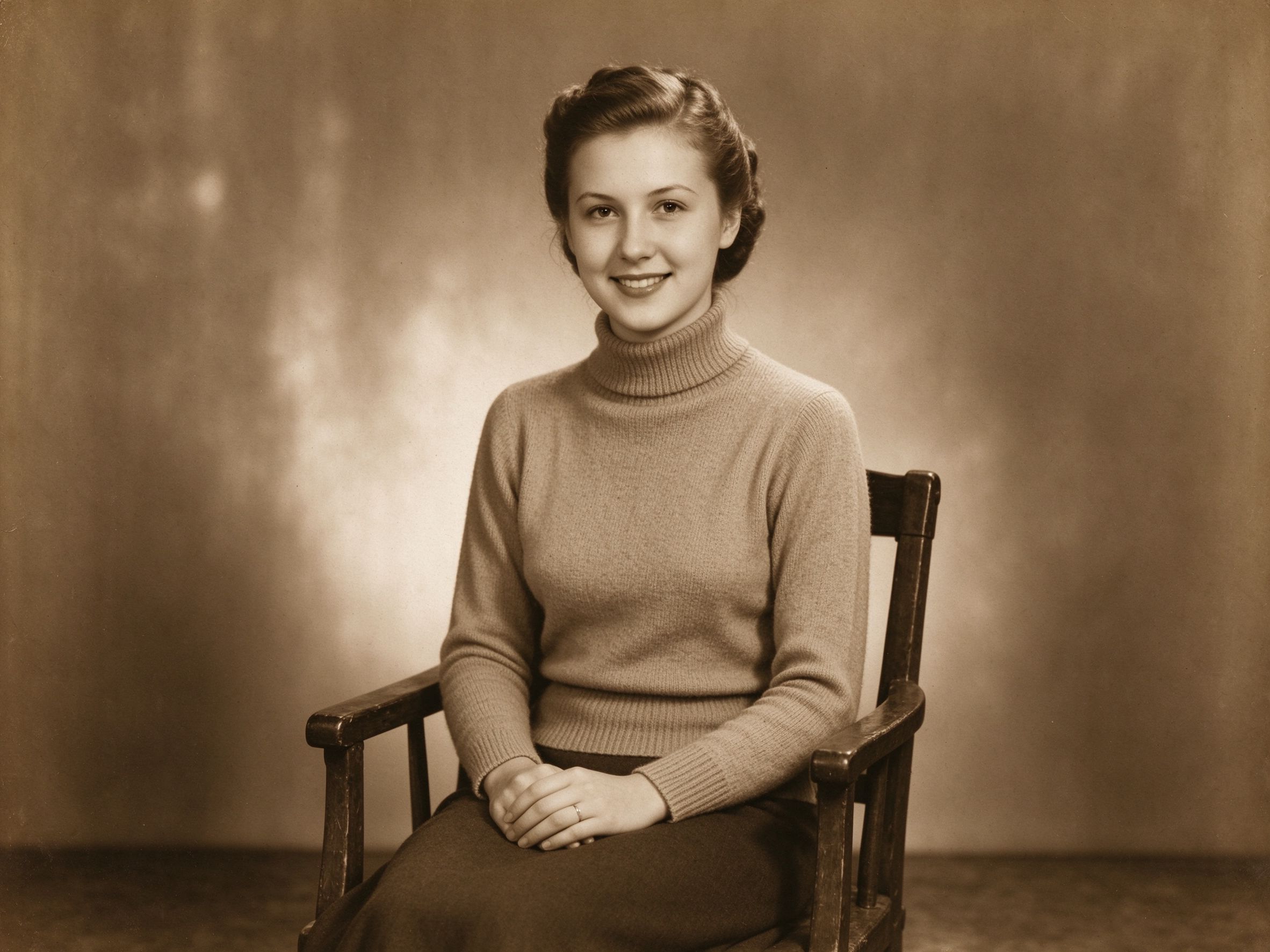
Sepia & Vintage Tone
A sepia print inside a cream frame looks wonderfully old.
褐色调照片配米色边框,年代感十足。

Duotone Generator
Make a graphic duotone print to slide into the frame.
做一张图形化双色调作品再装框。
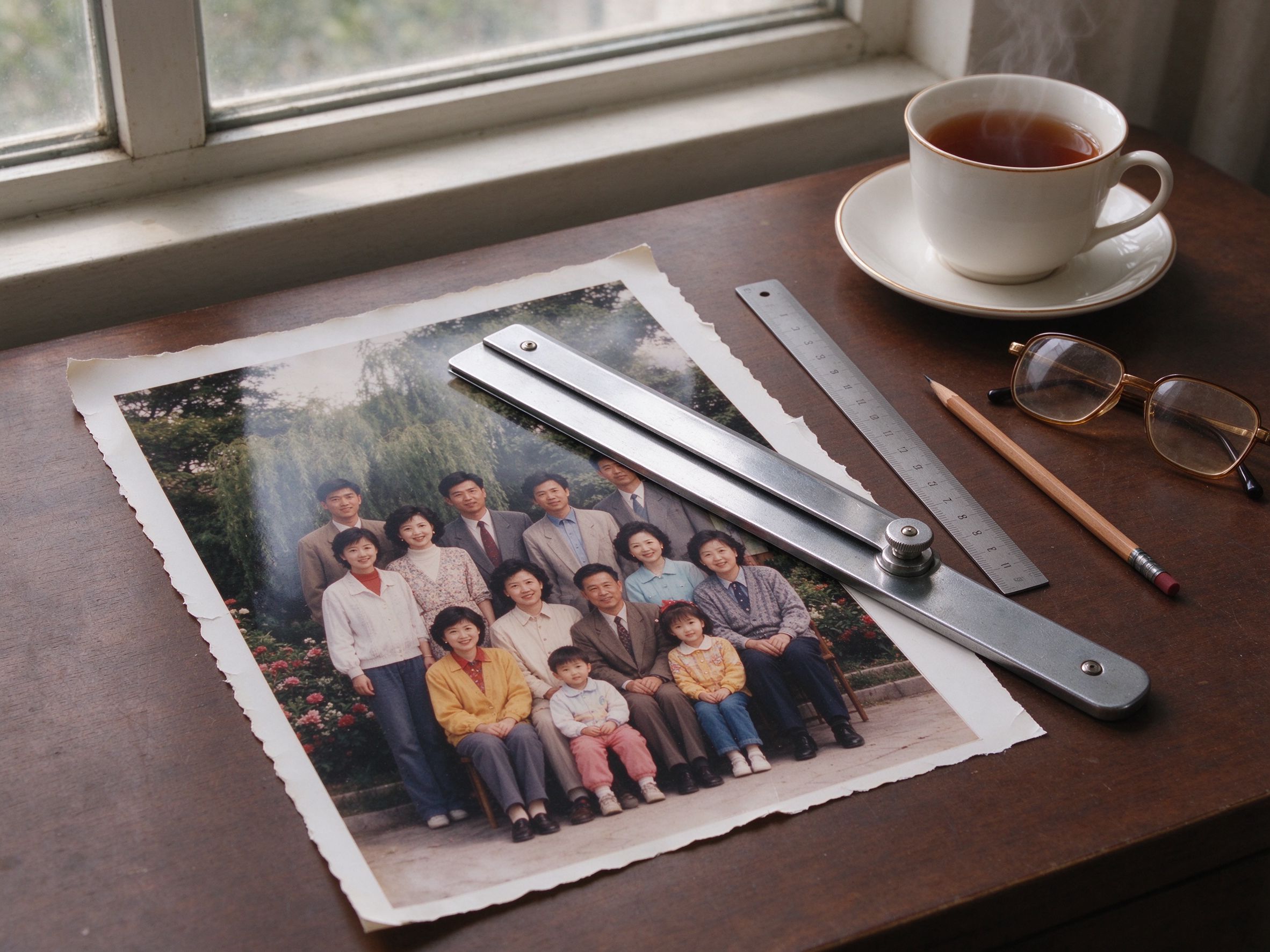
Photo Cropper
Compose the photo inside the frame before adding the border.
加边框前先在框内构图。

Black & White Converter
A black-and-white print in a white frame is a timeless pairing.
黑白照片配白框,经典永不过时。
Related Guides
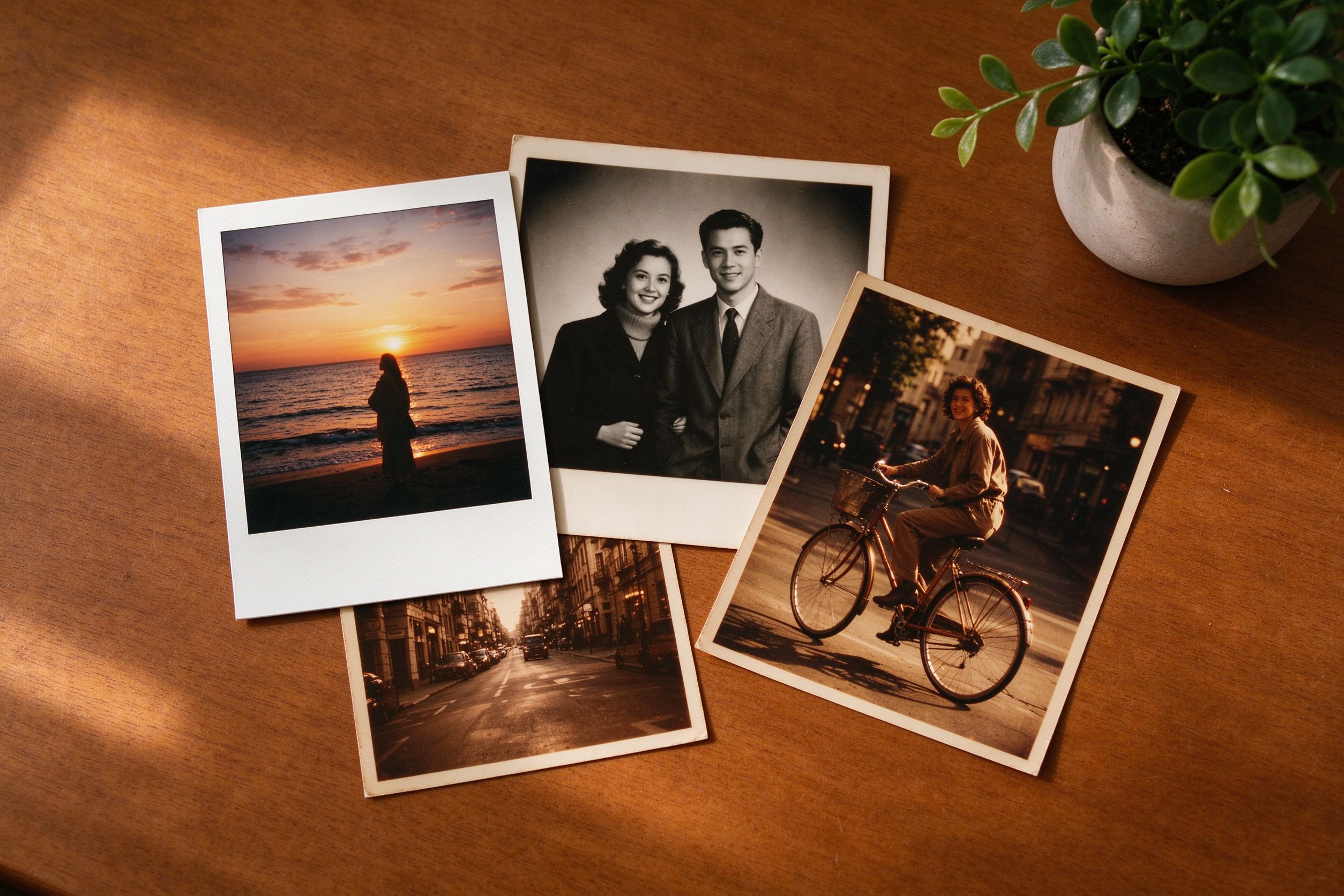
Creative Vintage Effects
Ideas for pairing frames, film and sepia tones tastefully.
如何有品味地搭配边框、胶片与褐色调。
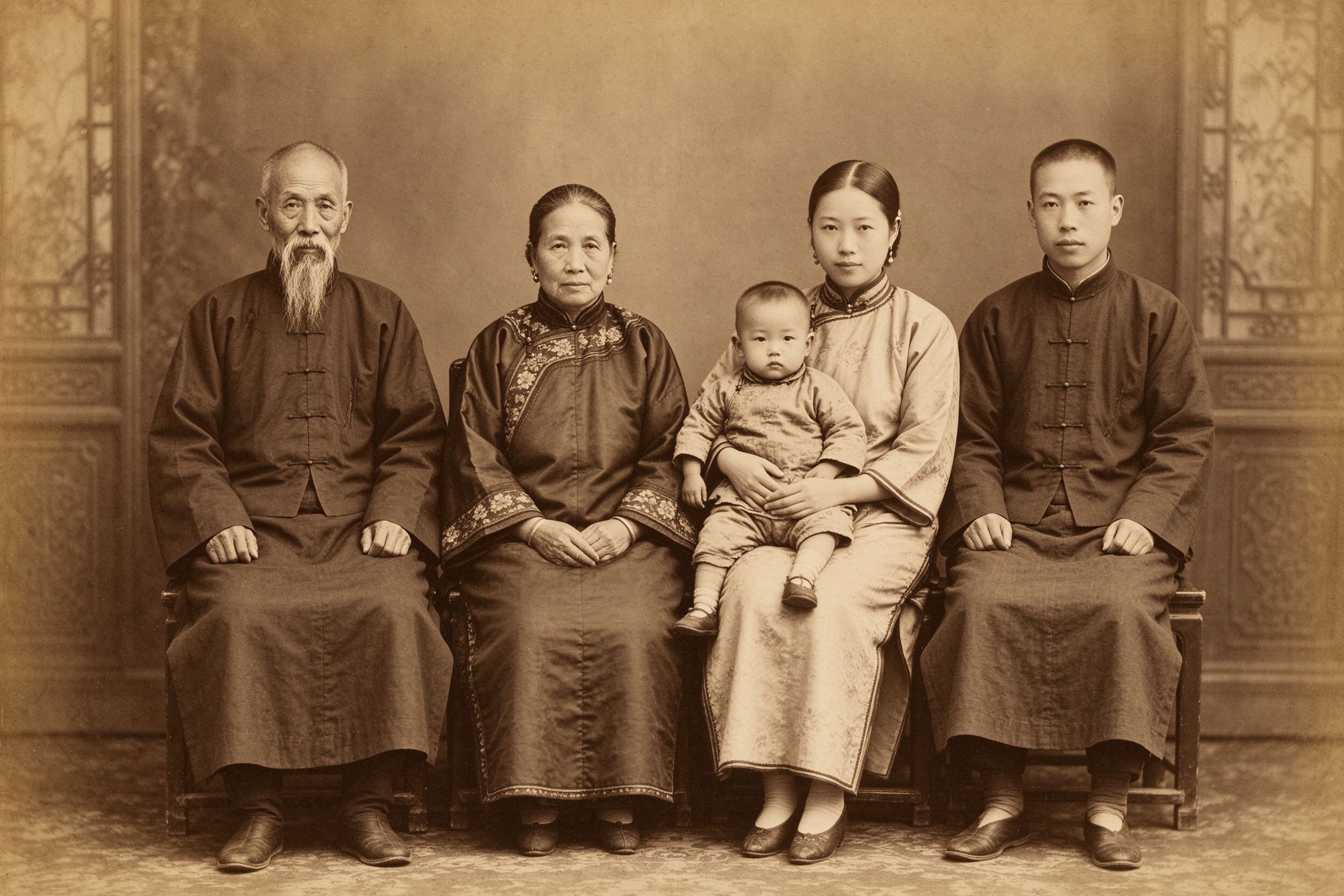
The Art of Sepia
Why sepia prints and polaroid frames go so well together.
褐色冲印与拍立得边框为何如此合拍。
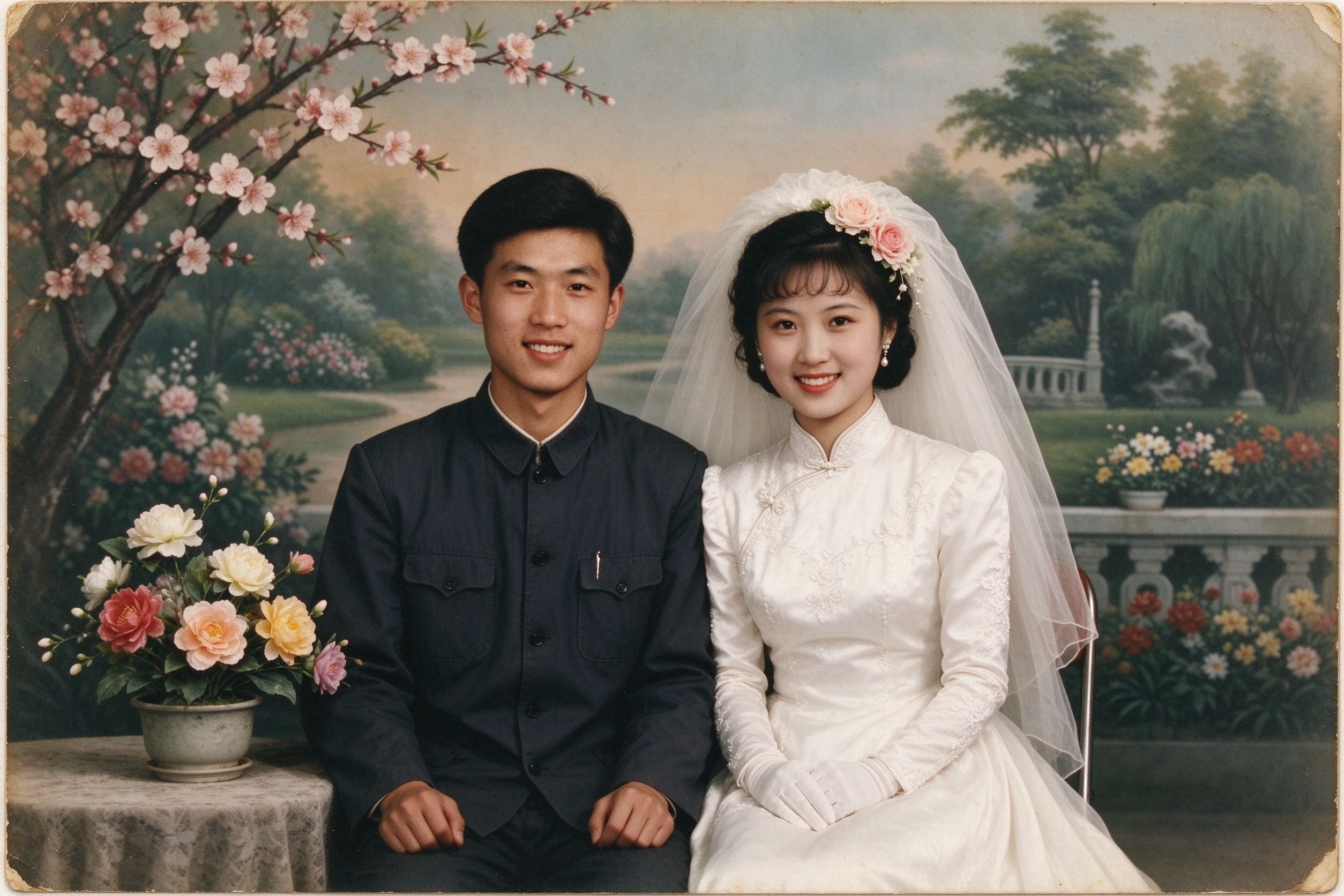
Restoring Wedding Photos
Frame a restored wedding photo as a displayable keepsake.
把修复后的婚纱照装框,做成可展示的纪念。
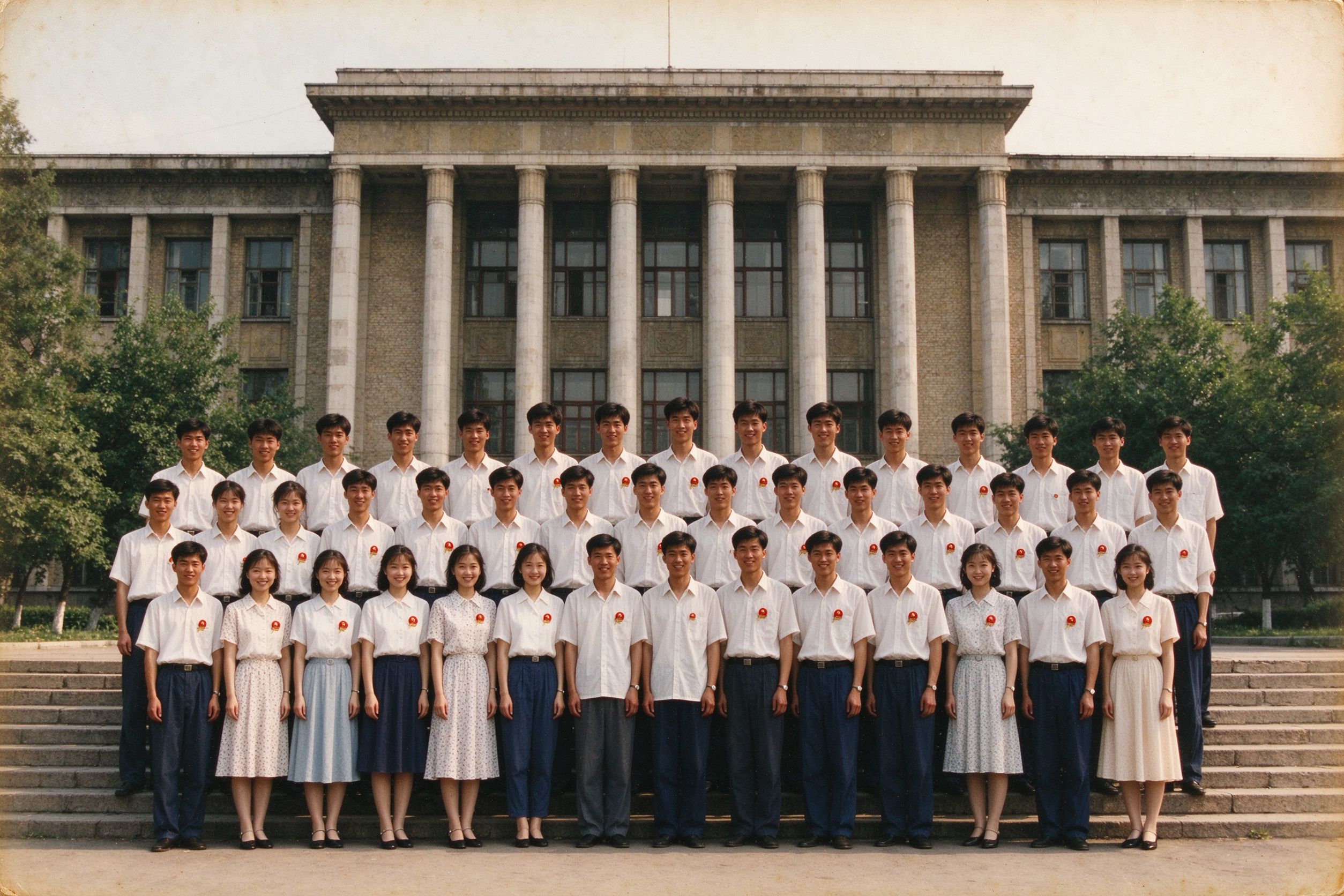
Restoring Graduation Photos
Add a caption with the year to a graduation portrait.
给毕业肖像加上带年份的说明文字。