Duotone Generator
Map the whole brightness range of your photo between any two colors — the exact two-tone poster and album-cover look designers charge for, free in your browser.
把照片的整个亮度区间映射到你自选的两种颜色之间——就是设计师们常做的双色调海报与唱片封面质感,在浏览器里免费完成。
Private by design — your photo is processed locally and never uploaded.Drop a photo here, or click to browse
Supported formats: JPG, PNG, WebP, GIF, BMP
Drag to compare
Tip: upload the largest scan you have — bigger input gives better results.
How It Works
Duotone is the print-industry trick behind bold album covers and posters: forget every original color, keep only how light or dark each pixel is, then repaint the whole image along a single gradient between two inks. This tool does exactly that on your own device, through the HTML5 Canvas API — your photo is never uploaded, stored or seen by anyone.
How the three controls map to the image:
Dark tone
The color your shadows become. Default deep coffee brown (#2B2620) reads warm and vintage; pick near-black charcoal for a modern poster look.
Light tone
The color your highlights become. Default warm cream (#E8D9B8); try soft white, pale mint or faded pink for a trendy two-tone graphic look.
Midpoint curve
Where the gradient bends. Higher values push more of the image toward the dark ink (moody, high-contrast); lower values lift everything toward the light ink (airy, soft).
Luminance preserved
The effect follows your photo's real brightness, so faces, clouds and silhouettes keep their shape and drama — only the colors change.
Instant live preview
Move a color picker and the canvas updates in real time. Experiment with brand colors, film stocks, or your team palette.
Fully local & private
No upload, no account, no watermark. Design as many versions as you like — even offline.
An honest note: a duotone is a flat color grade — it throws away the original three-color information on purpose for a graphic look. It is not "restoring" a photo; it is a creative stylization, and it cannot recover color or detail that your source image does not already contain. Start from a clean, contrasty image for the strongest result.
双色调是印刷行业里撑起大胆唱片封面与海报的经典手法:忘掉原本的颜色,只保留每个像素的明暗,再沿着两种油墨之间的渐变重新上色。本工具在你的设备上通过 HTML5 Canvas API 完成这一切——照片永远不会被上传、存储或被人看到。
三个控件如何映射到画面:
深色
暗部变成的颜色。默认深咖啡棕(#2B2620)温暖复古;想做现代海报感就选近黑的炭灰。
浅色
亮部变成的颜色。默认暖奶油色(#E8D9B8);试试柔白、浅薄荷或褪粉,得到流行的双色图形感。
中间点曲线
渐变在哪里弯折。值越高越多画面被压向深色油墨(沉郁、高对比);值越低整体抬向浅色油墨(轻盈、柔和)。
保留真实亮度
效果跟随照片真实的明暗,所以人脸、云朵与剪影的形状与戏剧感都在——变的只是颜色。
实时预览
动一下取色器,画布立即更新。尽情尝试品牌色、胶片色或团队配色。
完全本地、隐私安全
不上传、不注册、无水印。想做多少版就做多少版,断网也能用。
诚实说明:双色调是一种平面化的配色——它故意丢弃原始三色信息,换取图形化观感。它不是在「修复」照片,而是创意风格化,也无法恢复源图中本来就没有的颜色或细节。想要最强效果,请用干净、对比充足的图作底。
How to Use
- Upload a photo with good contrastDuotones read best on images with clear light and dark separation — portraits, silhouettes, architecture. Drag the photo into the drop zone or click to browse.
- Pick your two colorsChoose a dark tone for shadows and a light tone for highlights. The default coffee-brown + cream already looks like a vintage print; for modern branding, try navy + soft white or deep green + sand.
- Shape the gradient with the Midpoint sliderPull it up for a moody dark look, down for a bright airy one. Judge it with the before/after slider.
- Download your duotoneExport PNG for design work, JPG for social posts, or WebP for fast web pages.
- 上传一张对比充足的照片明暗分明的图最适合双色调——人像、剪影、建筑。拖入或点击选择。
- 挑选两种颜色深色给暗部,浅色给亮部。默认咖啡棕 + 奶油色已经很像复古相纸;想做现代品牌感,可以试试藏青 + 柔白,或墨绿 + 沙色。
- 用「中间点」塑造渐变拉高是沉郁暗调,拉低是明亮轻盈。边调边看前后对比。
- 下载双色调作品设计用 PNG,社交发帖用 JPG,网页追求速度用 WebP。
FAQ
What is the difference between duotone and sepia?
Why does my photo look flat after duotone?
What do professional designers pick as duotone colors?
Can I use my brand colors?
Is my photo uploaded to a server?
Is it really free and unlimited?
双色调和棕褐色调有什么区别?
为什么双色调之后照片看起来发平?
专业设计师一般怎么选双色调颜色?
可以用我的品牌色吗?
我的照片会被上传到服务器吗?
真的免费且不限次数吗?
Related Tools
Black & White Converter
Start from a great monochrome luminance map before duo-toning.
双色调之前,先打好黑白亮度底子。
Sepia & Vintage Tone
A one-click warm brown tone with adjustable intensity.
一键暖棕色调,强度可调。
Color Temperature
Shift whole-photo warmth and green-magenta tint.
整体调节冷暖与绿品偏色。
Color Pop
Keep one focal subject in color on a black-and-white base.
黑白底上保留一处焦点彩色。
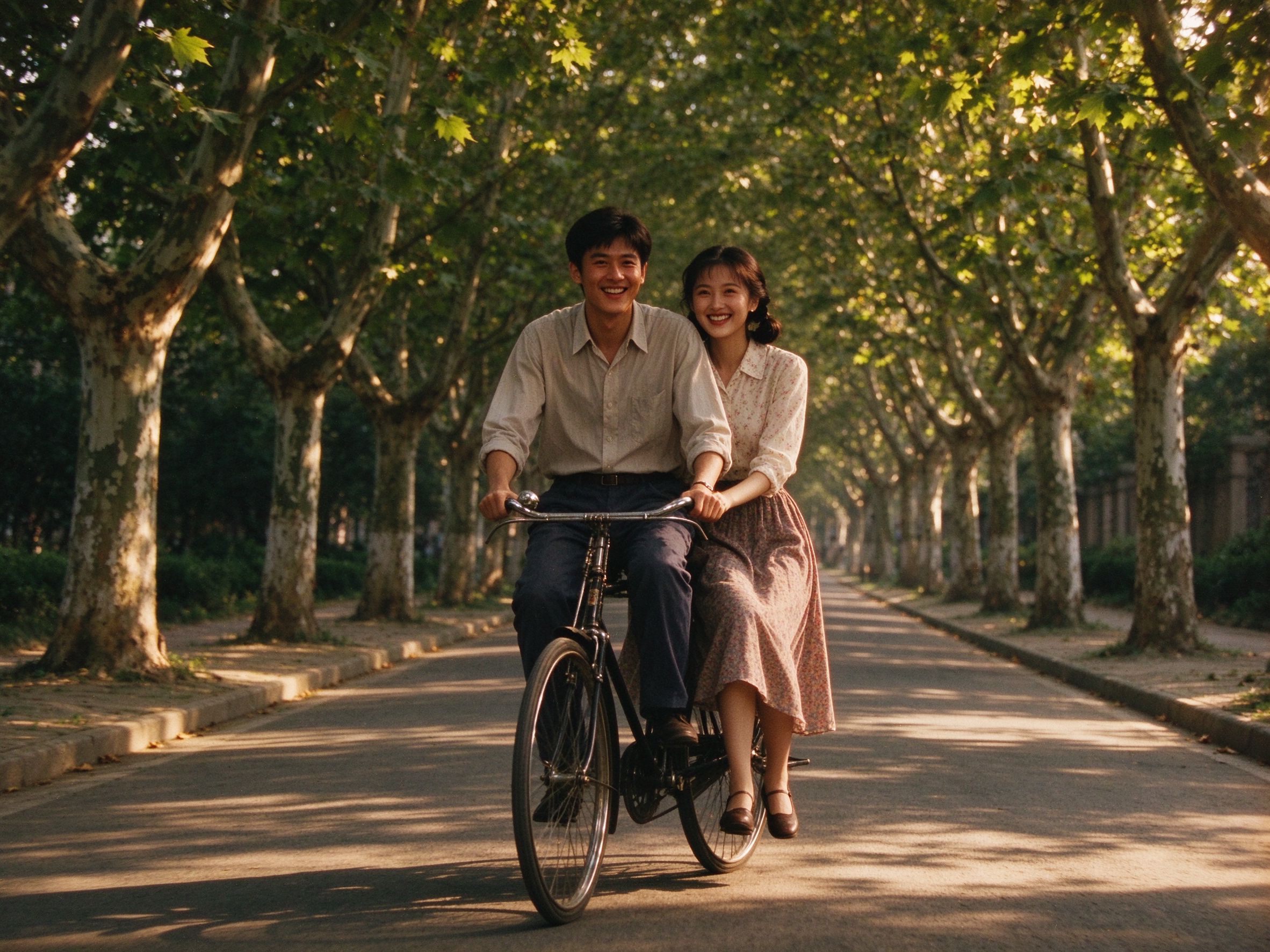
Old Movie Effect
Add grain, sepia and vignette for a retro film poster feel.
叠加颗粒、褐色与暗角,做复古电影海报感。
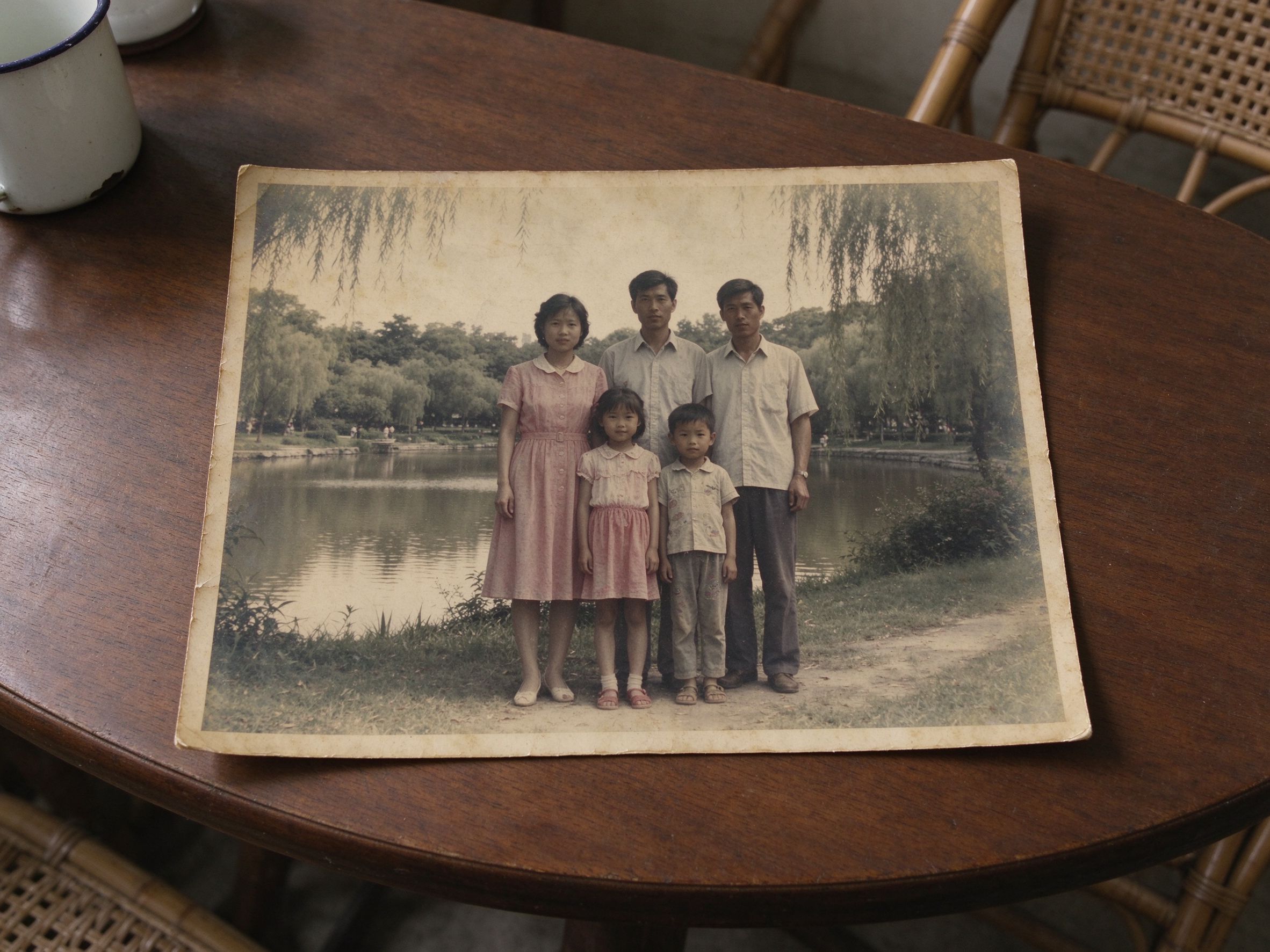
Faded Photo Fixer
Restore contrast first — duotones reward a punchy source.
先恢复对比——对比强的源图双色调更好看。
Related Guides
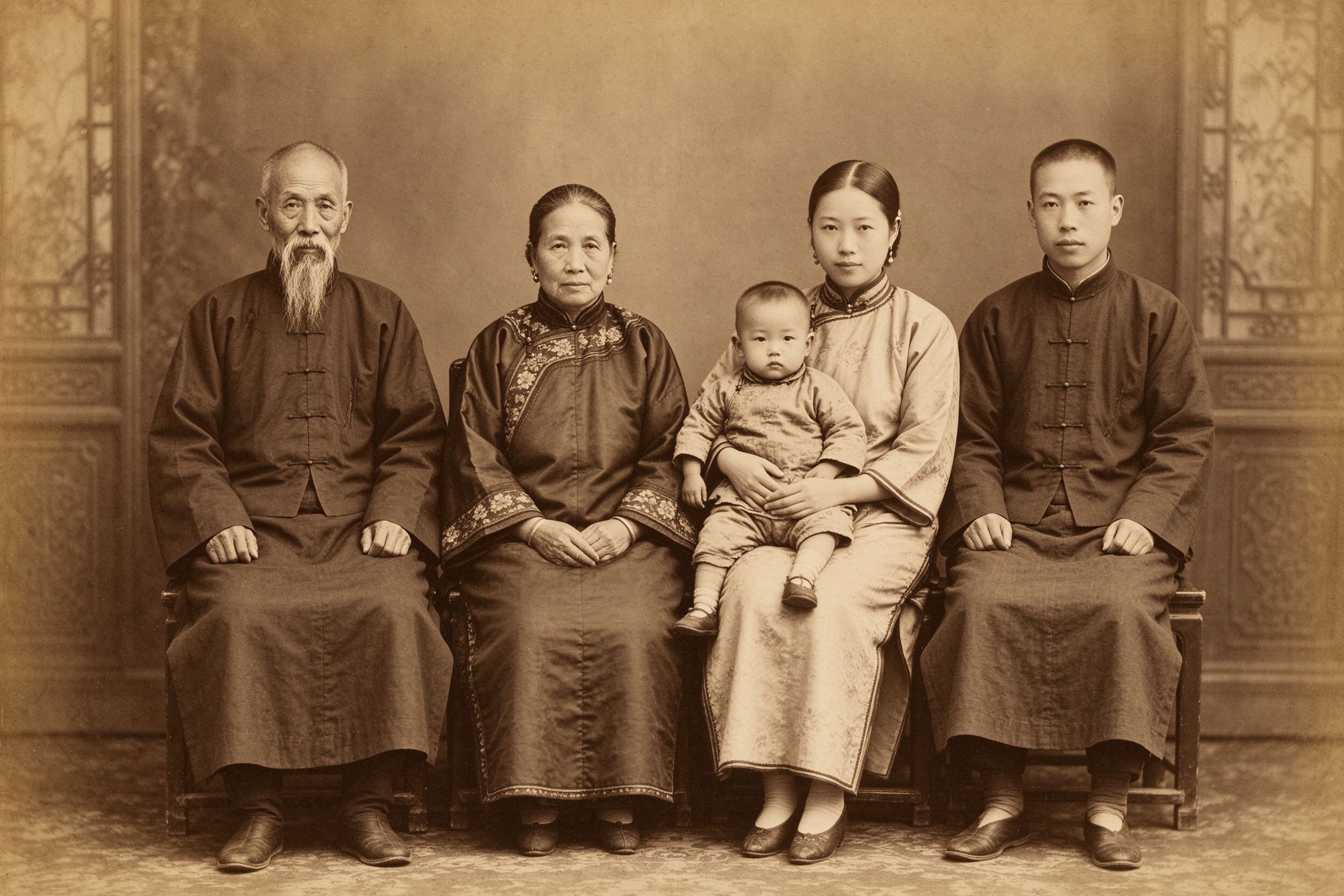
The Art of Sepia: Making Photos Look Truly Vintage
How classic warm-toned prints work, before you stylize.
风格化之前,先理解经典暖调相纸。
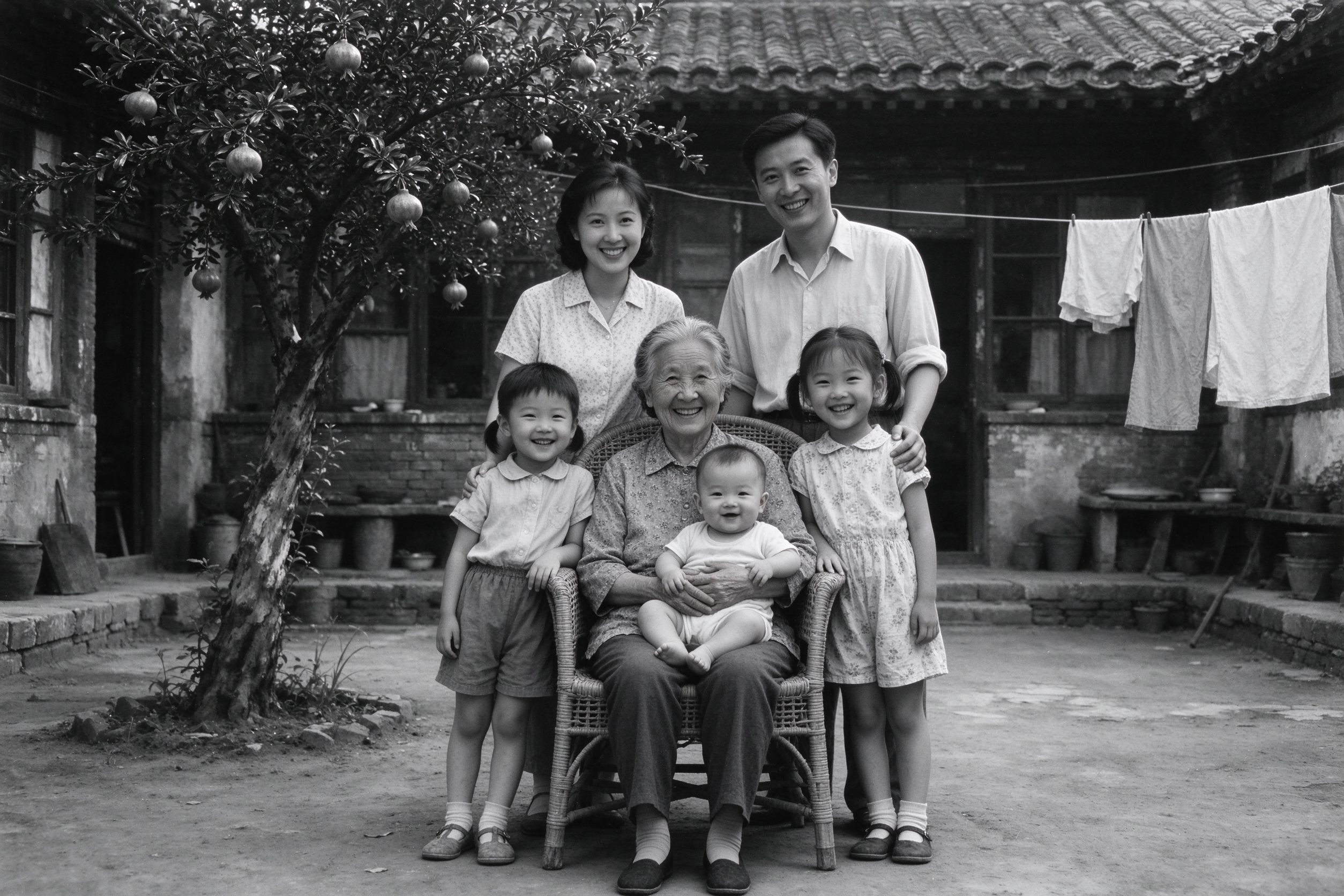
How to Convert Old Photos to Black and White Properly
Luminance is what duotone remaps — learn it well.
双色调重映射的正是亮度——先学透它。
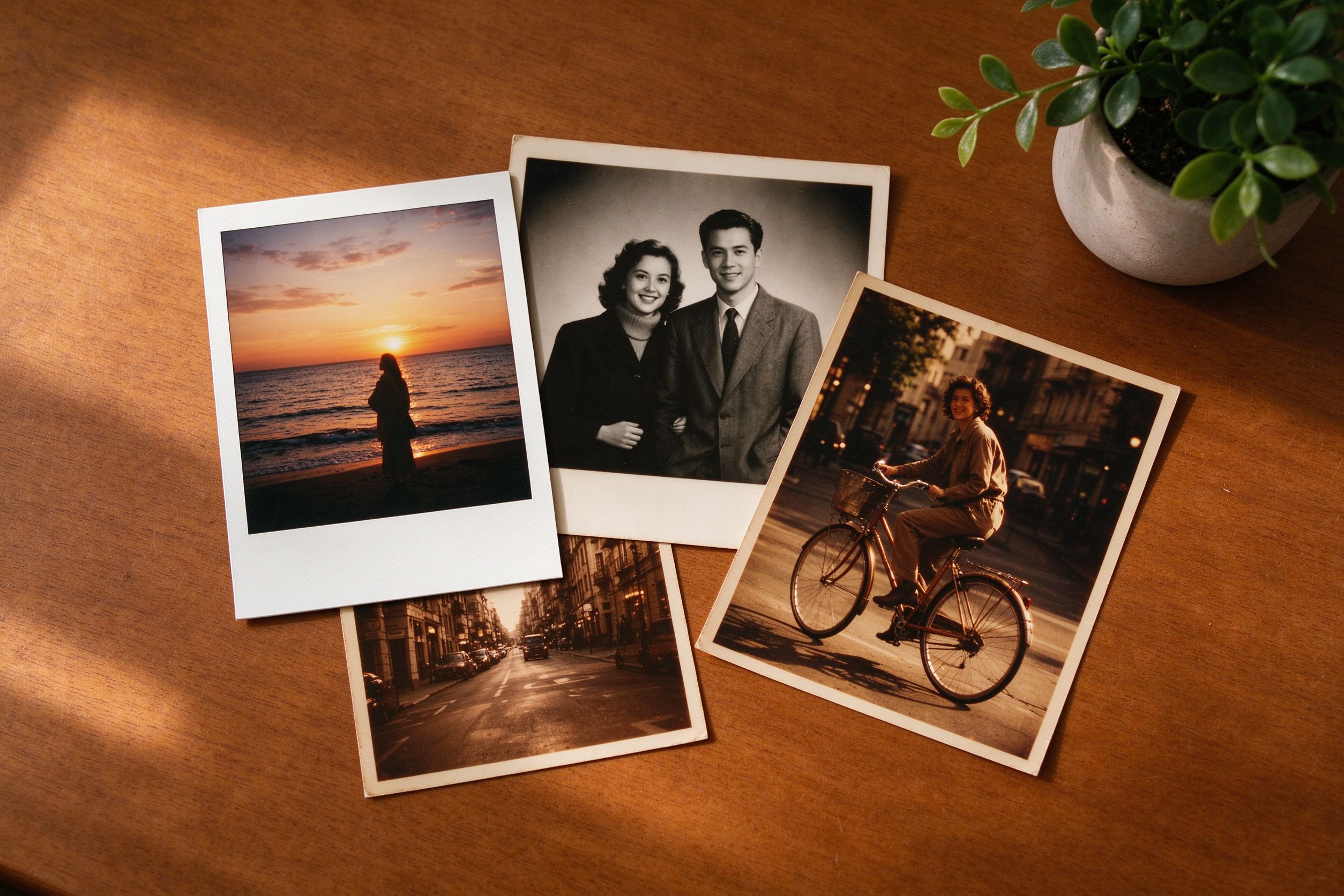
Creative Vintage Effects: Movie, Vignette & Frames
Layer duotone with grain, frames and vignettes.
把双色调与颗粒、边框、暗角叠在一起。
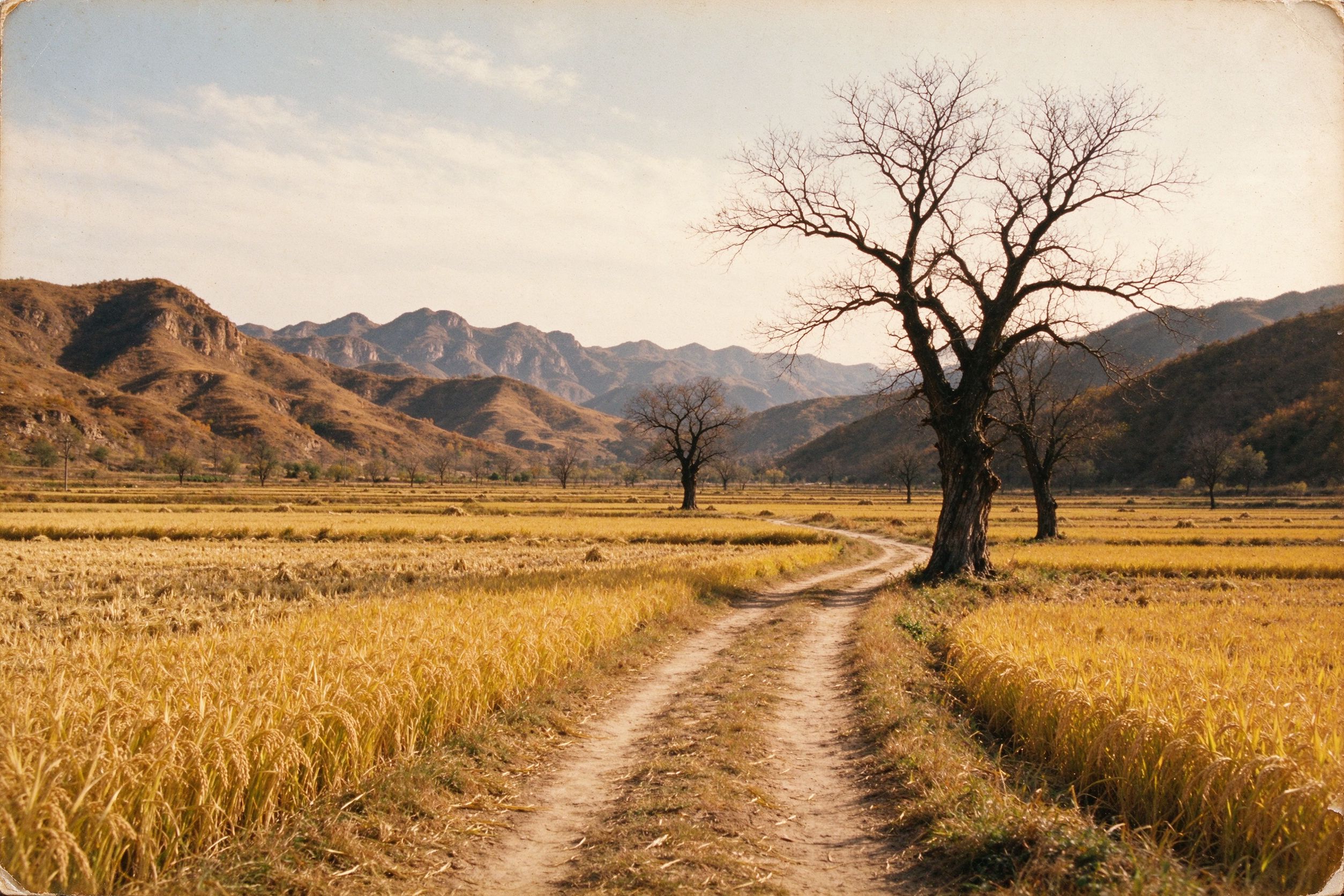
Old Landscape Photos: Bringing Scenery Back to Life
Duotone mountain and sky shots for striking posters.
用双色调处理山峦与天空,做出震撼海报。