Bring Your Family Memories
Back to Life
PhotoRevive AI restores faded, scratched and damaged old photographs — directly in your browser. Every pixel is processed locally on your device, so your photos never get uploaded, stored or seen by anyone.
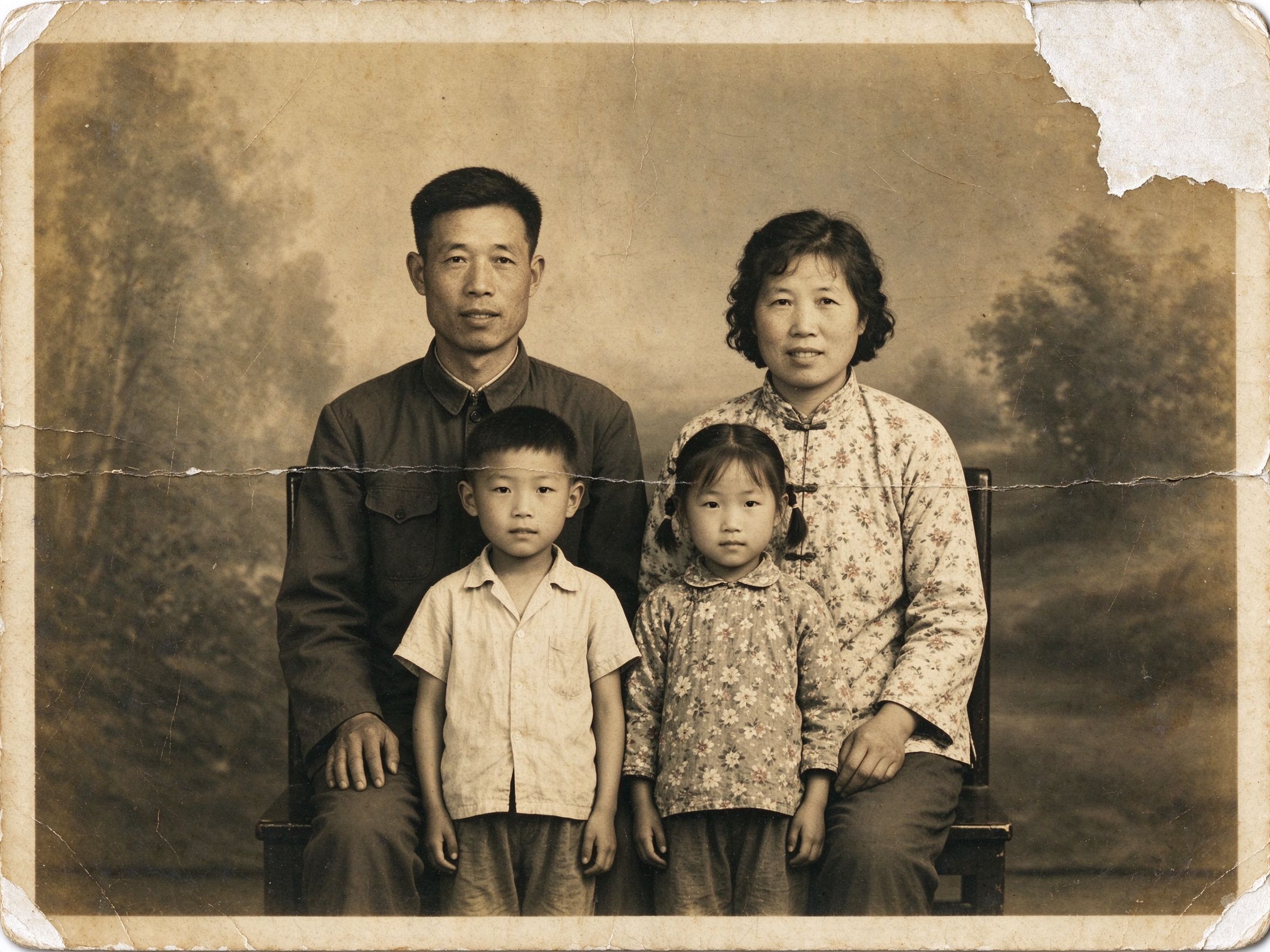
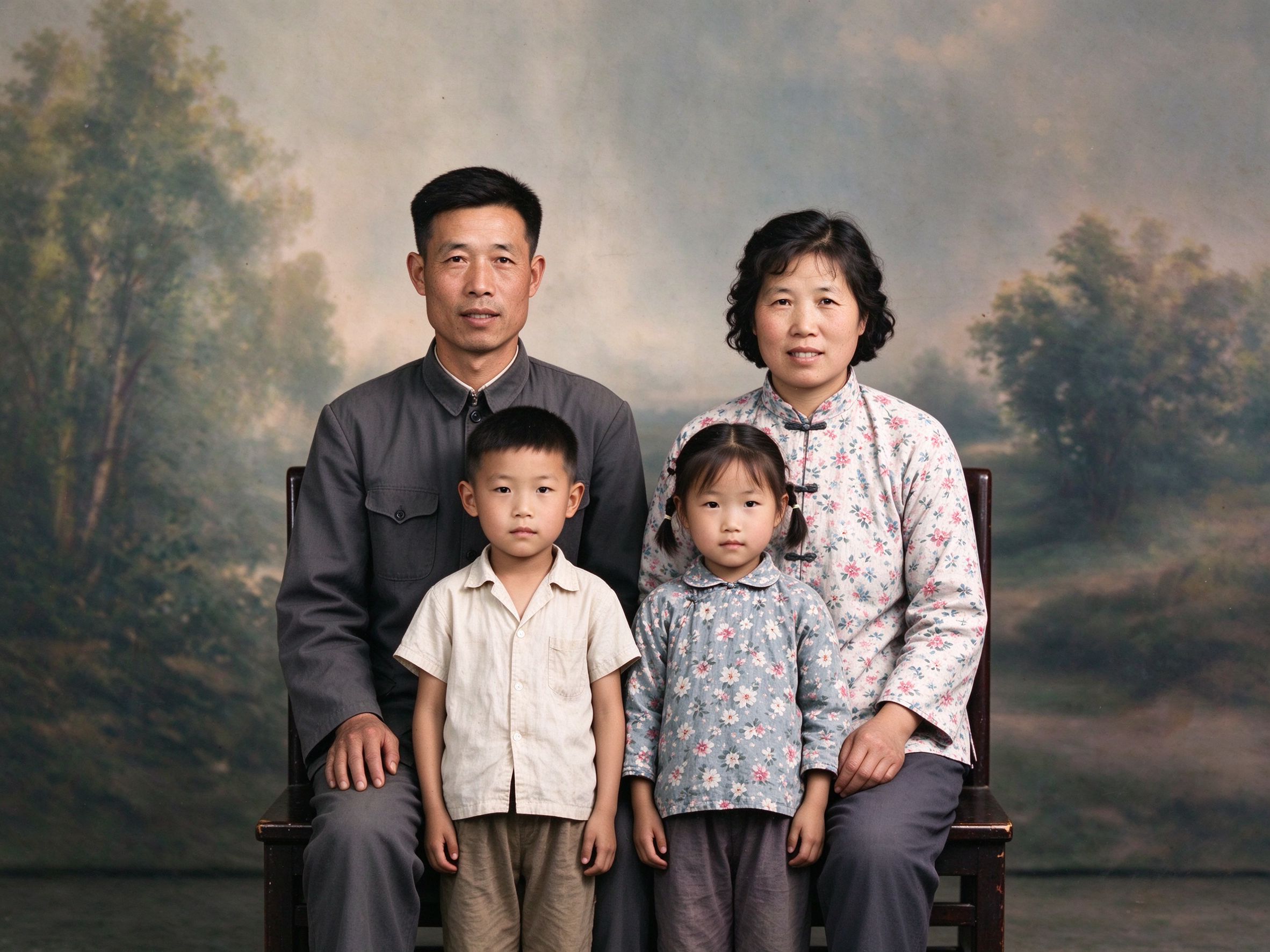
Drag to compare
Free Online Photo Restoration Tools
A complete toolkit for reviving old photographs — repair, color, geometry, creative effects and batch tasks. Pick a tool and start instantly.
AI Photo Restorer
The flagship one-click restore for faded, scratched old photos.
一键修复褪色、破损老照片的旗舰工具。
Faded Photo Fixer
Bring washed-out colors and contrast back to life.
恢复照片褪去的色彩与对比度。
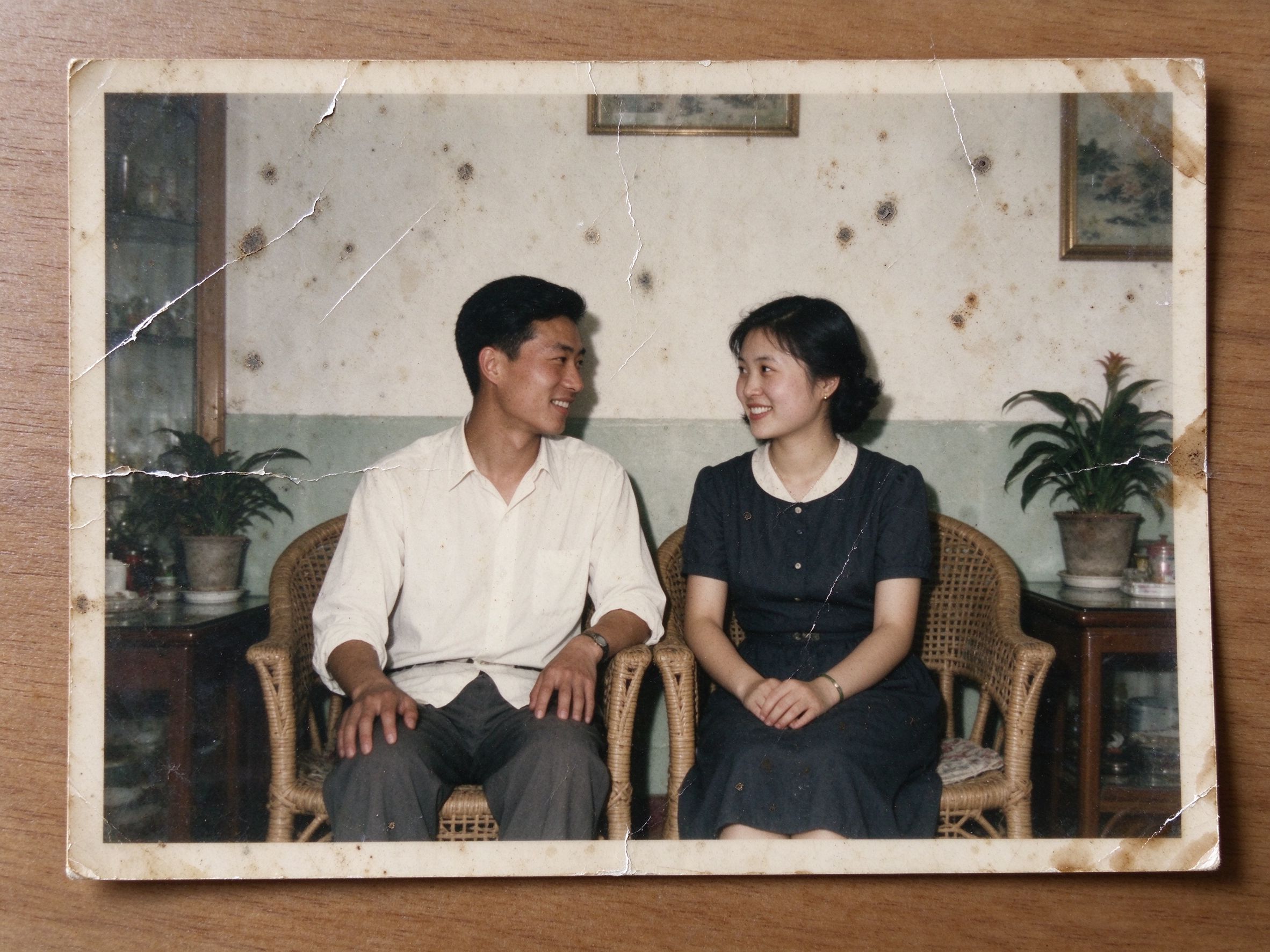
Scratch & Spot Remover
Smooth away scratches, dust and stains.
消除划痕、灰尘与污渍。
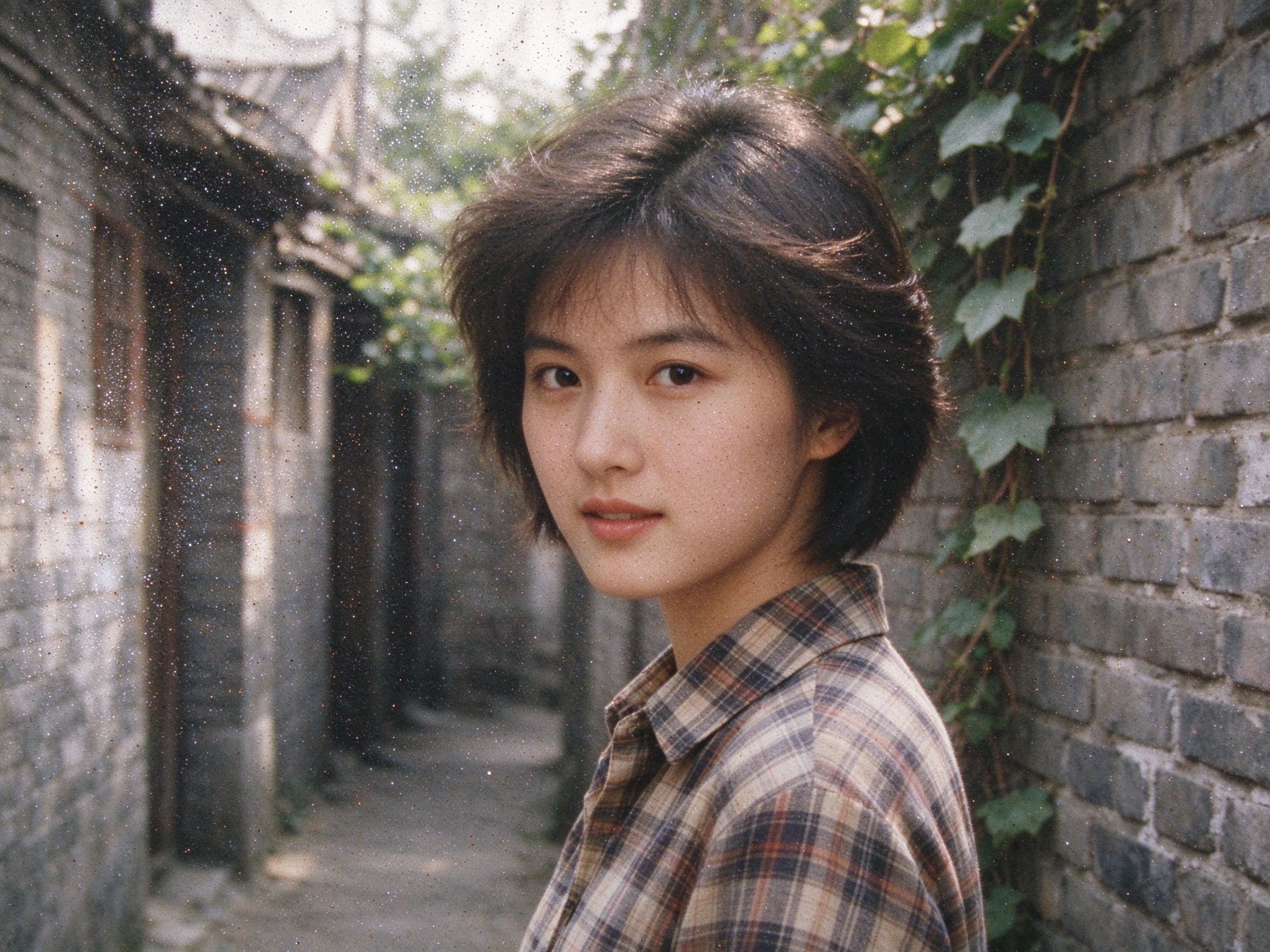
Photo Denoiser
Remove film grain and noise, keep real detail.
去除噪点颗粒,保留真实细节。

Black & White Converter
Beautiful monochrome with full channel control.
带完整通道控制的优美黑白转换。
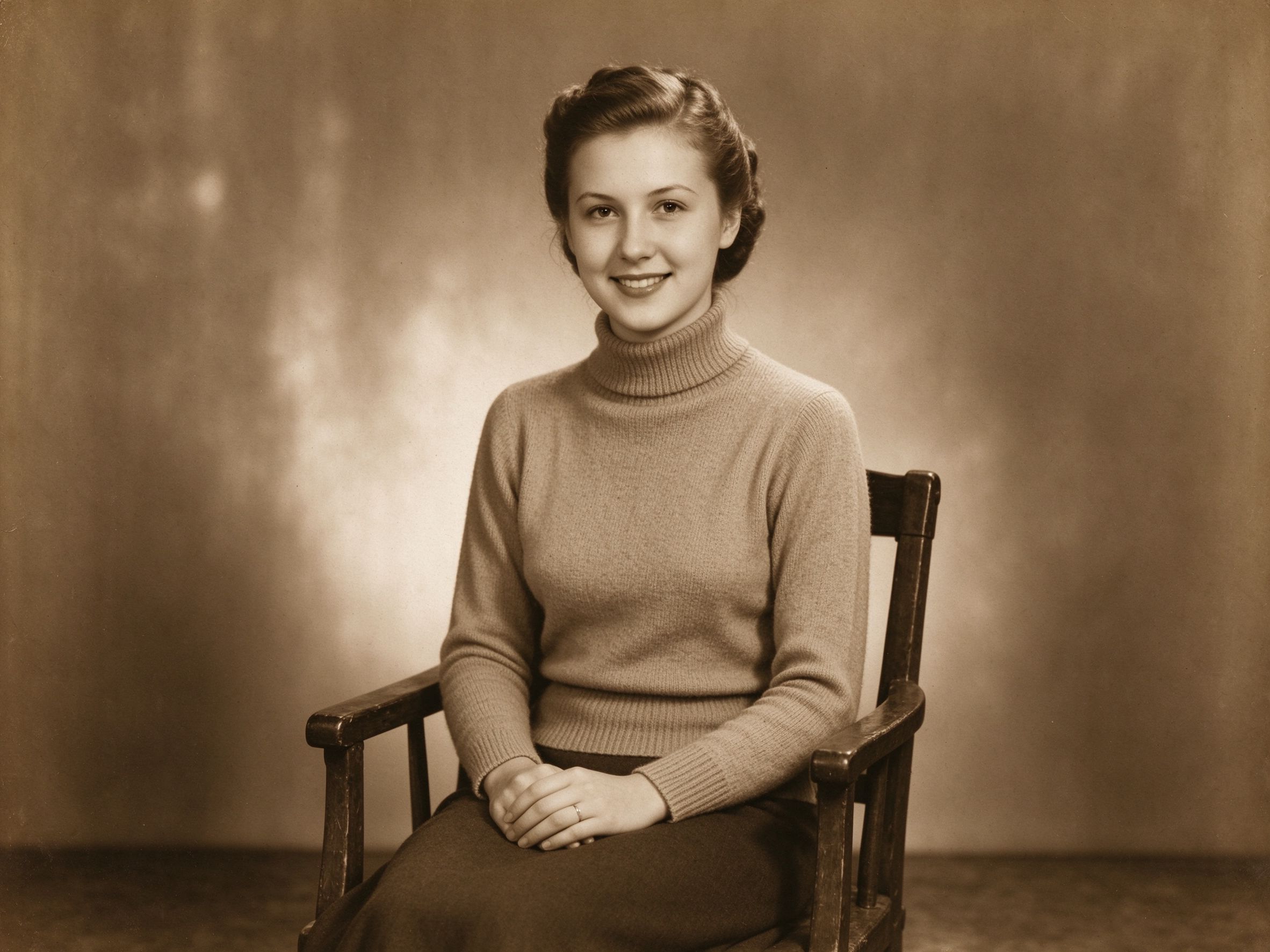
Sepia & Vintage Tone
The classic warm sepia look, fully adjustable.
经典温暖的怀旧棕褐色调,自由调节。
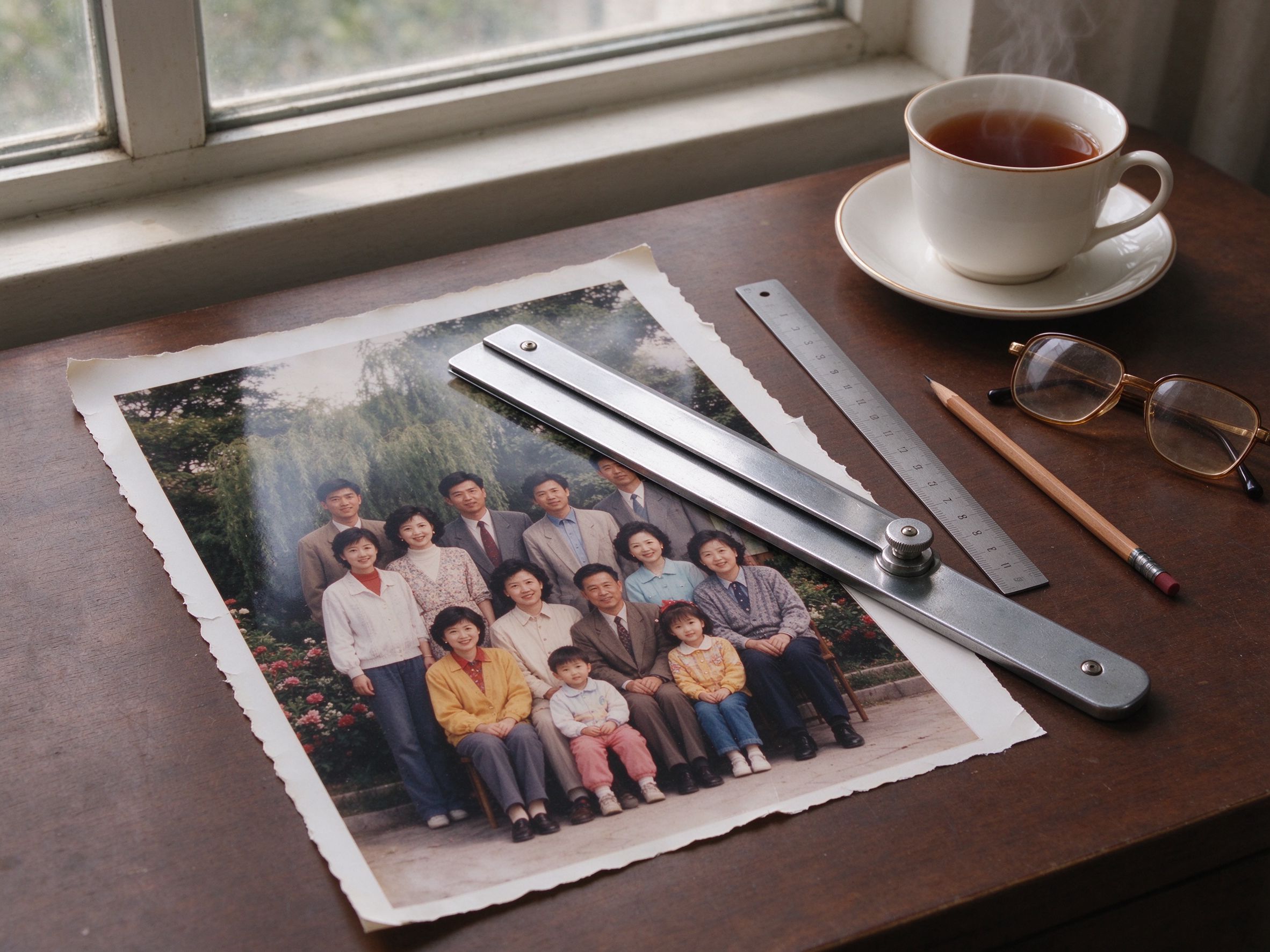
Photo Cropper
Crop away damaged edges with precision.
精确裁掉破损的边缘。
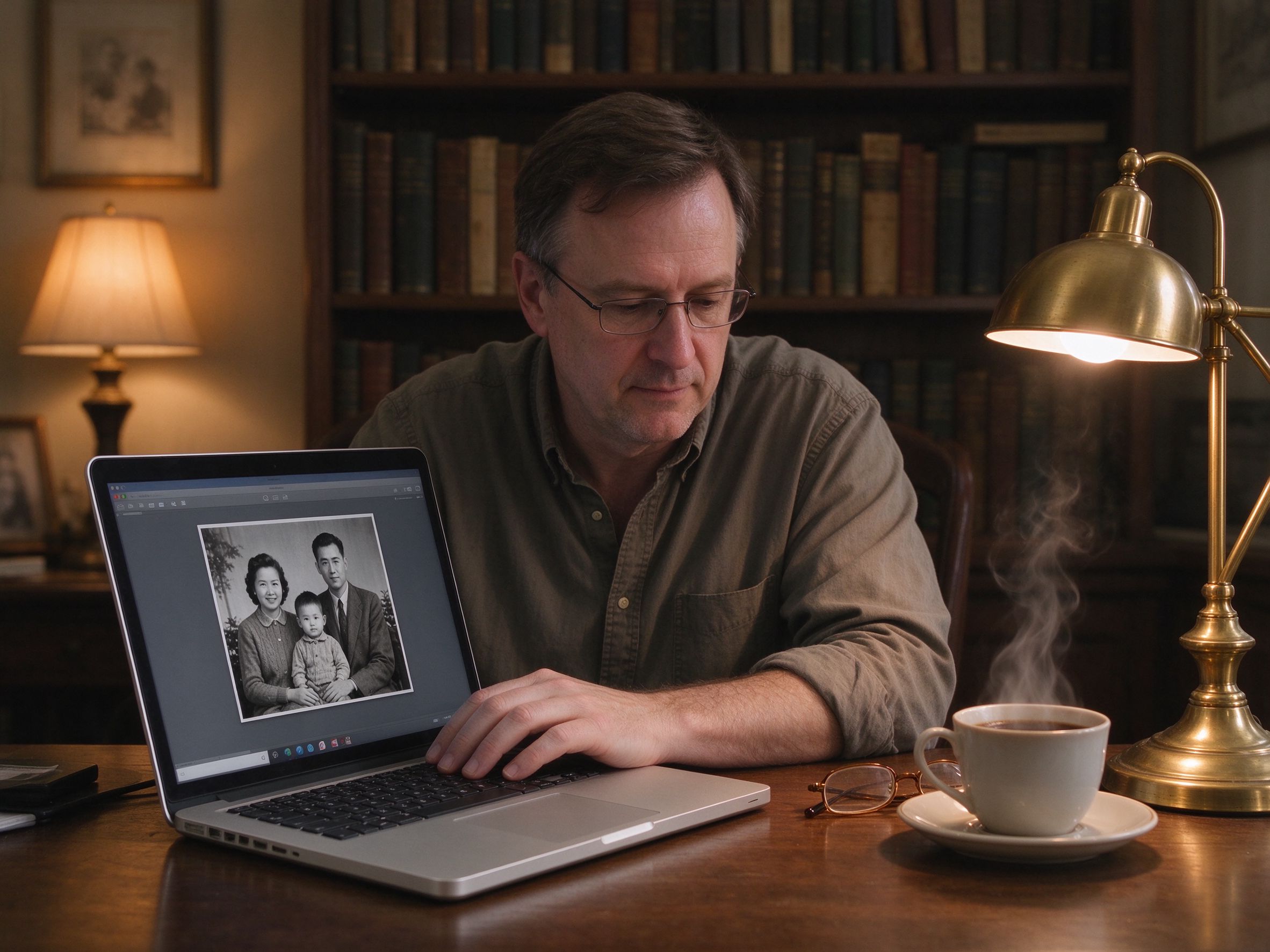
Image Compressor
Shrink photo file sizes for email and the web.
压缩照片体积,便于邮件与网页使用。
How It Works
- Upload a photoDrag and drop or browse an old photo from your computer or phone. Nothing is uploaded — the image never leaves your device.
- Enhance with one clickUse the one-click auto mode or fine-tune sliders for brightness, contrast, color and sharpness with a live before/after preview.
- Download in your formatExport the restored photo as JPG, PNG or WebP at original quality, ready to print, share or keep forever.
- 上传照片从电脑或手机拖拽或选择一张老照片。照片不会上传,始终留在你的设备上。
- 一键增强使用一键自动模式,或用滑杆微调亮度、对比度、色彩与锐度,实时前后对比预览。
- 按需导出将修复结果导出为 JPG、PNG 或 WebP,原图质量,随时打印、分享或永久珍藏。
Guides & Tutorials
Practical, in-depth tutorials on restoring real old photos — from grandma's portrait to faded wedding and graduation pictures.
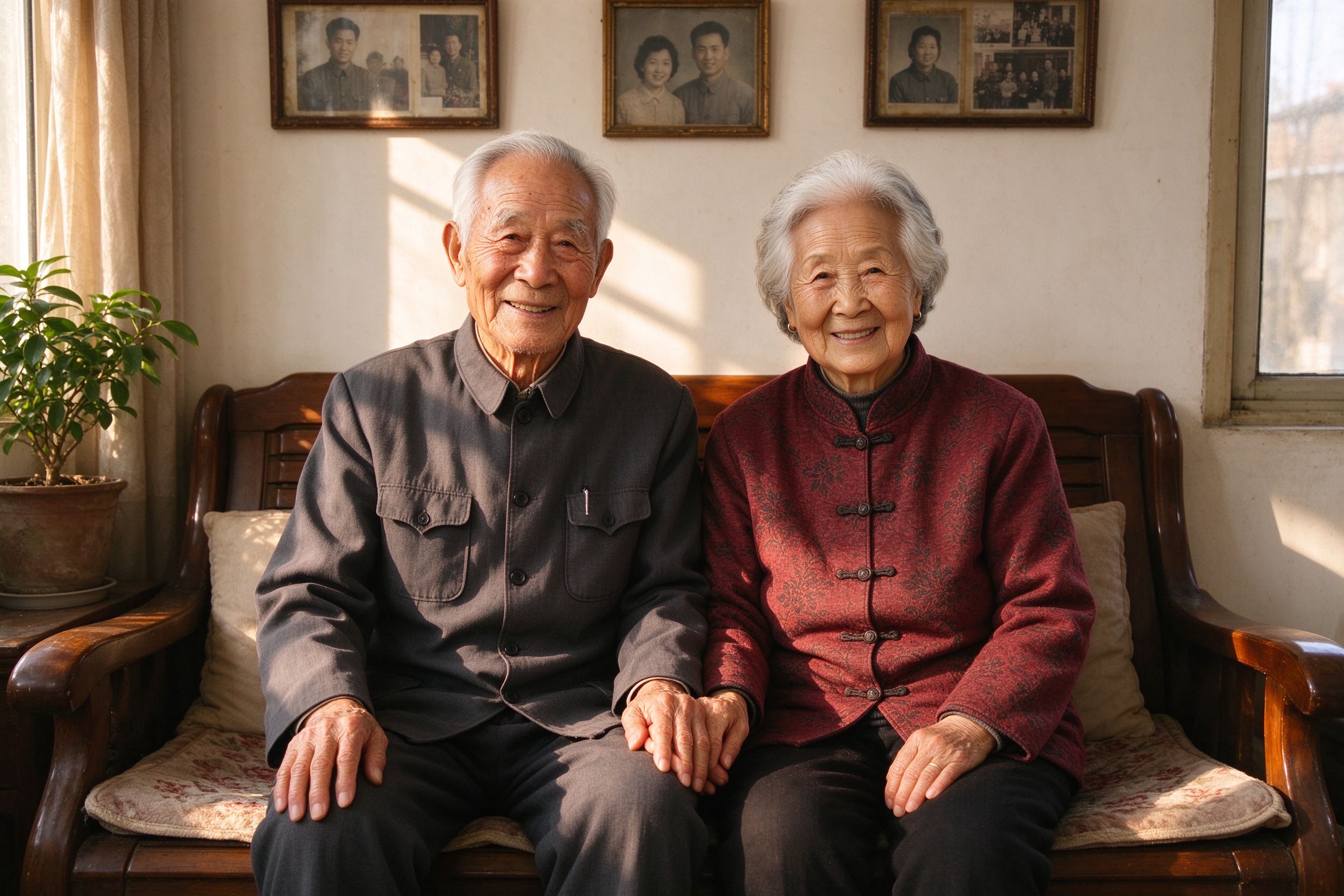
How to Restore Old Photos of Your Grandparents
A complete step-by-step guide to reviving family portraits — from scanning to final download.
修复祖辈肖像照的完整分步指南——从扫描到最终下载。
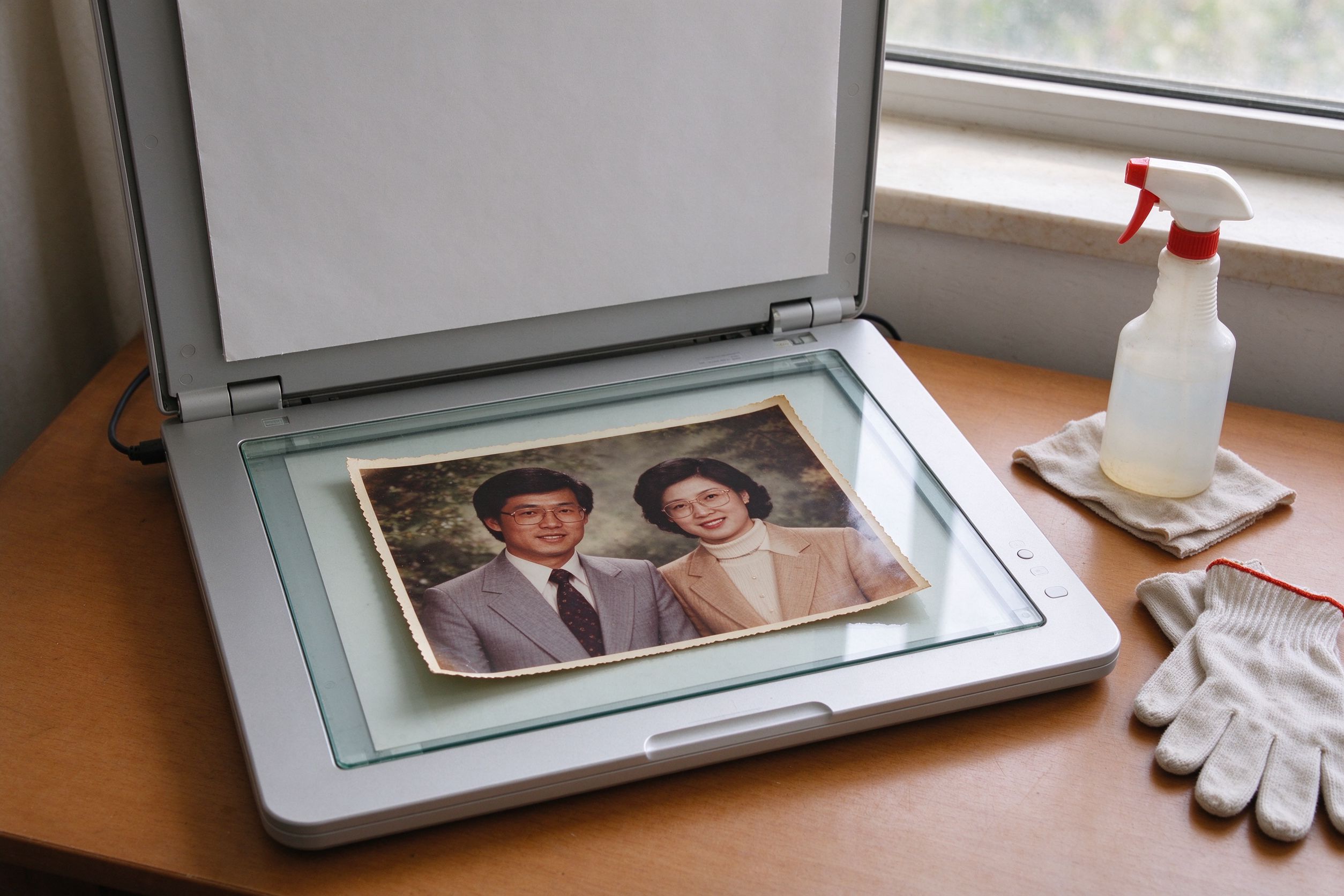
Scanning Old Photos: Best Settings & Prep
Get the best possible digital copy before you start restoring.
在开始修复前,先获得最好的数字拷贝。
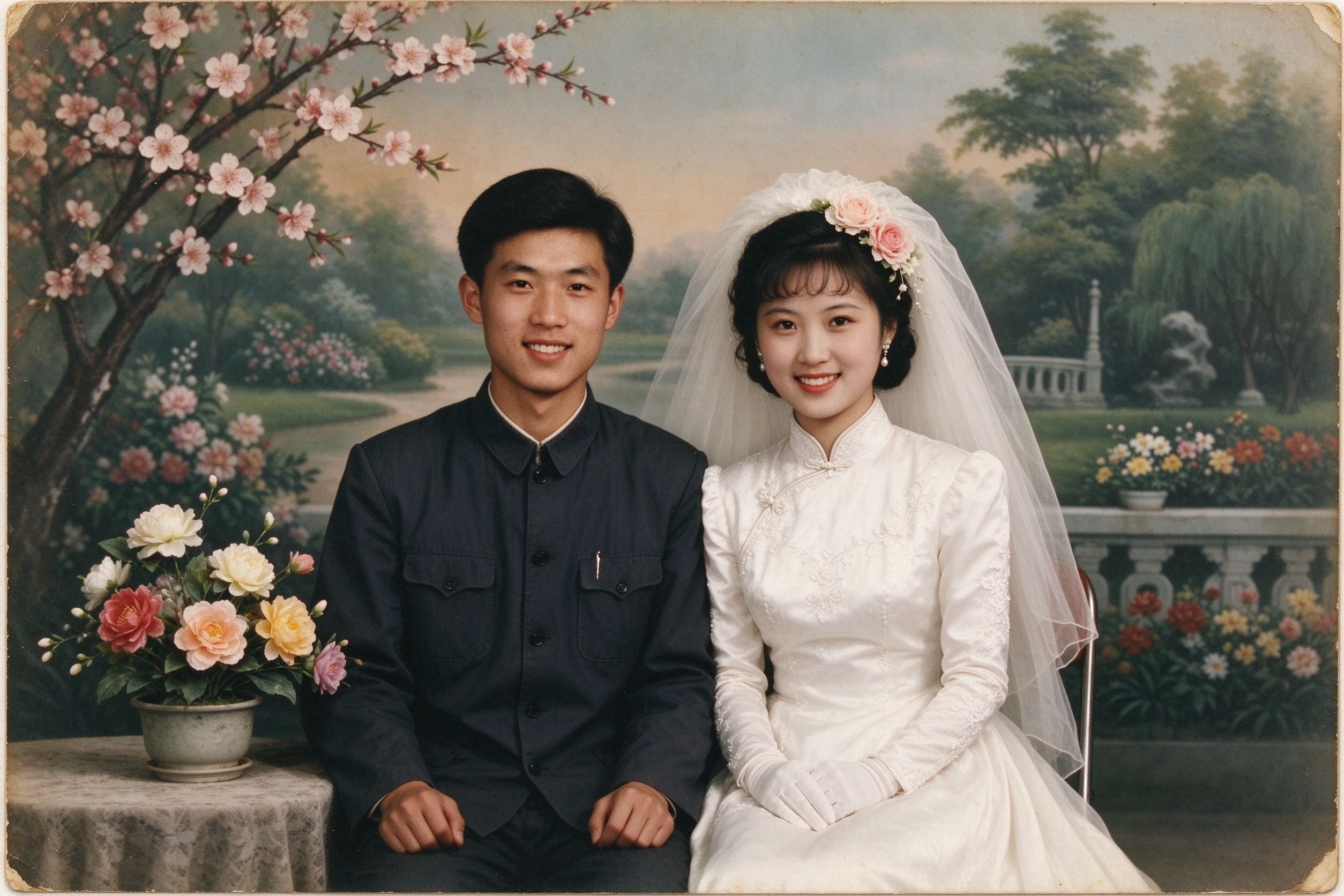
Restoring Old Wedding Photos
Bring decades-old wedding pictures back to their full glory.
让数十年前的结婚照重现光彩。
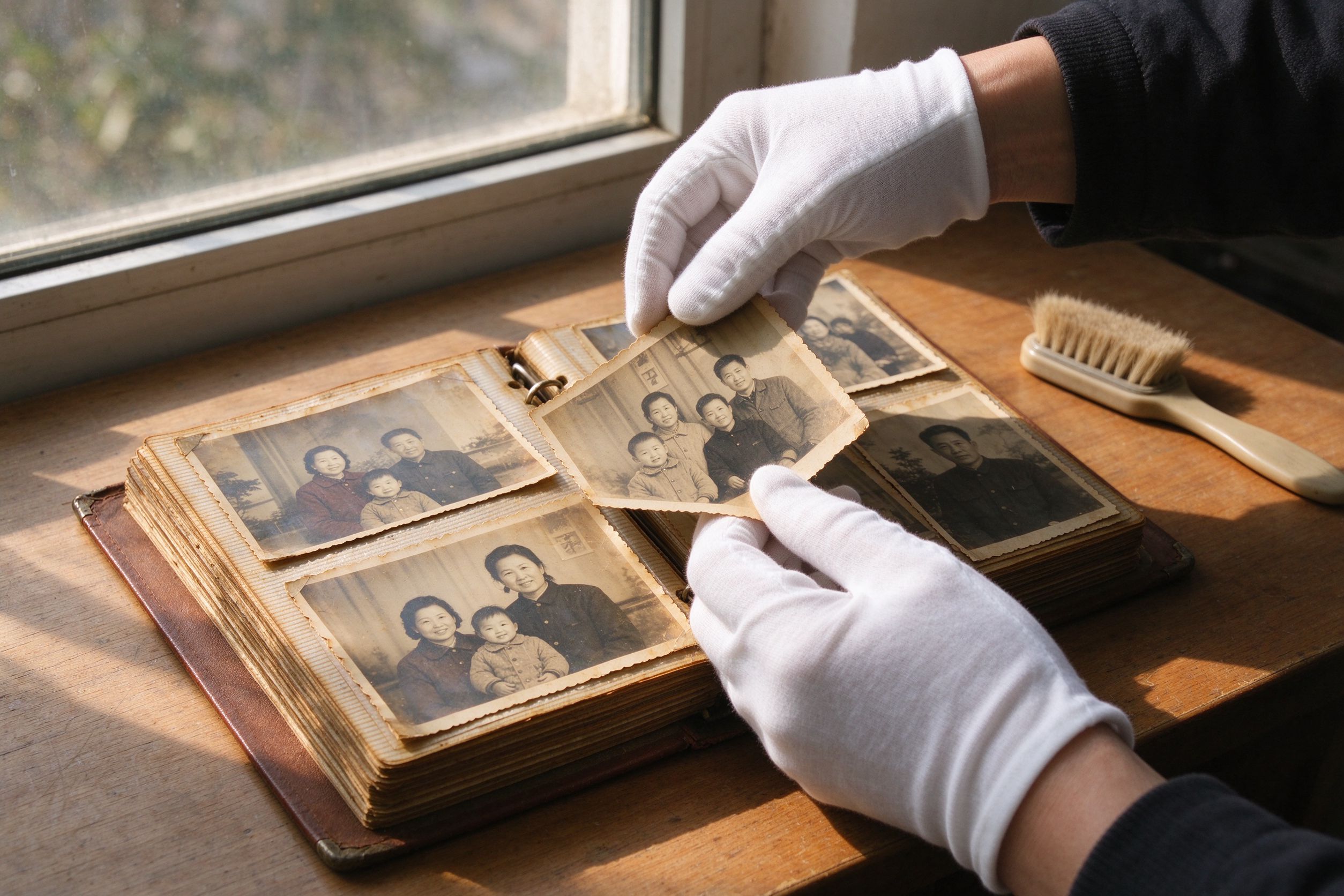
10 Photo Care Tips to Preserve Memories
Keep your physical and digital photos safe for the next generation.
让纸质与数字照片世代相传的保养技巧。
Your Photos Stay Yours
PhotoRevive AI is built on a simple promise: your family memories are private. All tools run entirely in your browser with the Canvas API — there is no server, no upload, no account and no tracking of your images.
Processing happens locally in your browser
Every filter, fix and export is computed on your device using the HTML5 Canvas API.
每一次滤镜、修复与导出都在你的设备上通过 HTML5 Canvas API 计算完成。
No image is ever uploaded or stored by us
There is no server to receive your photos — nothing to leak, nothing to sell, nothing to keep.
没有服务器接收你的照片——无可泄露、无可出售、无可留存。
No account, no sign-up, works even offline
Open any tool and use it instantly. Once loaded, the tools work even without an internet connection.
打开即用。页面加载完成后,即使断网也能正常使用。
Free and unlimited for every visitor
No watermarks, no daily limits, no paywalls on any current tool.
无水印、无每日限制、现有工具全部无付费墙。
PhotoRevive Pro — Beta Free is Live
We are building a Pro tier for power users: batch processing, high-resolution export and a private cloud album. Every tool on this site will always remain free for unlimited use.
Explore Pro